PRJCT “on the edge of the world”
Visual Immersion Project Proposal Form
GOAL
Minimum Objective:
To complete a strong 3D environment shot of a small house situated in a mountain or forest environment. The environment should give an emotional sense of warmth, safety, and shelter through lighting and composition. The environment should be functional, cleanly modeled, minimally textured, and rendered in Unreal Engine 5 with appropriate lighting and composition.
Mid Objective:
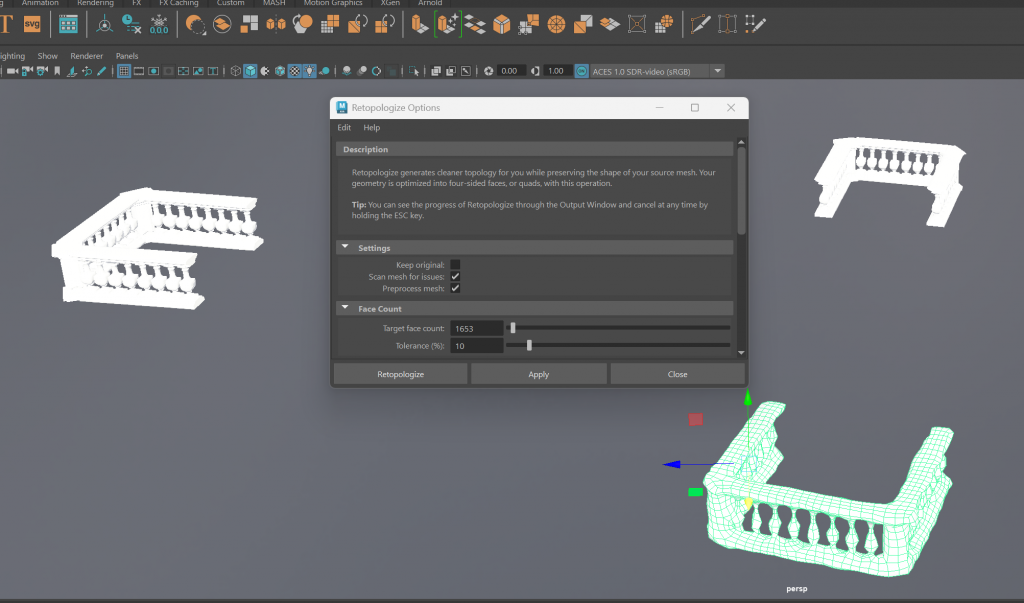
To continue developing the environment into a more unified and elaborate scene with collage-like textures and additional visual storytelling elements. Rock and ground base model in ZBrush, then retopologize in Maya for clean geometry. Incorporate layered materials, additional lighting variation, and secondary objects to create more atmosphere and depth without disrupting the emotional tone of peace and coziness.
Big Objective:
To create a fully stylized 3D world brought to life using animation and dynamic effects. Incorporate subtle movement such as floating clouds, moving light and shadow, leaves and grass blowing in the wind, and minor interactive features such as blowing curtains or a bit of movement in some decorative items. Blend 3D-scanned objects and real-world textures (i.e. small objects, surface materials) to bring authenticity and tactile realism. The final piece should create peace and emotional complexity while demonstrating advanced technical and artistic mastery.
PIPELINE
Homework: Find an object around the house and draw this from the technical views – Front, side, back, above, and perspective 3/4 view
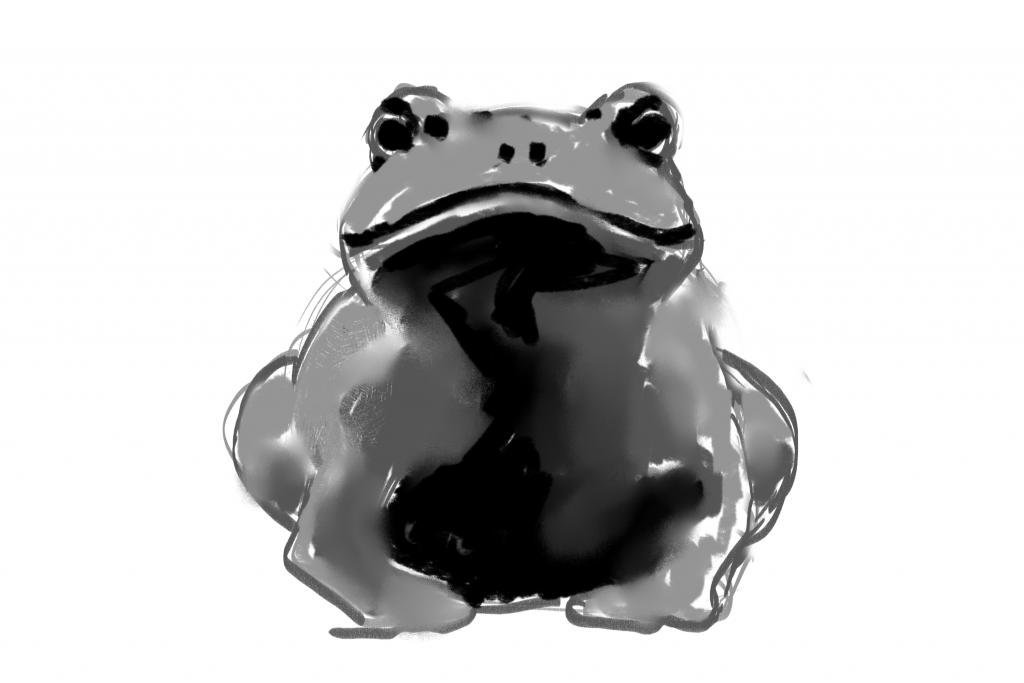
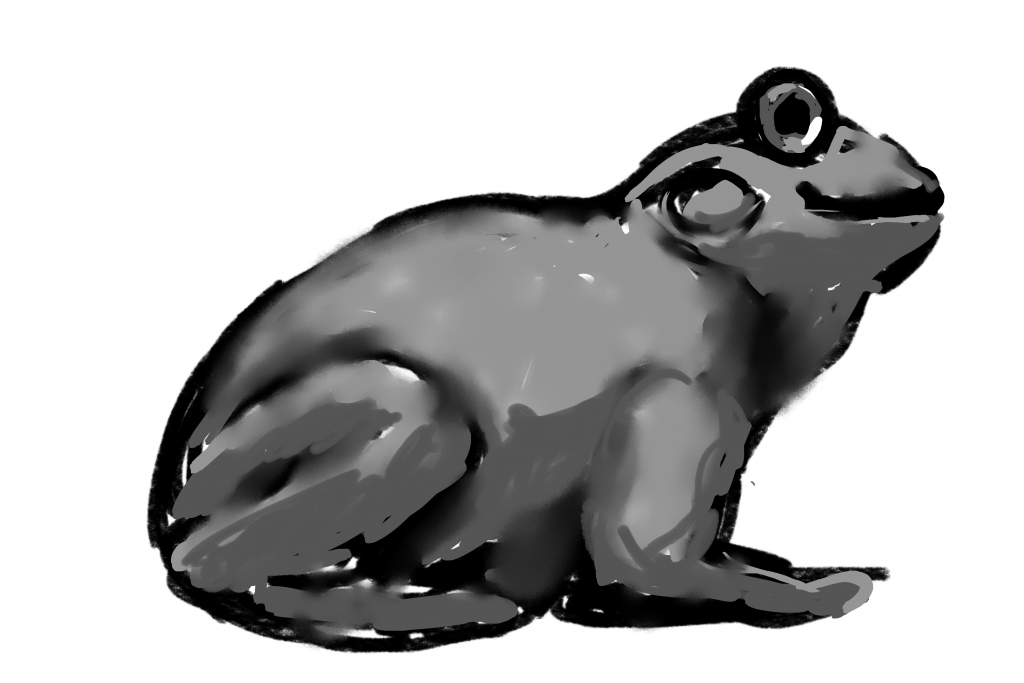
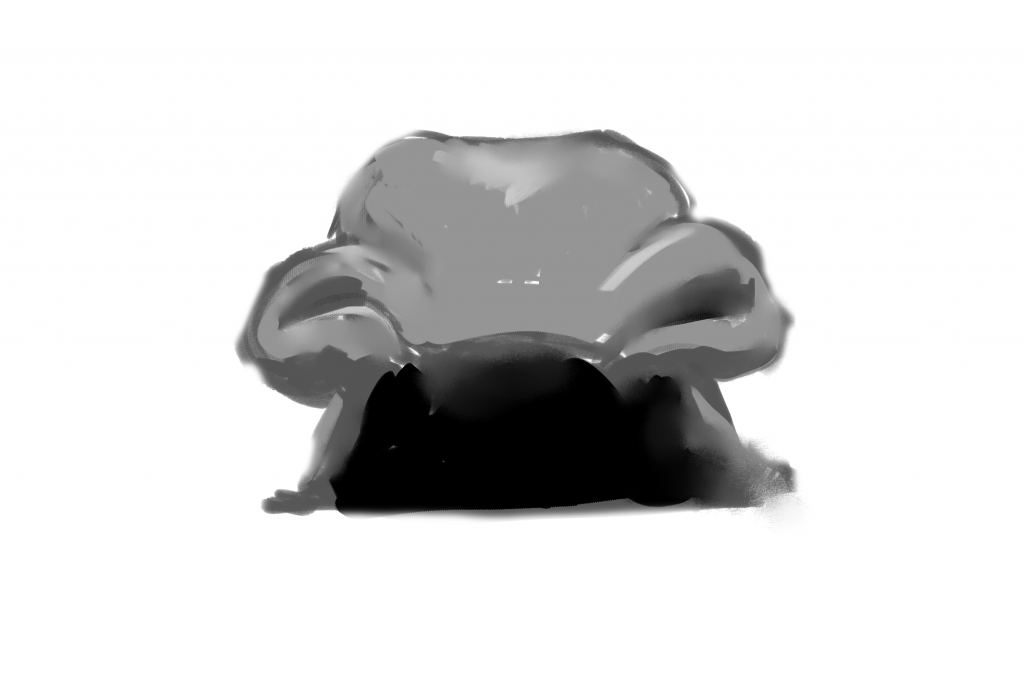
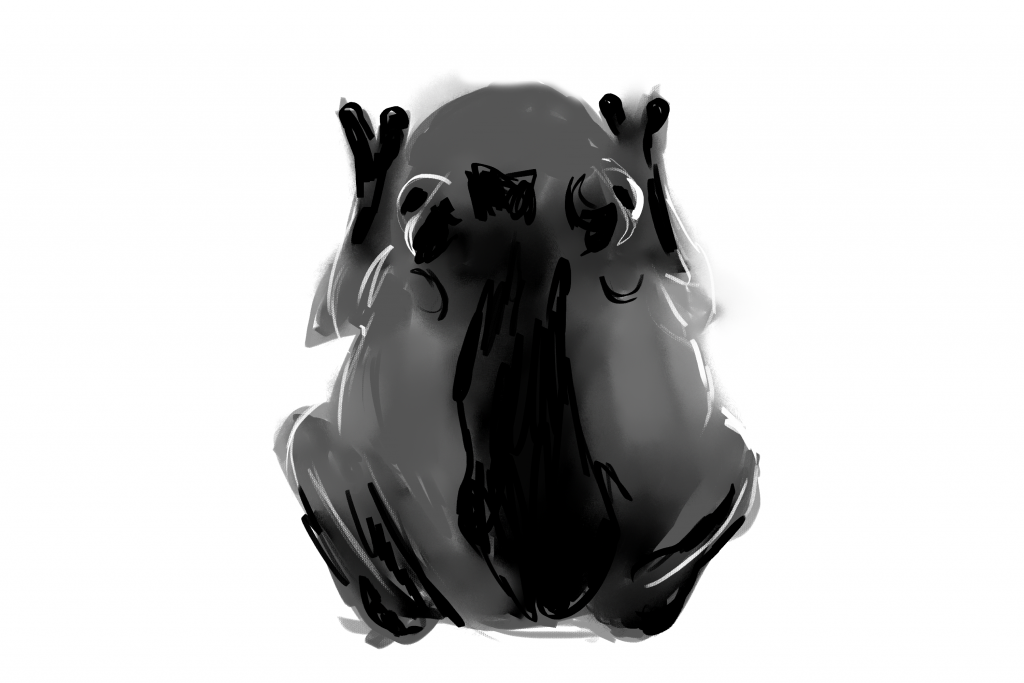
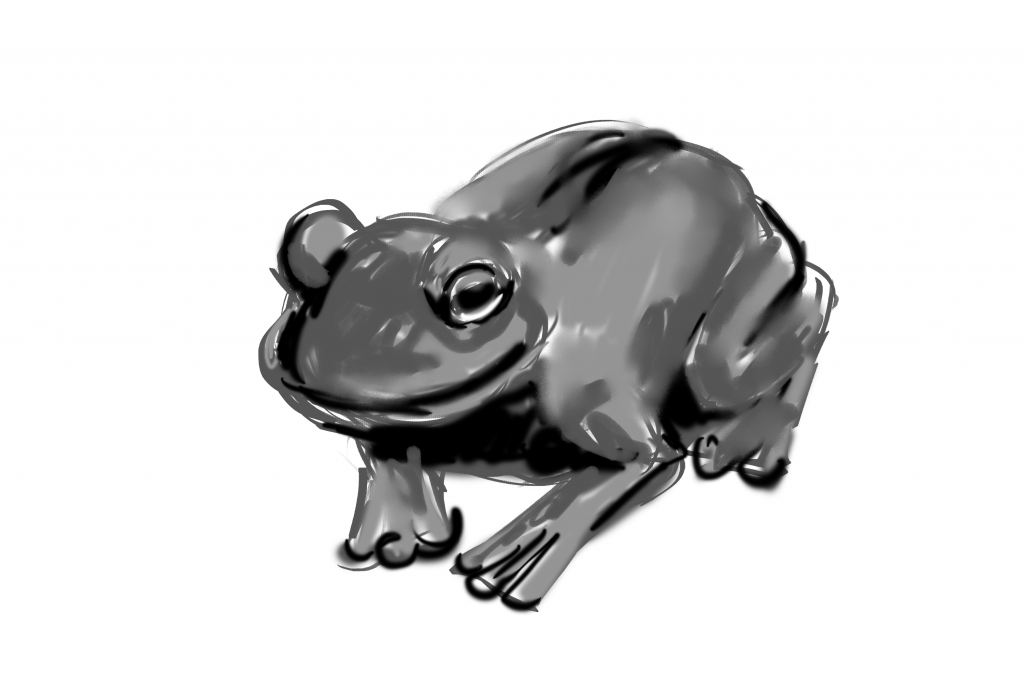
>>line art and sketching – key focus for growth
@THUMBNAILS (few different ideas close to main concept)
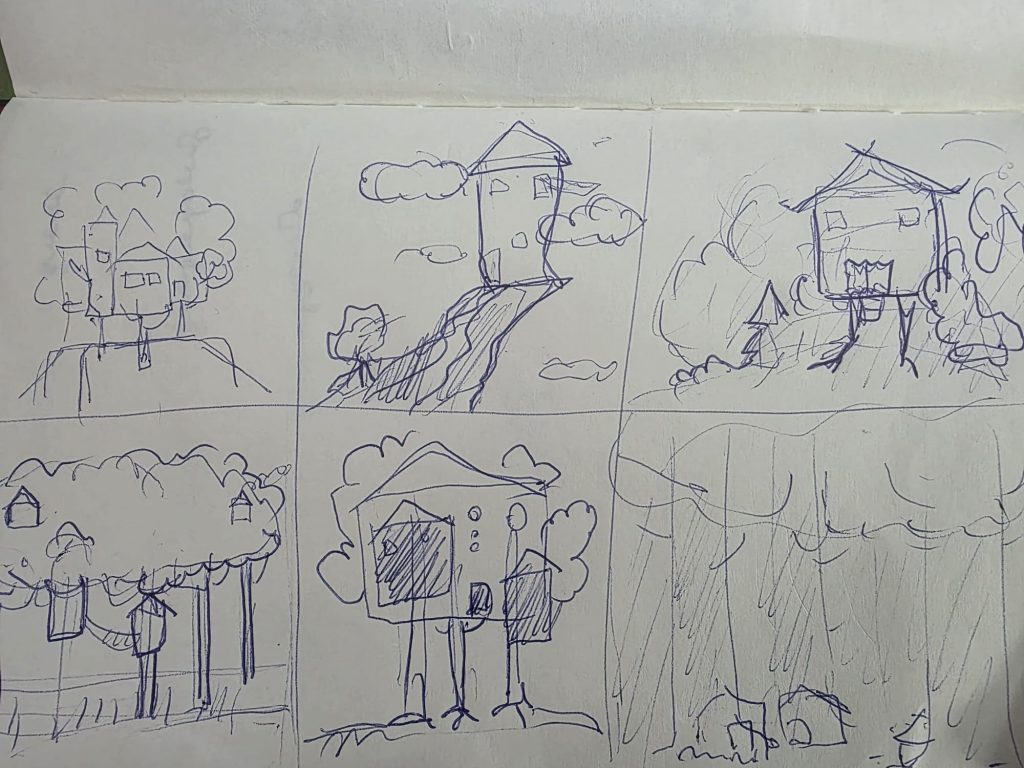
debating between the idea of a house in the trees and a baba Yaga house
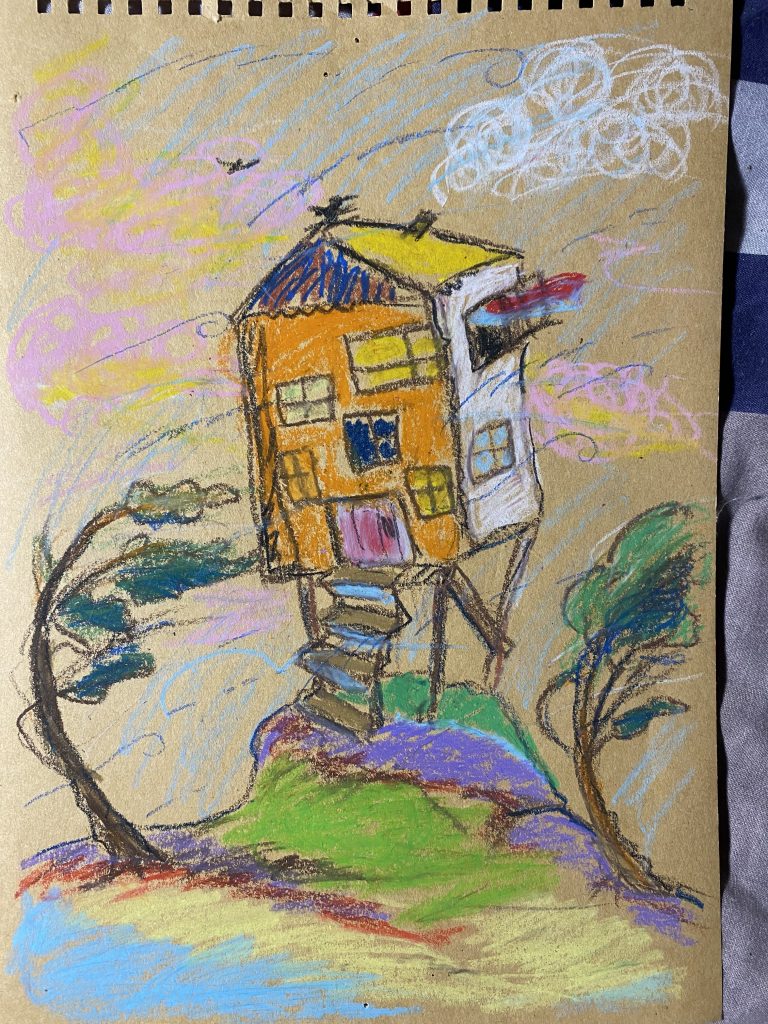
old sketch
>references
MoodBoard and MindMap
@warmup
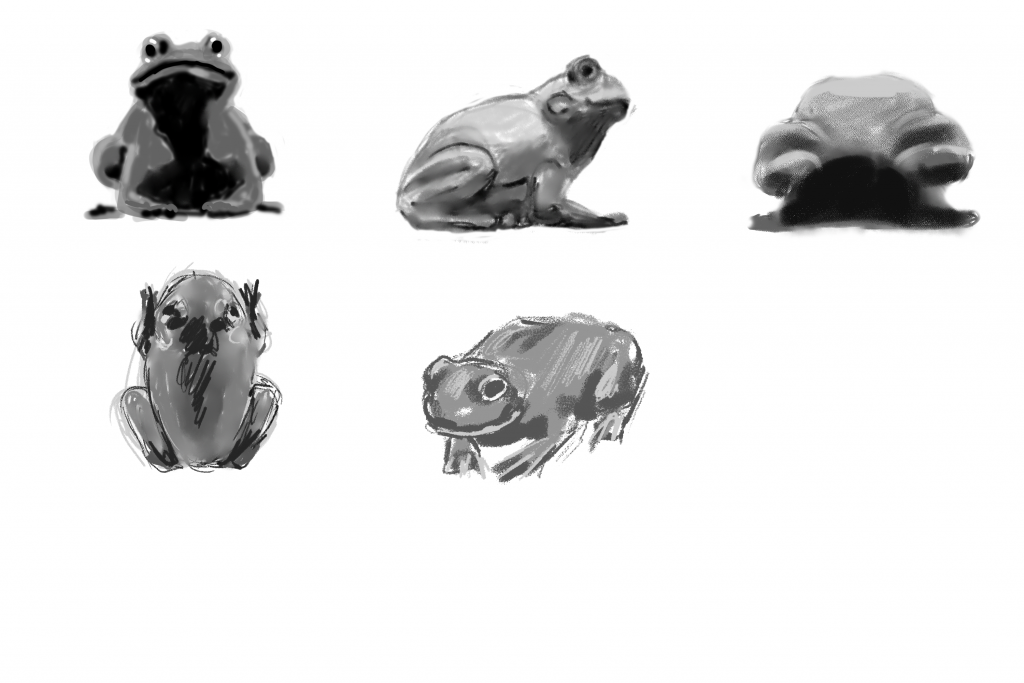
@THUMBNAILS
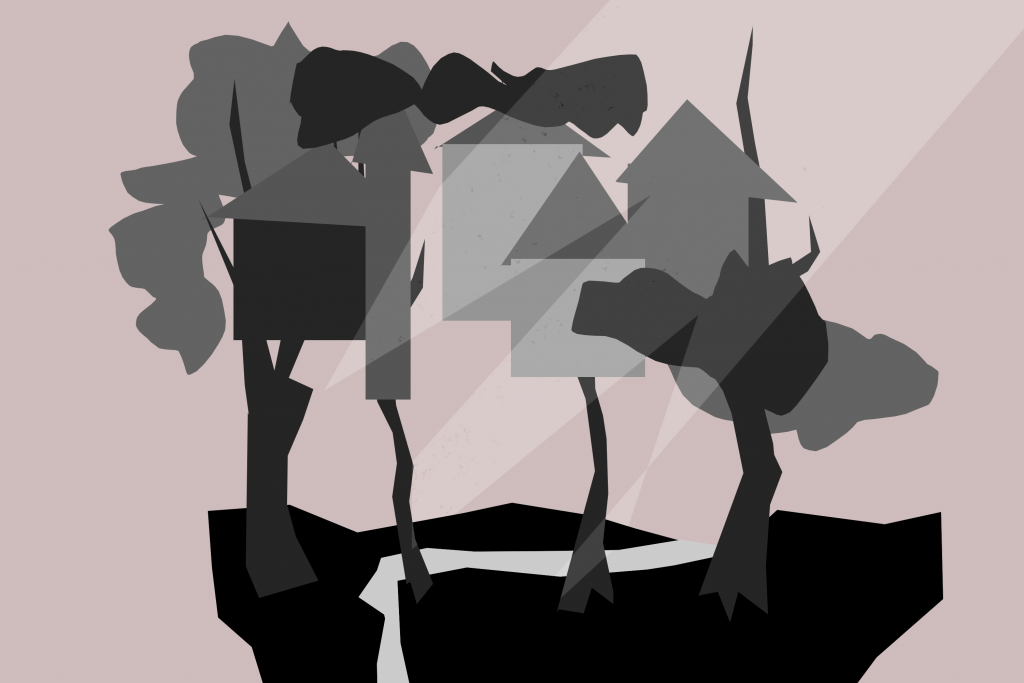
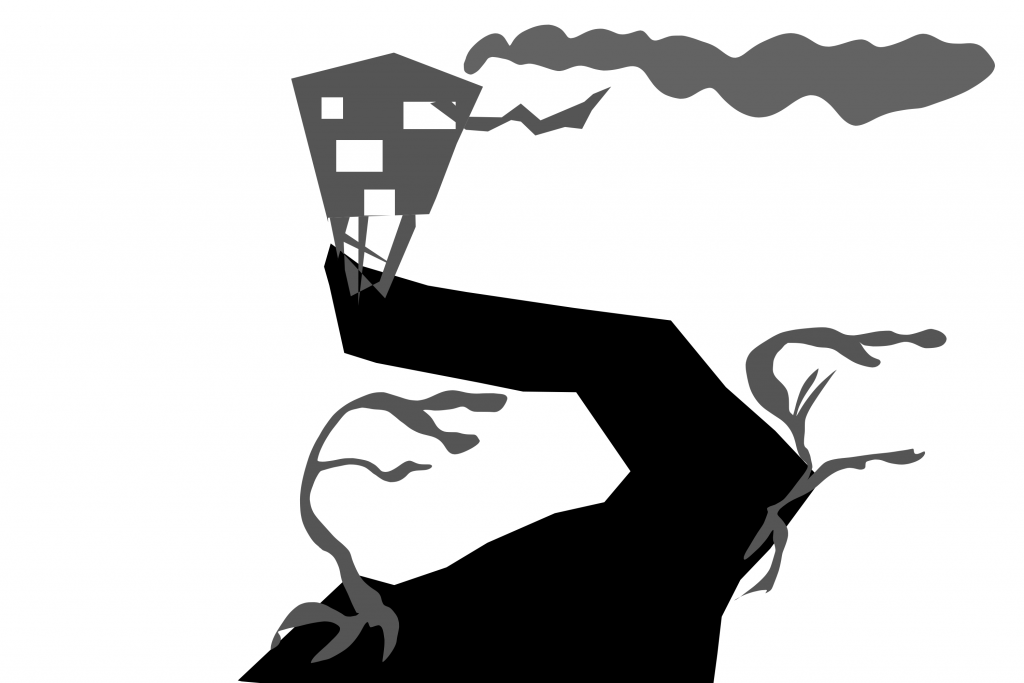
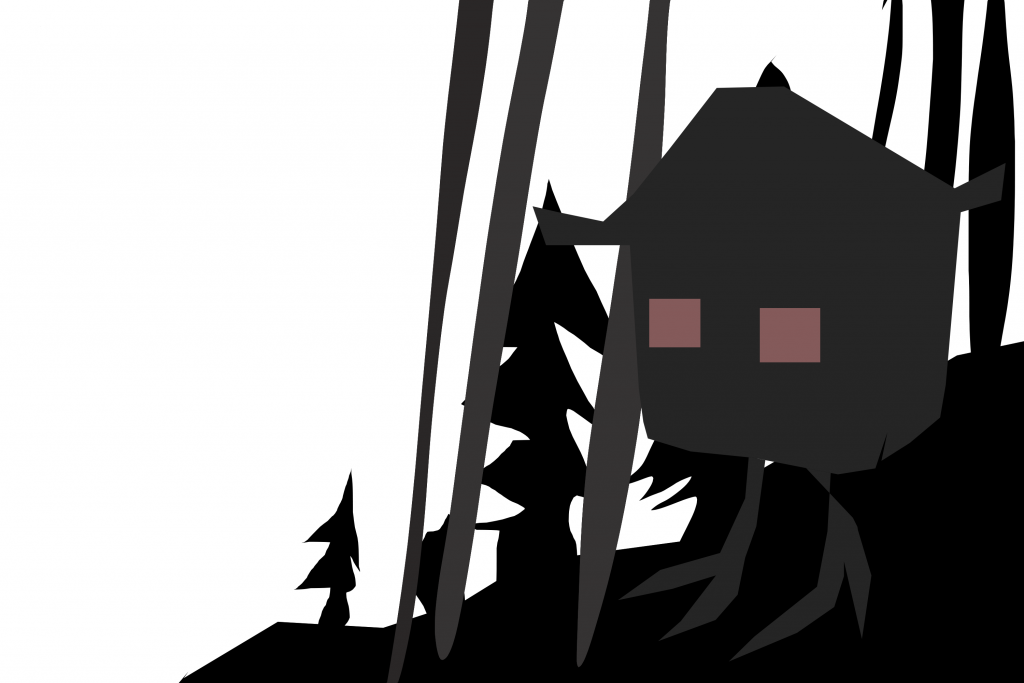
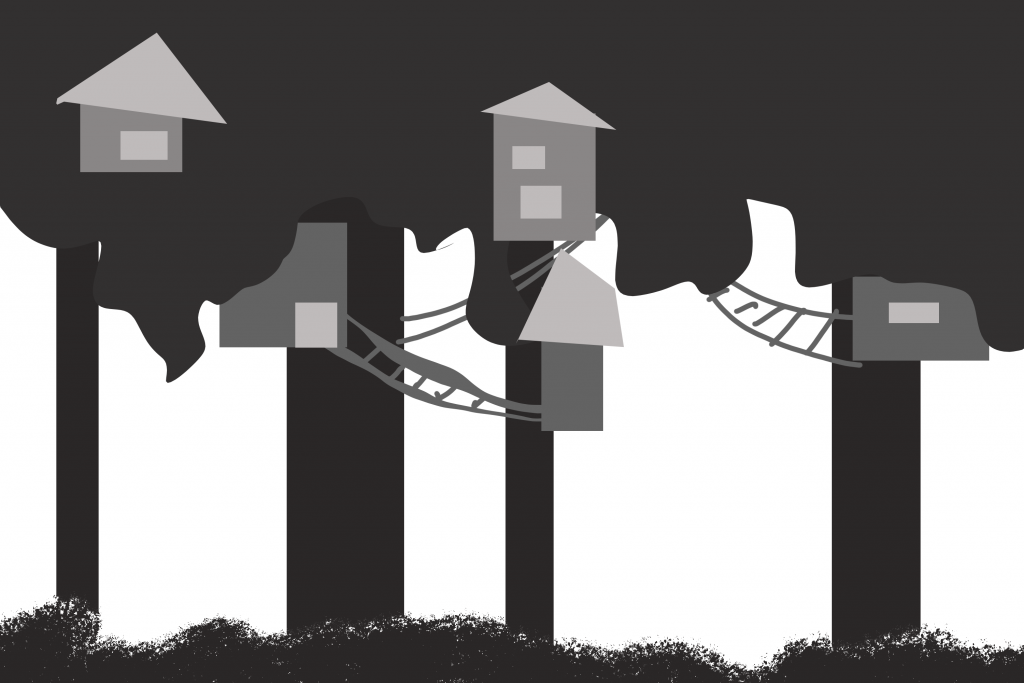
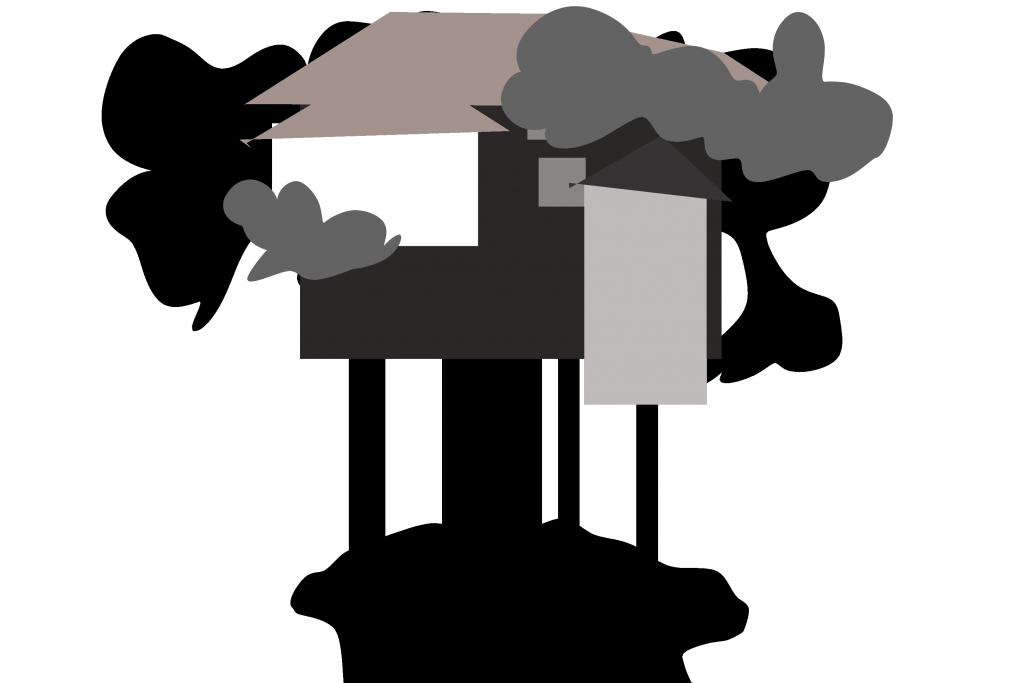
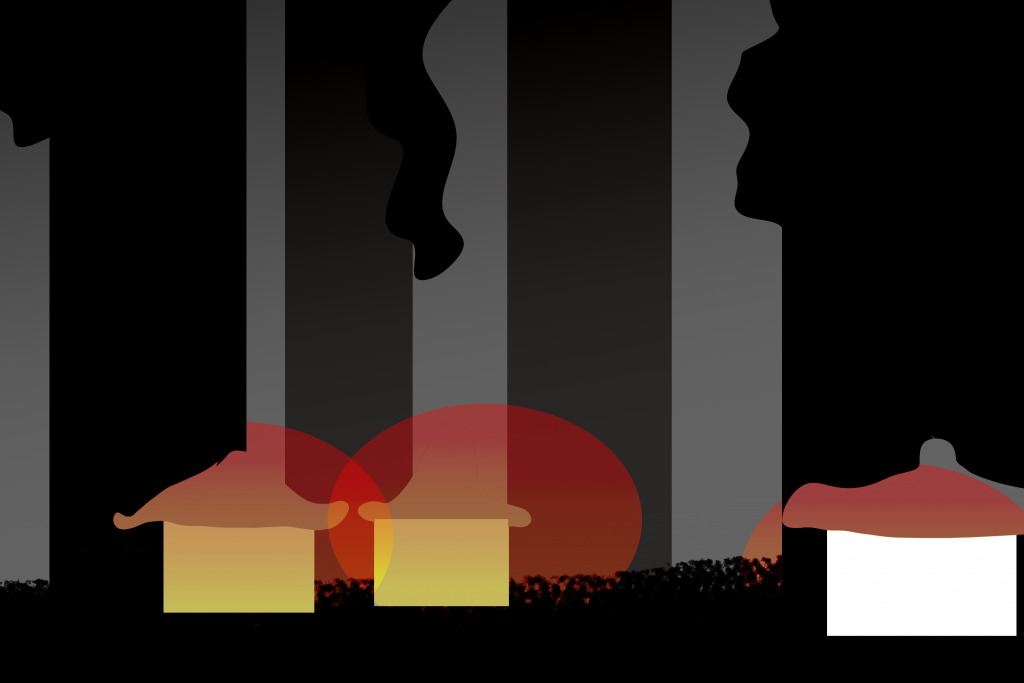
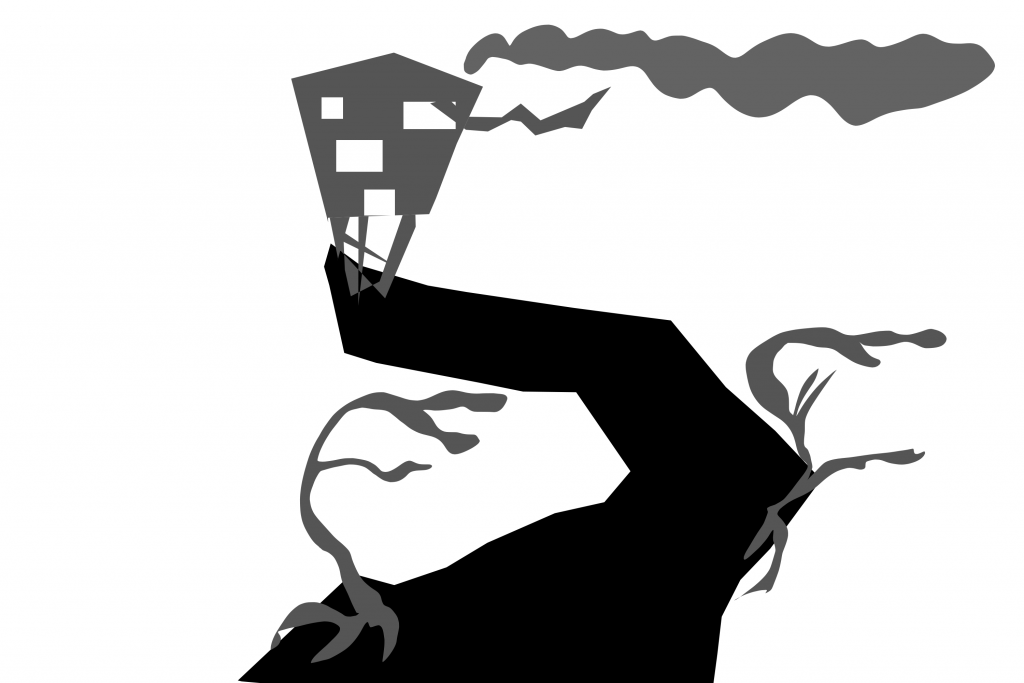
feedback from group member Ben: great and clean concept.
@inspiration
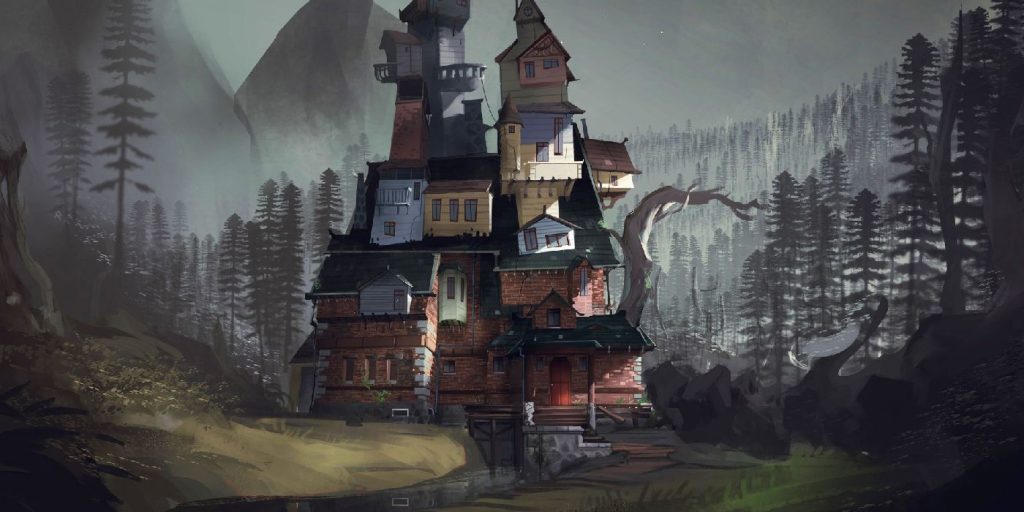
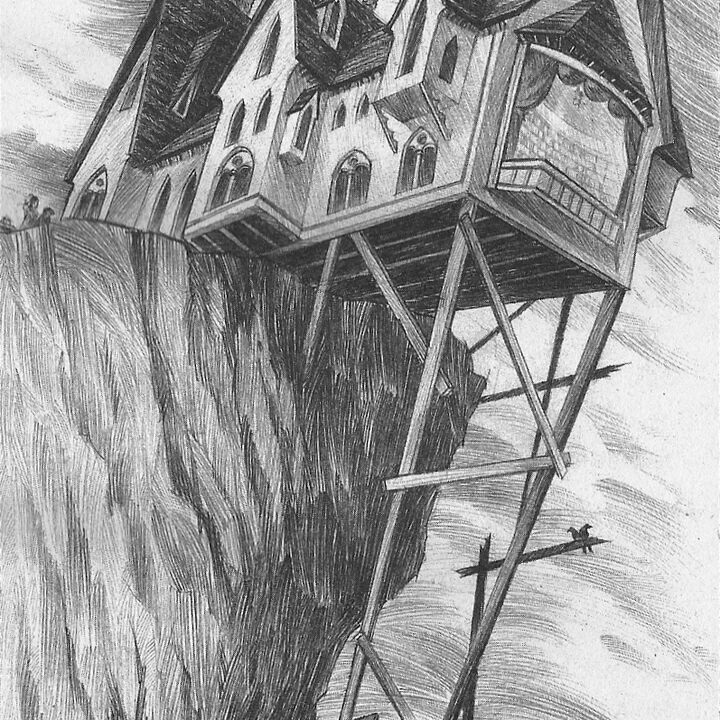
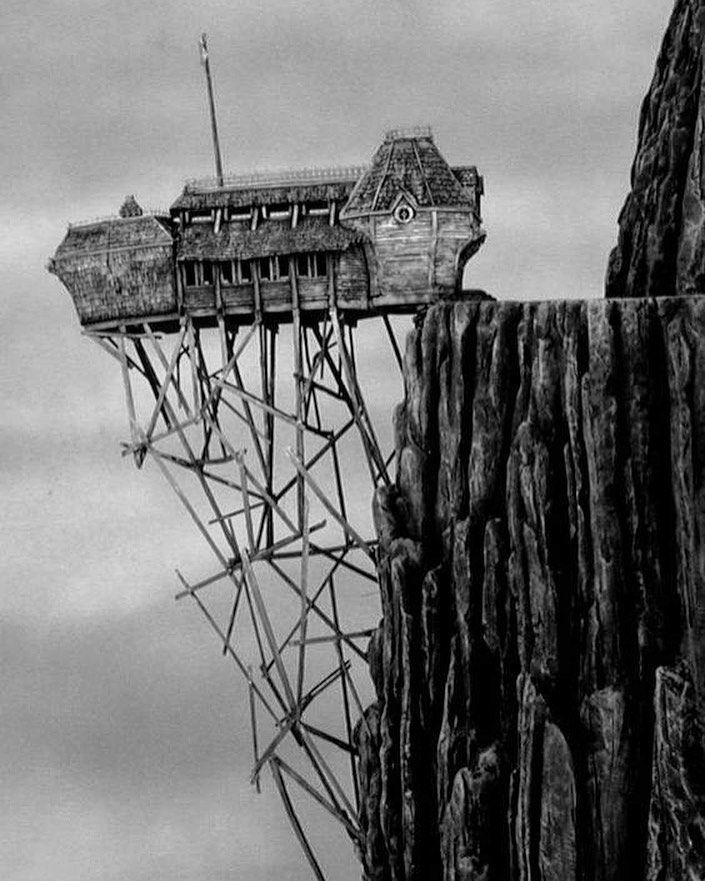
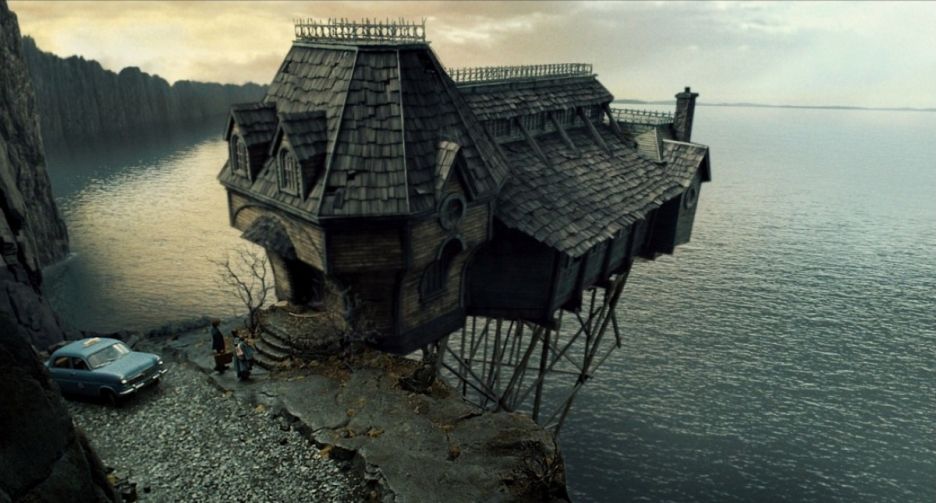
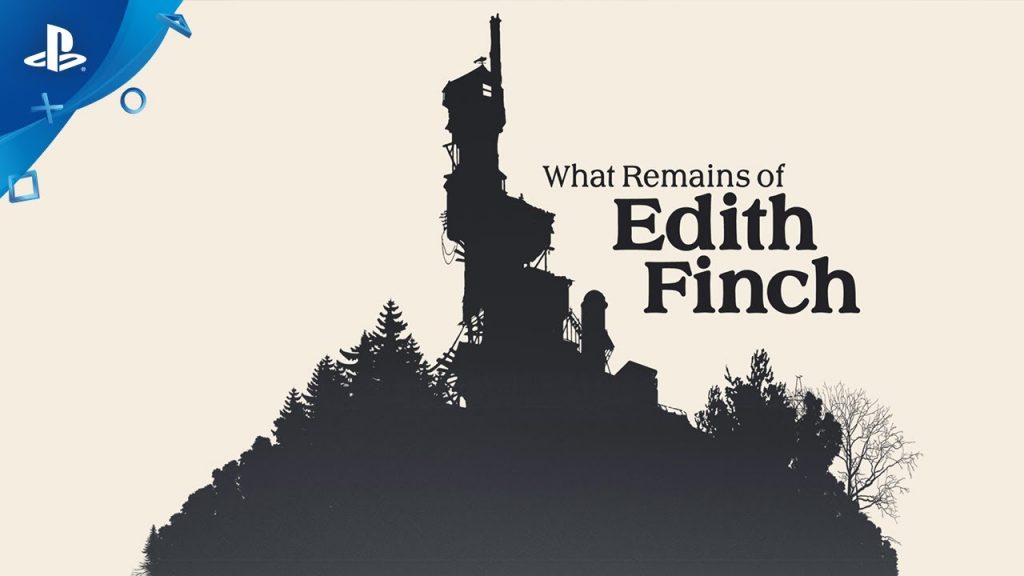
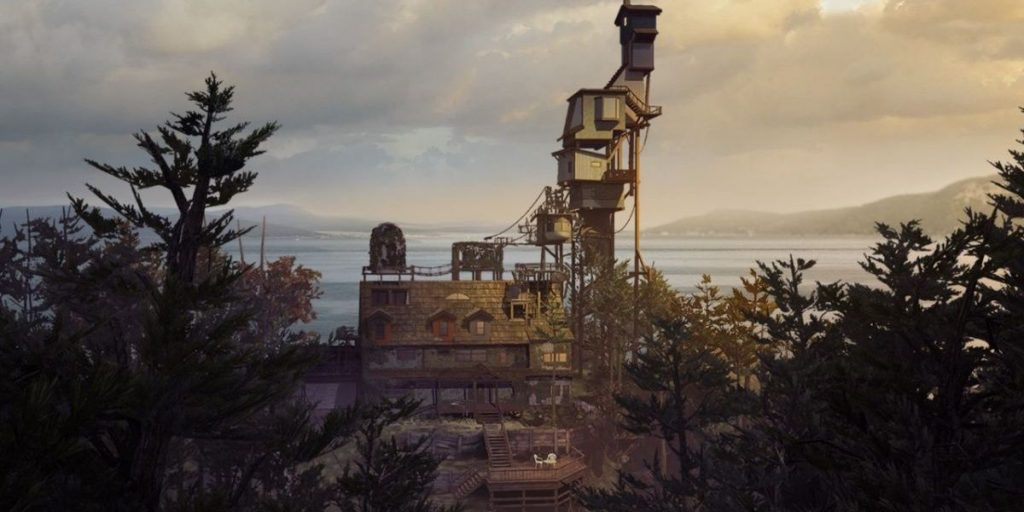
UE and SketchFab exploring/ practising kitbashing.
I tried landscaping and adding some folliage to have an understanding basic building of my scene so I can start to work with light.
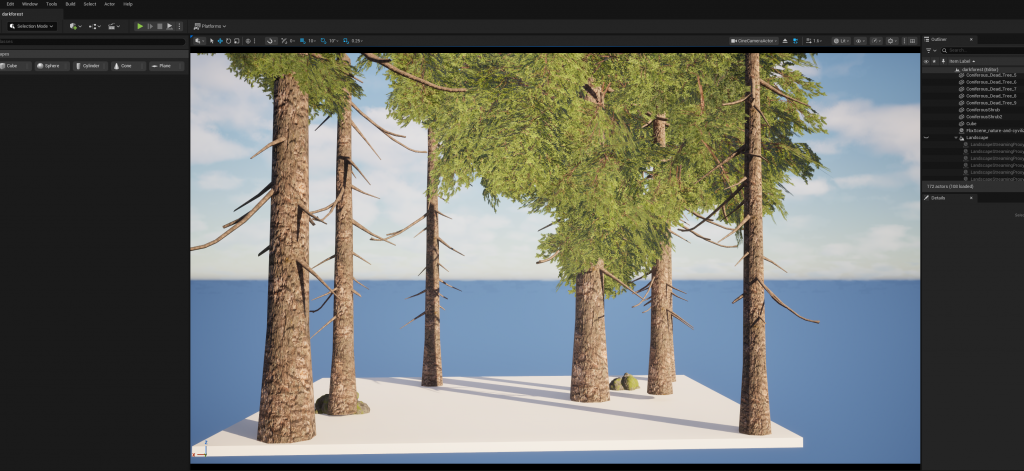
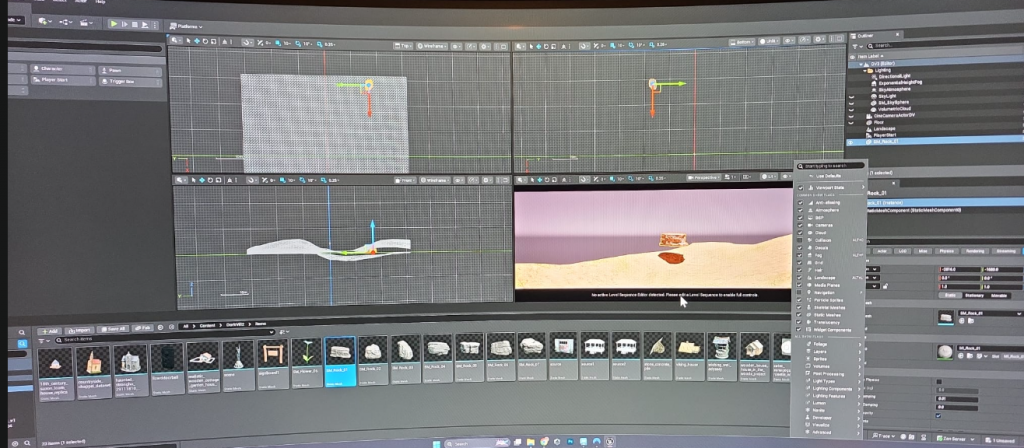
Review and advice from Luca: first thinhg – set up camera (done), idea for the background – brush-tree, consider idea to build composition with frame (vignette), not to build the scene as a diaram, and picked a style.
Review and advice from Joshua: first thinhg – pick final idea (done), learn about shaders, set up the camera (done), parallax style, focus on the emotional aspect of the scene
Review from group member Tula: great original drawings (pencil art I used as base for this project). Great composition in thumbnail The house on the cliff.
I started testing blocking and work with ready-made shapes in EU earlier but also only finished with ideas and doc for the Concept stage.
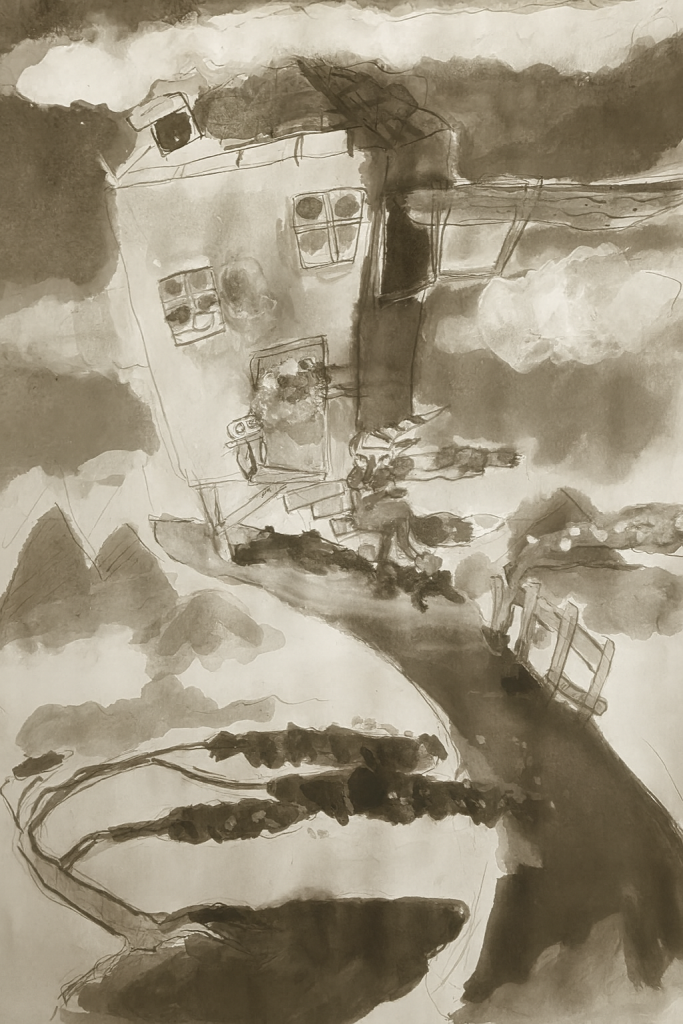
Concept drawing for starting the work in UE5
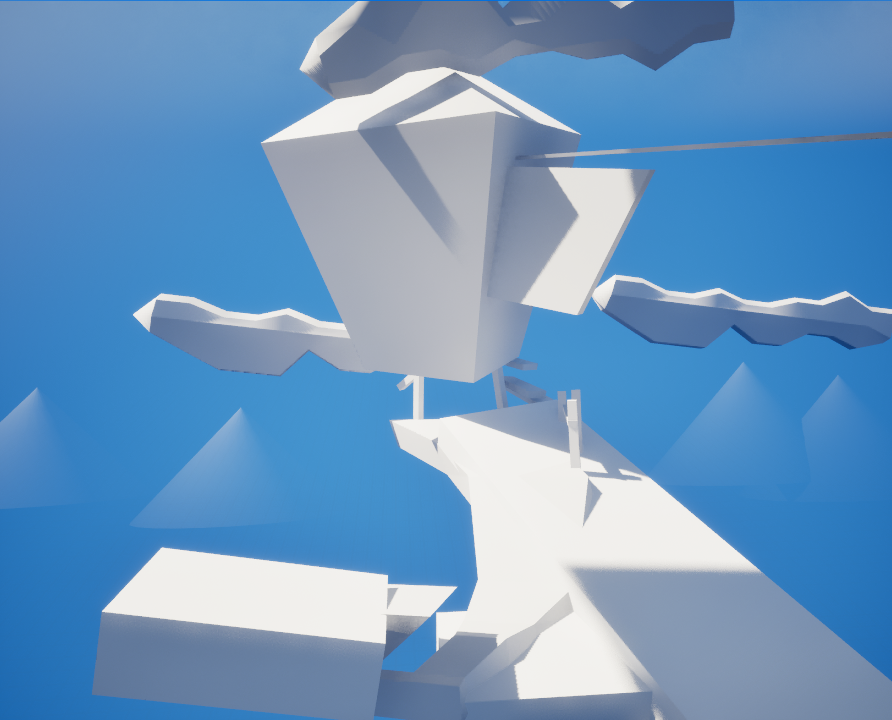
Blocking in Maya using simple shapes, import meshes to UE5, setting up scene and camera, first steps of working with light.
Feedback from Joshua : becouse of my conserns of scene appers to be to simple and close to the Diarama but not environment – prepare 10 new variations of point of view on the scene. I also plan to build new piece of rock (ground) in order to etend the scene. Also Joshua mentioned I should not add the character, so I think to work more on the stylistic part of scene so the piece would not appear as empty and not immersive.
Separate project for the Friday`s session.
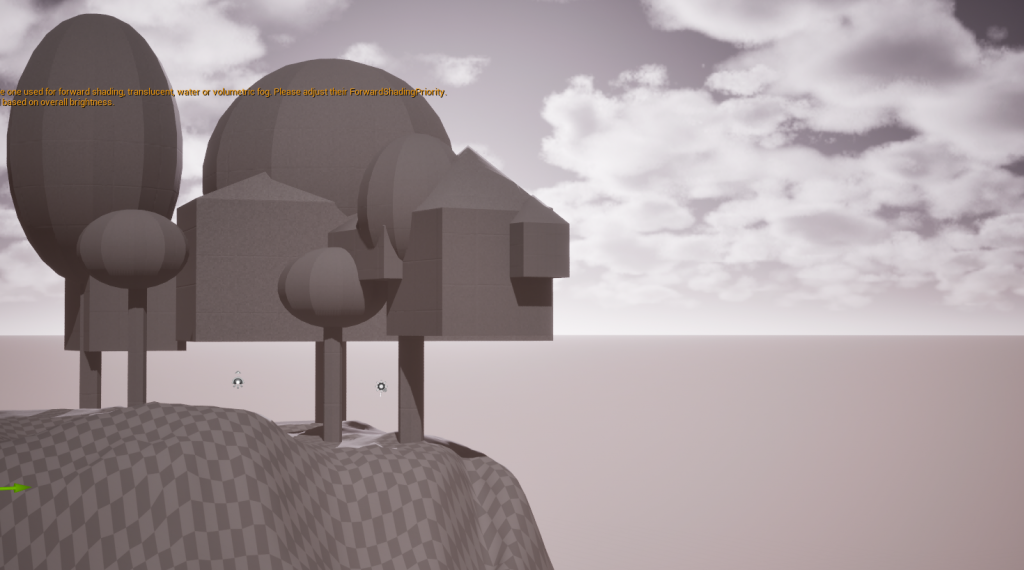
On the Lukas class 17/10 we learn how important the visual story of invironmental art and p0articularly a direction of movement trough location so Im planing reconcider my cvoncept for the Immesrion and fradays projects.
Plan to do more resourches for picking more ideas for the style of the scene.
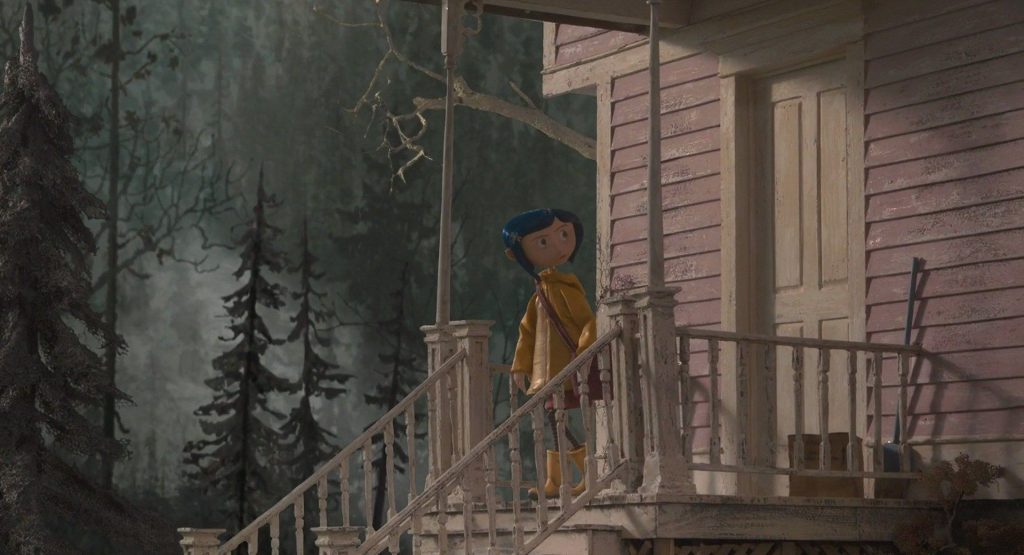
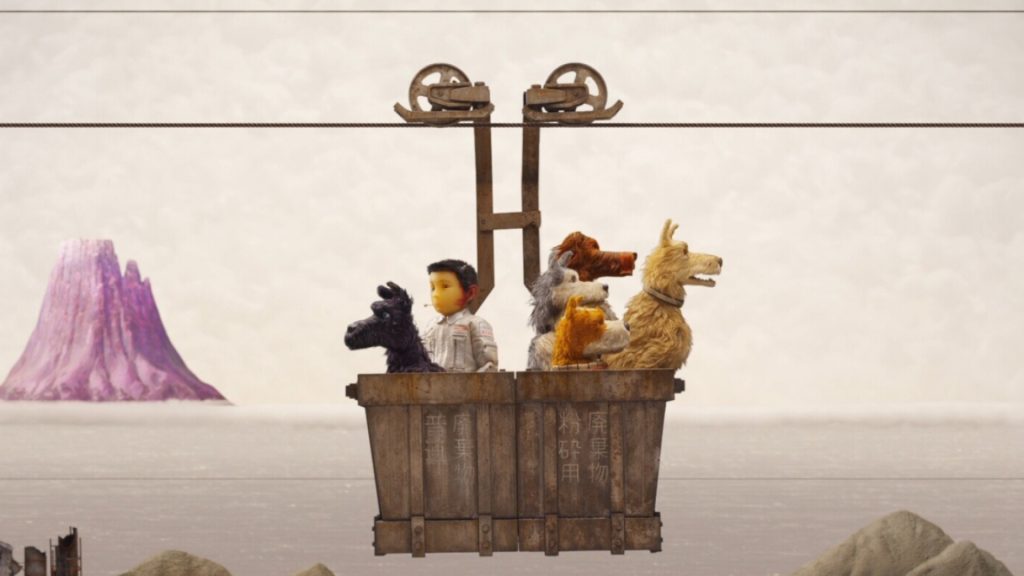
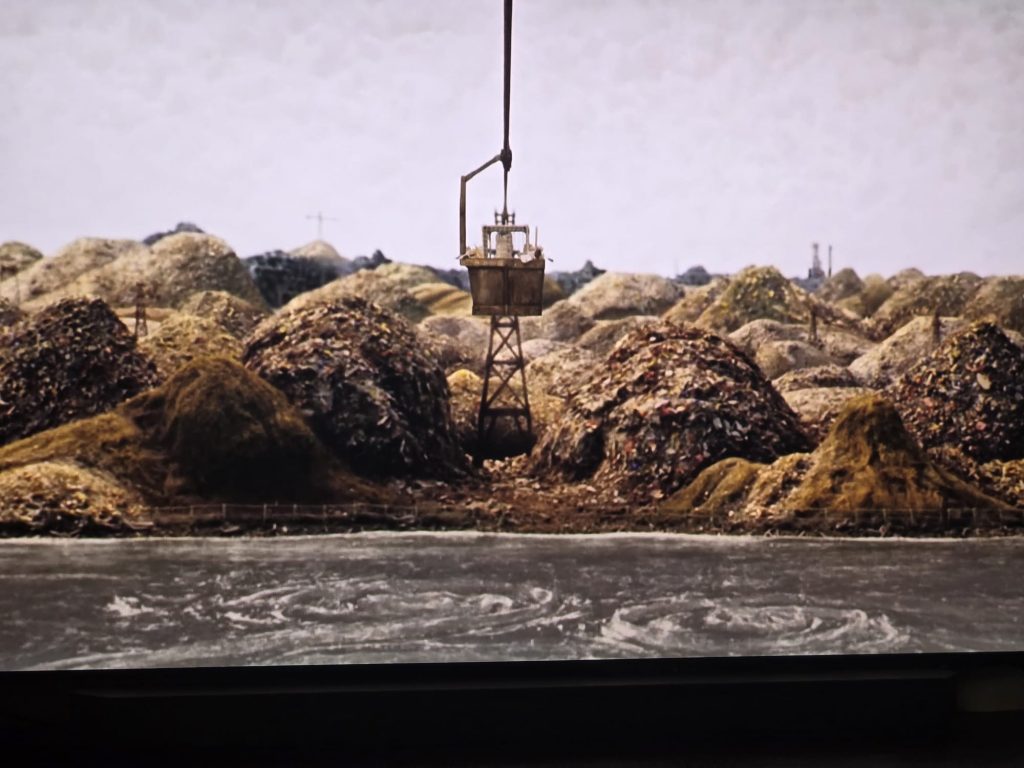
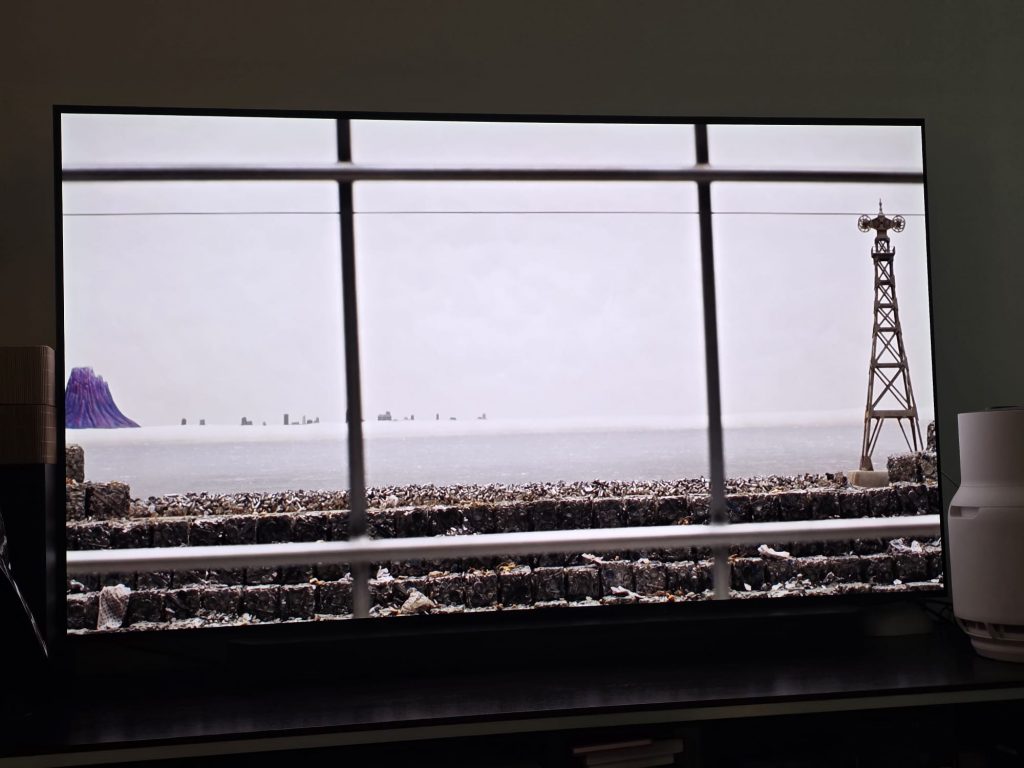
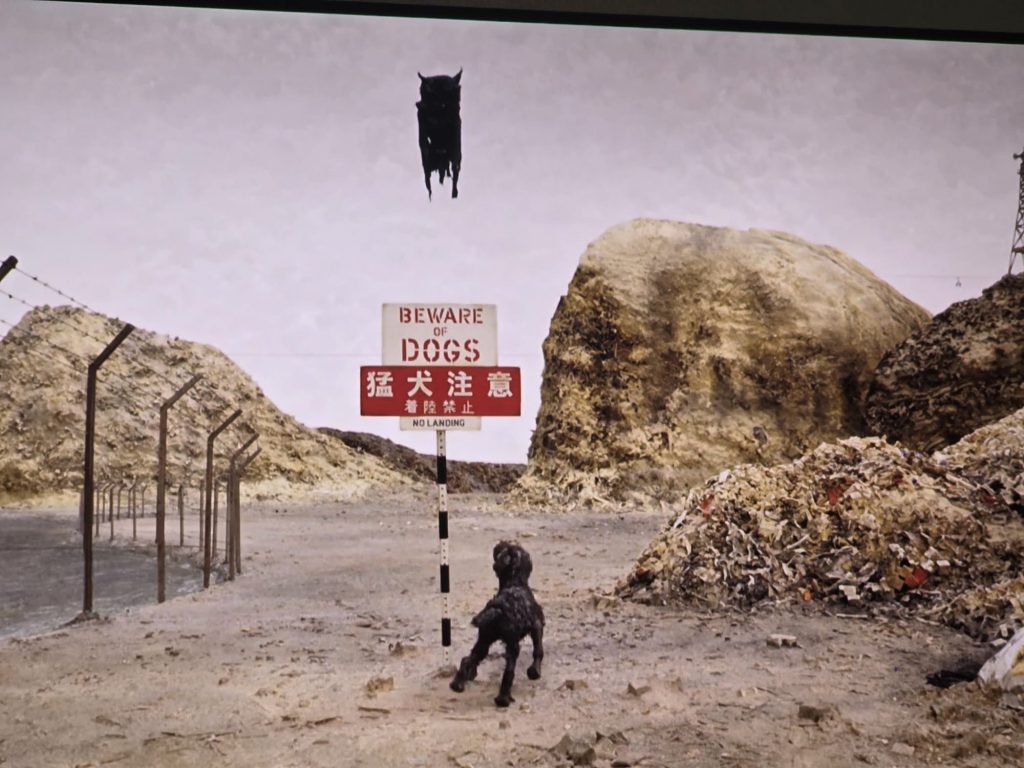
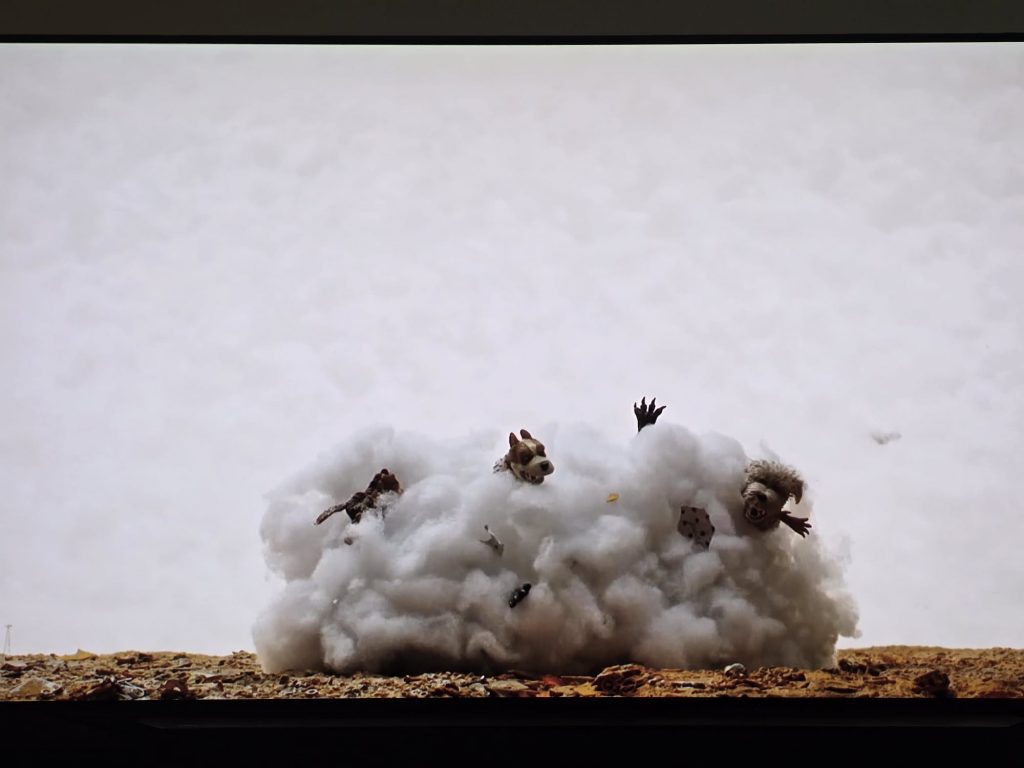
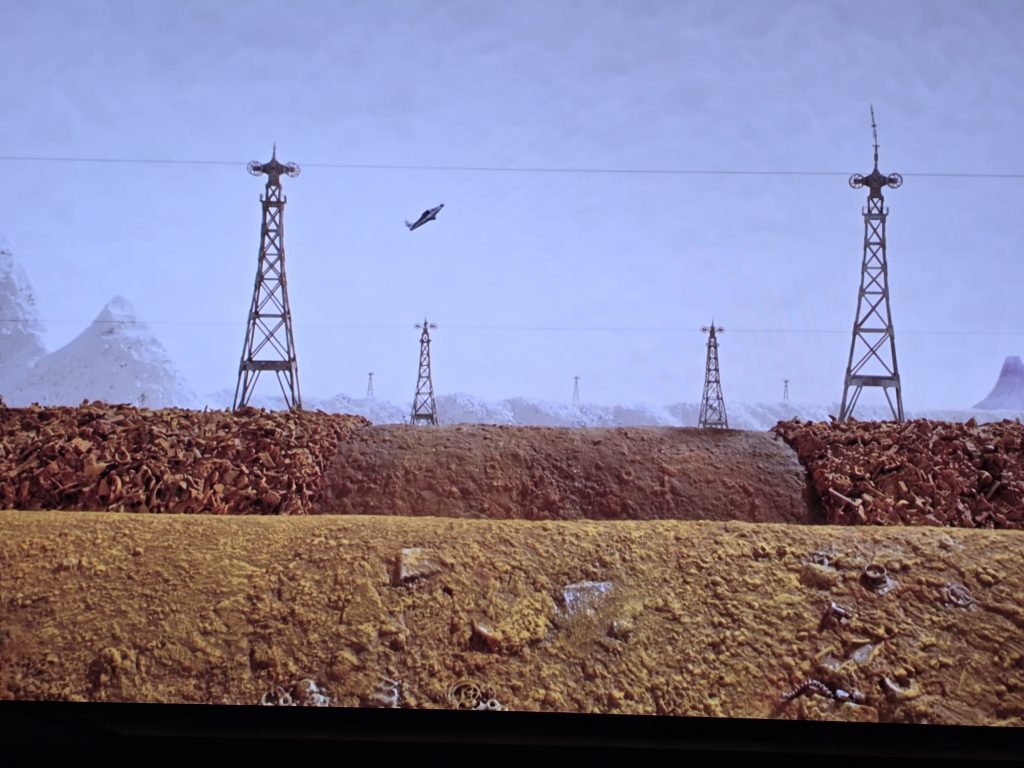
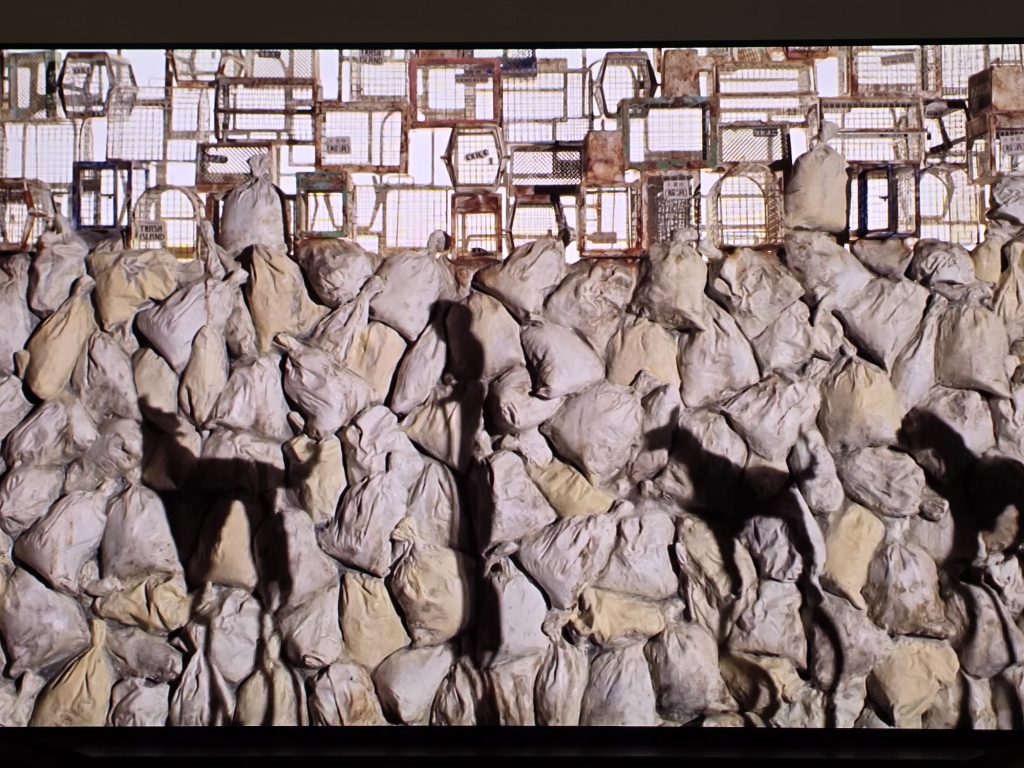
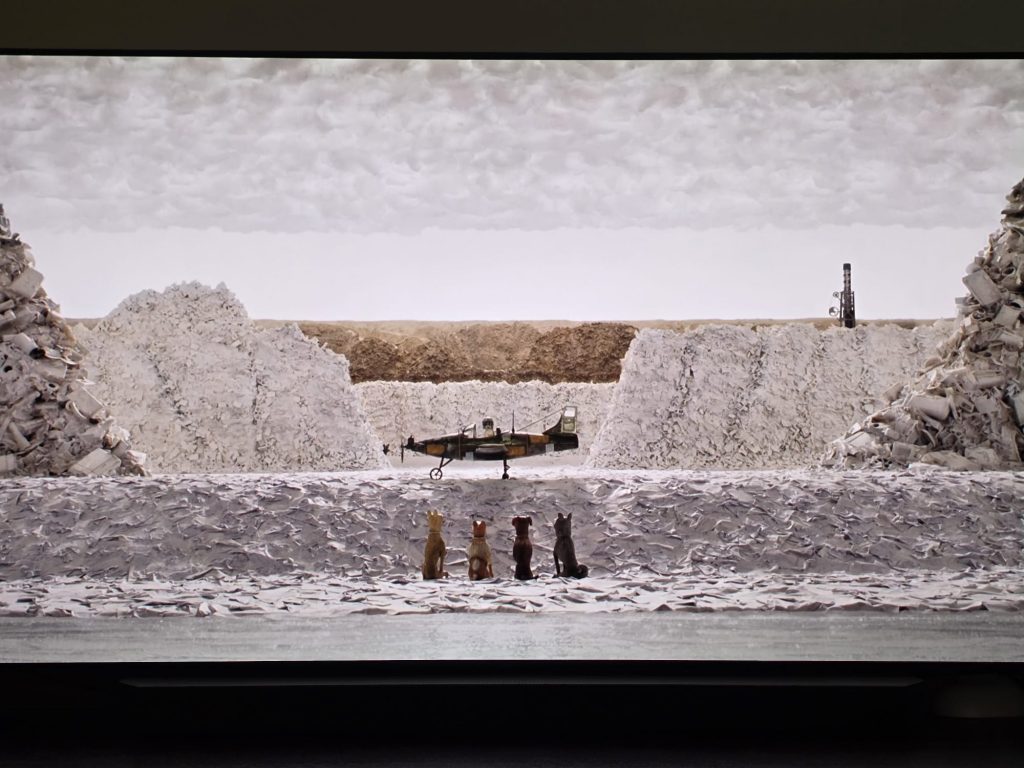
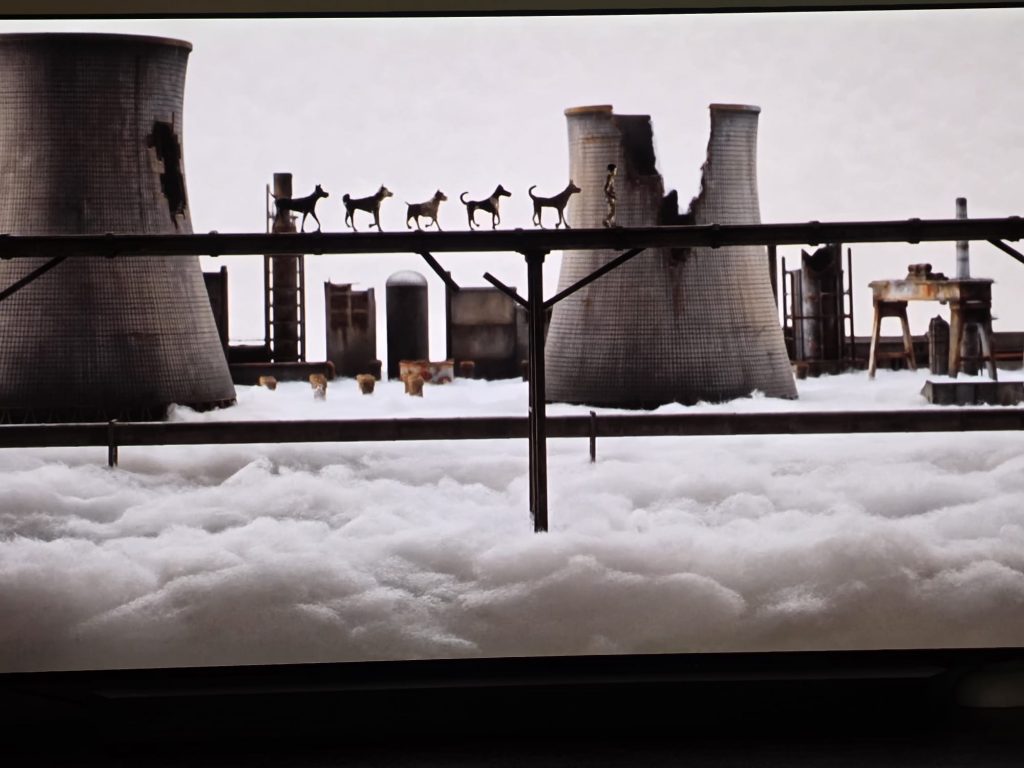
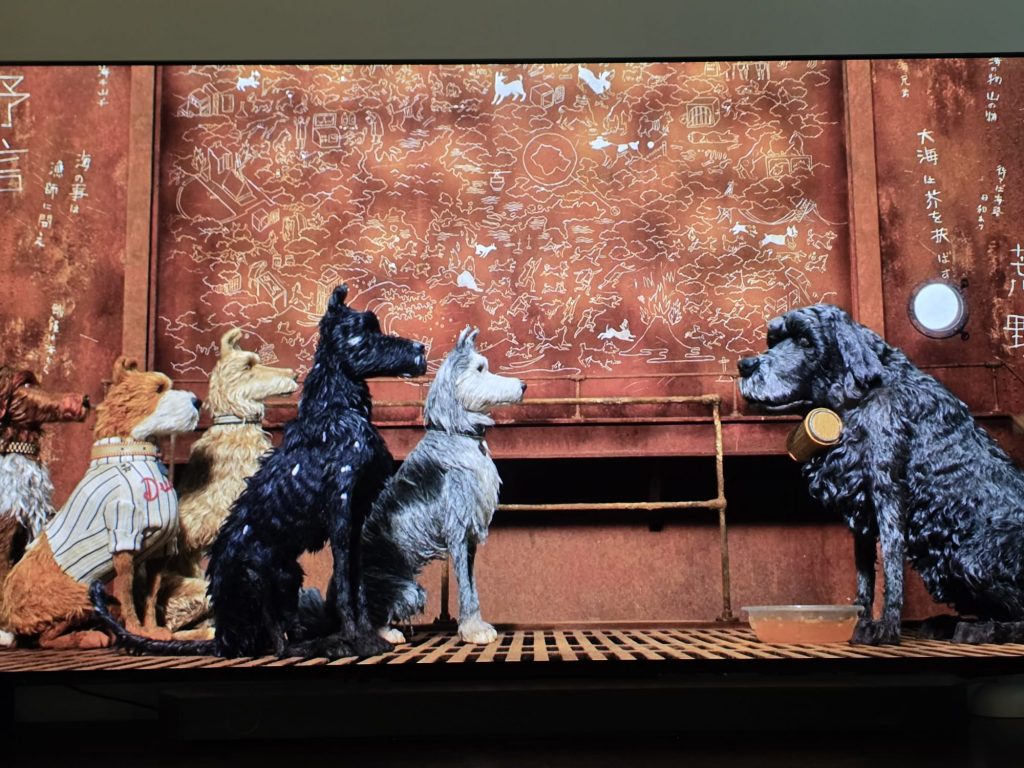
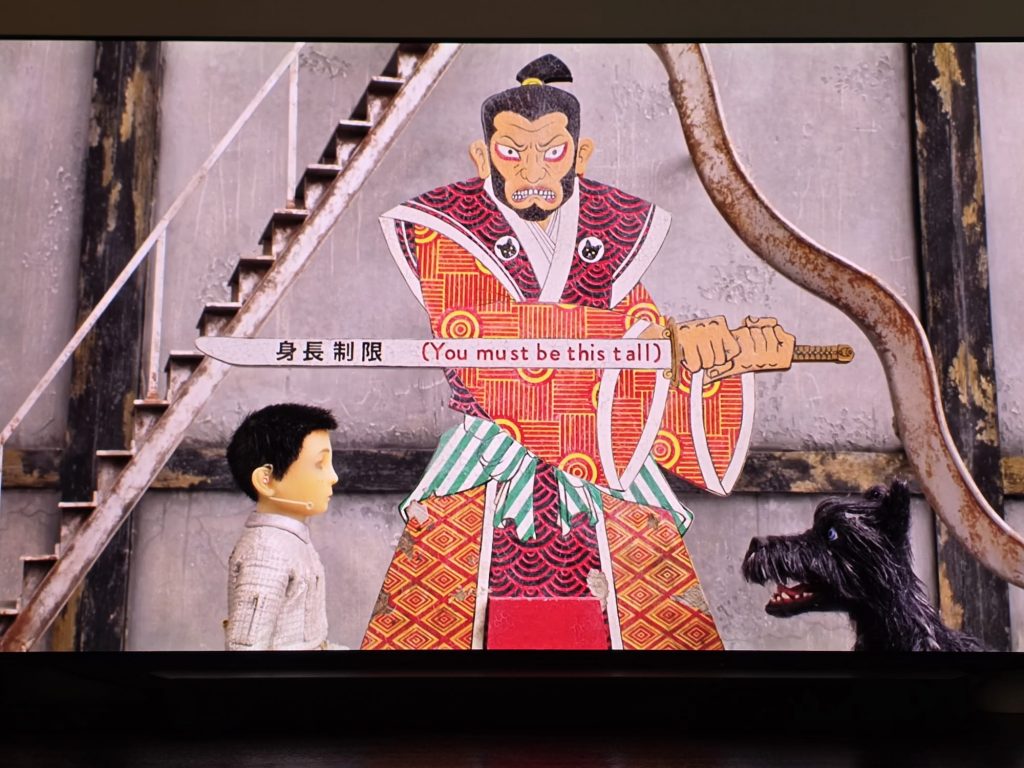
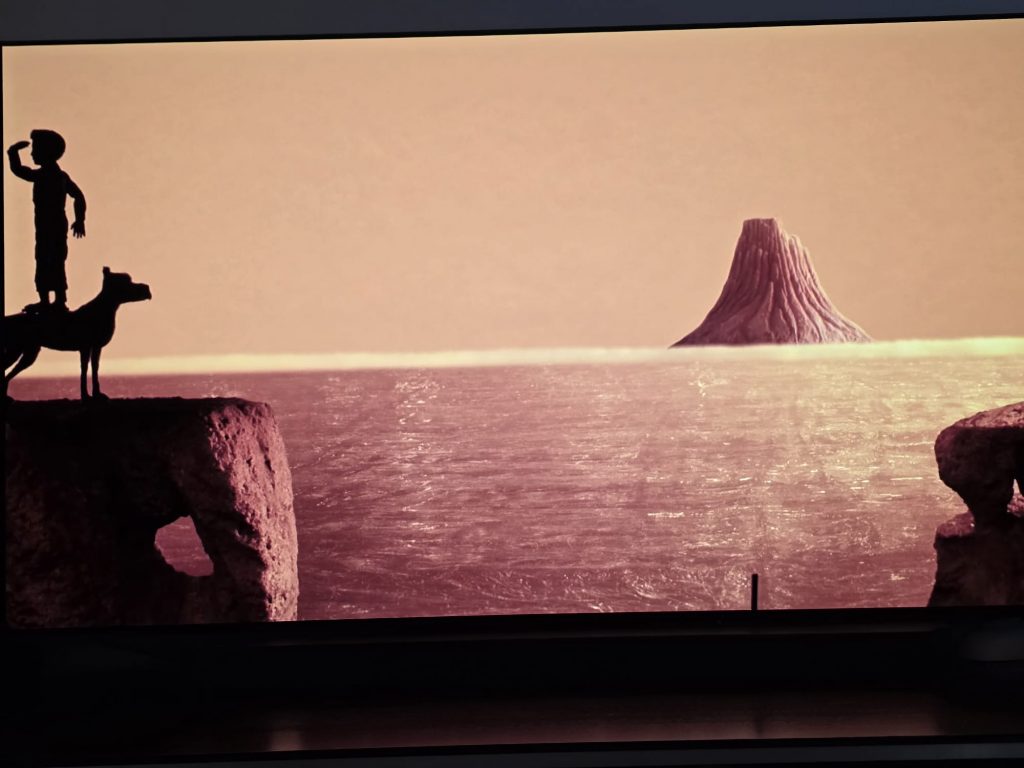
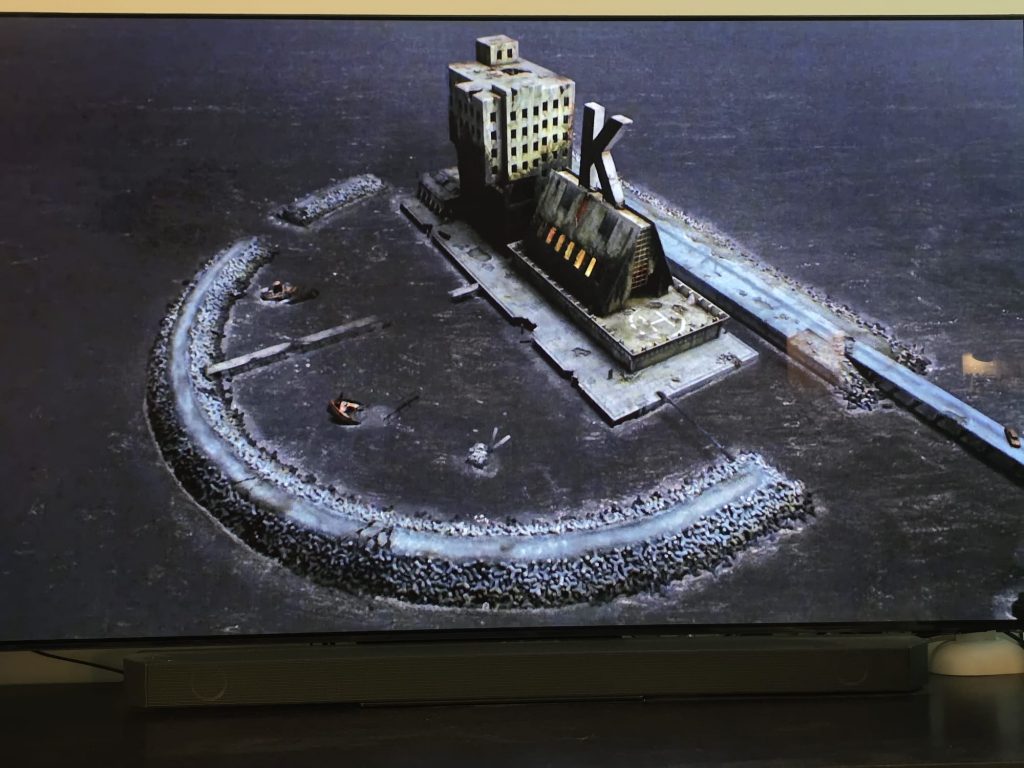
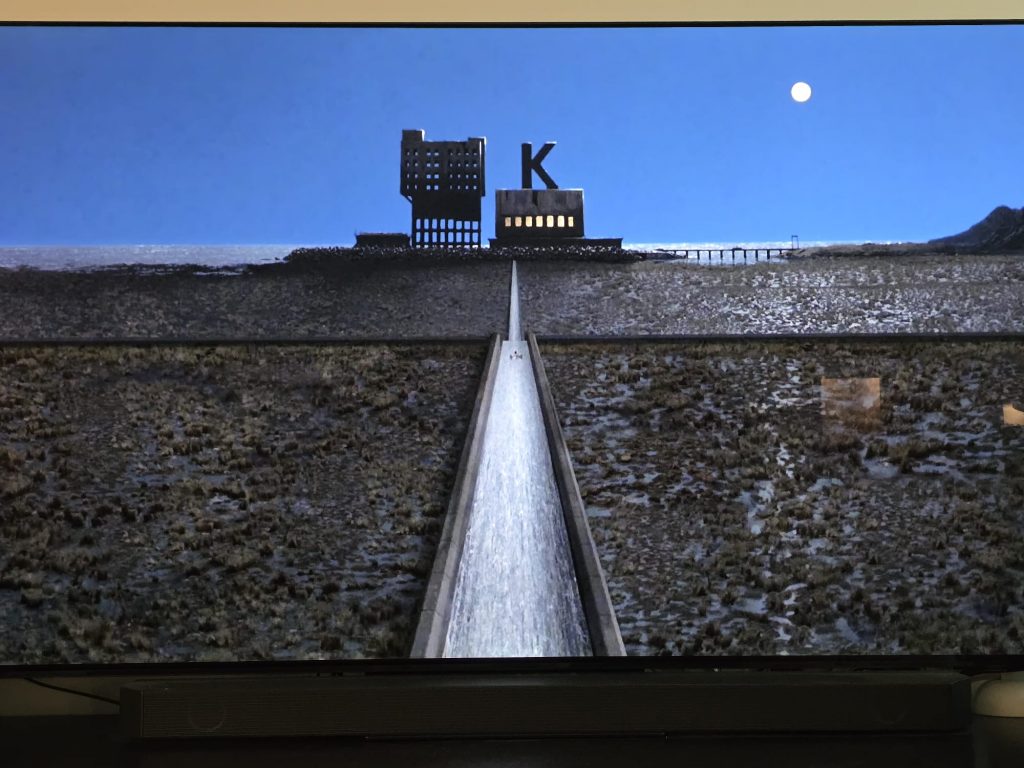
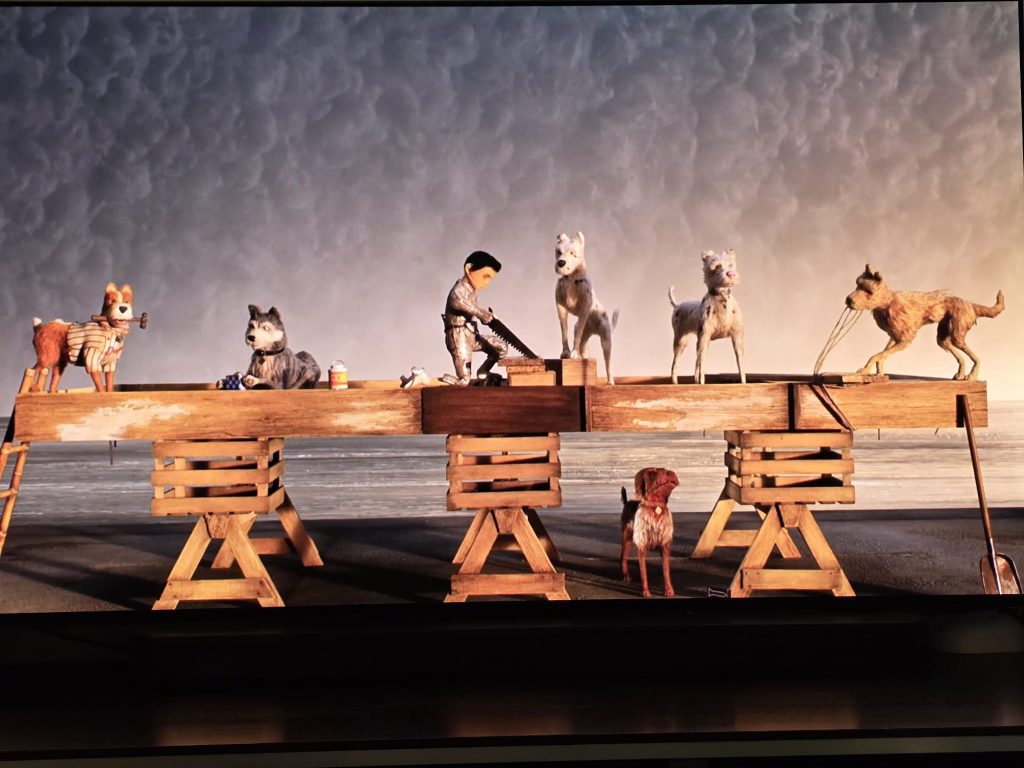
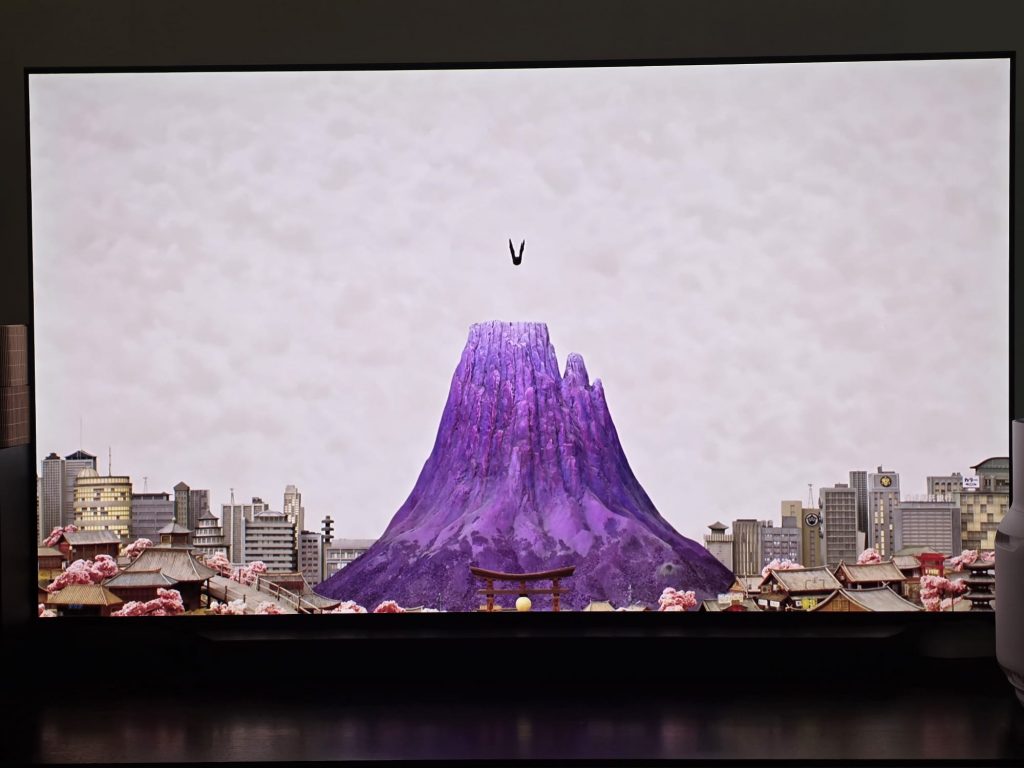
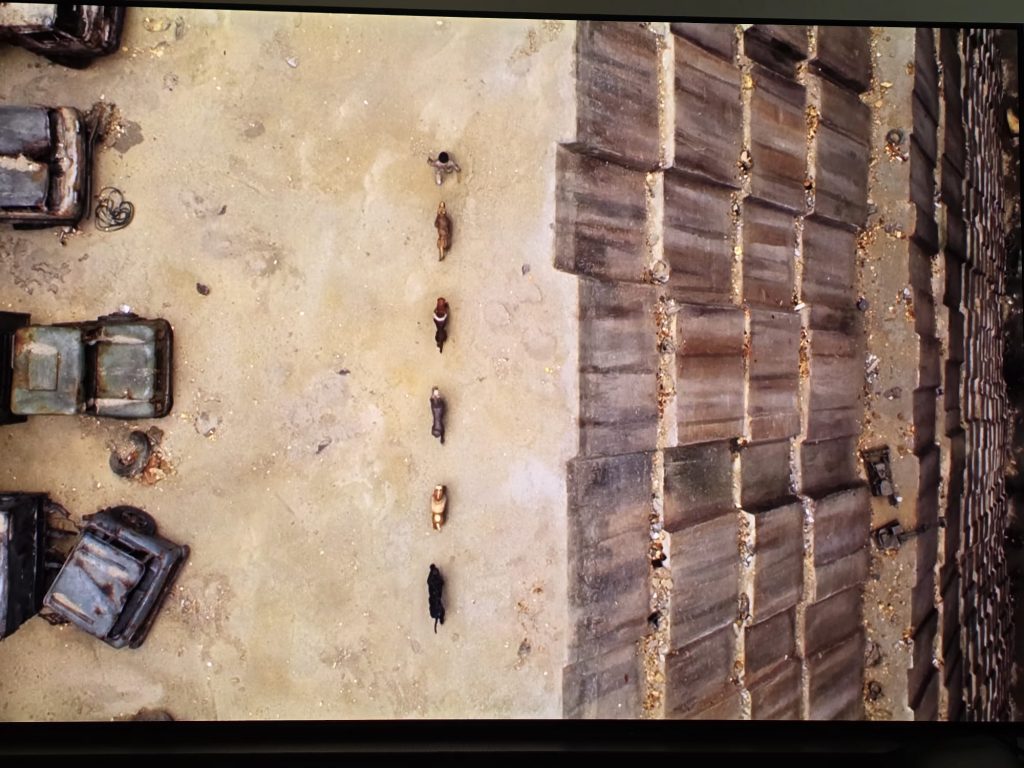
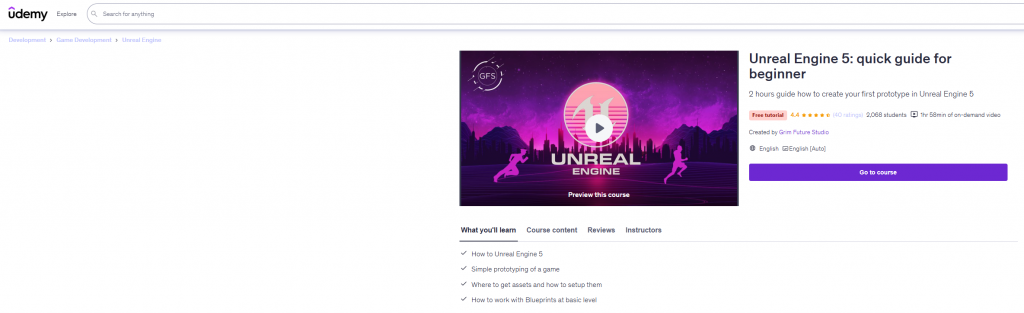
Taking short course for refreshing my knoweledge about UE5
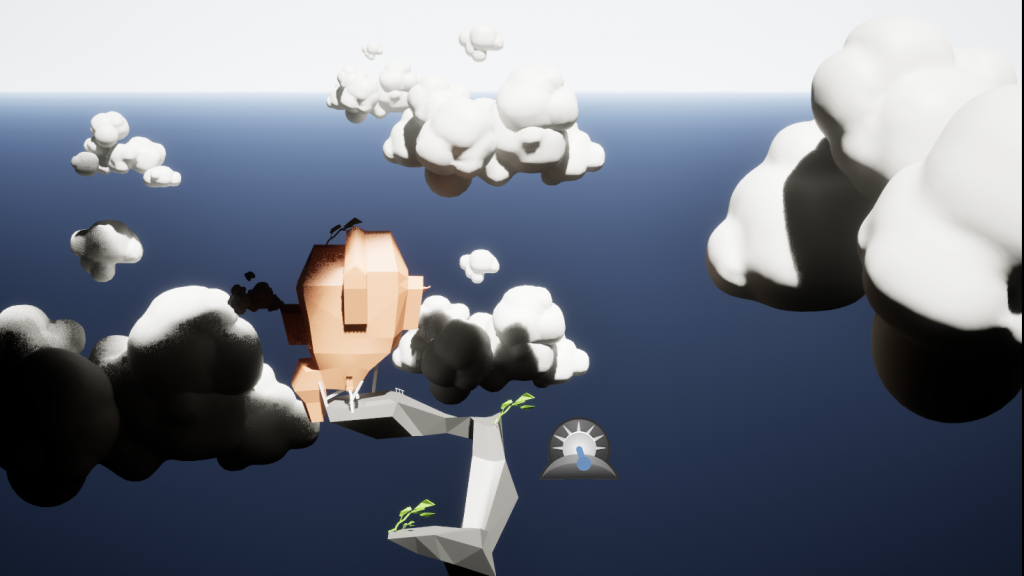
10ish variation of point of view and camera settings. Tried different camera lengths.
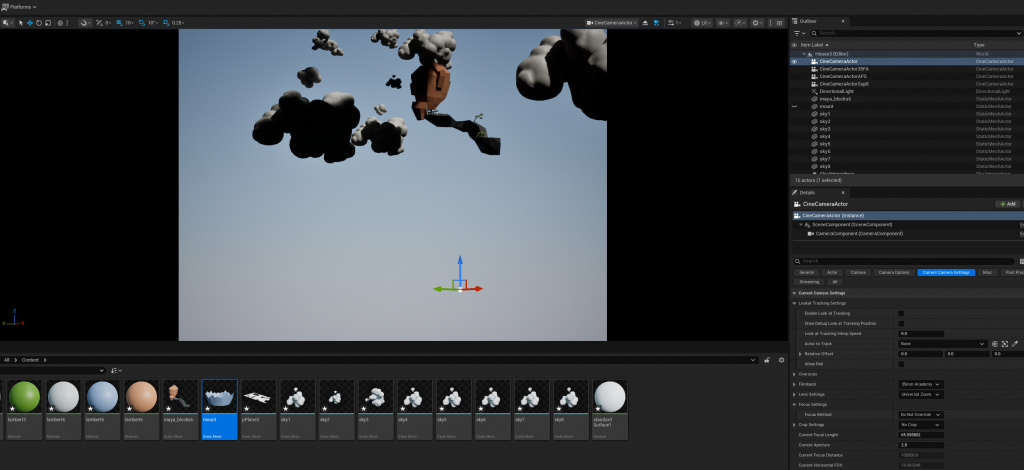
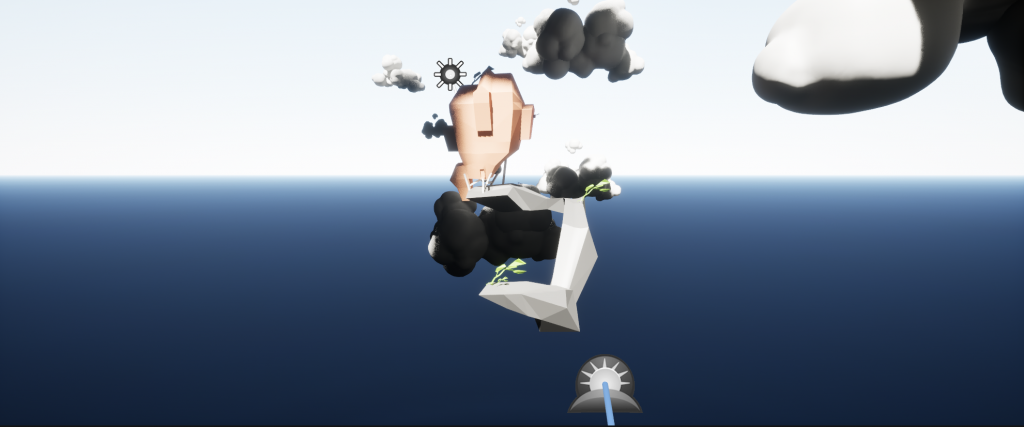
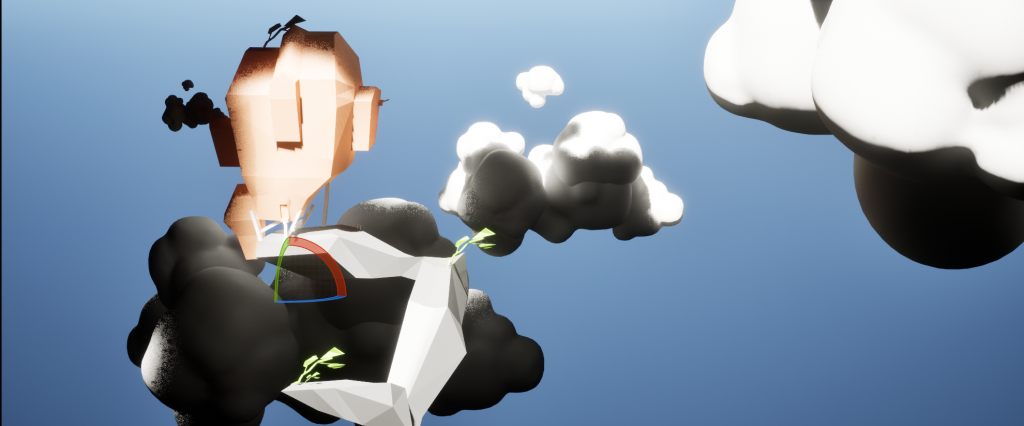
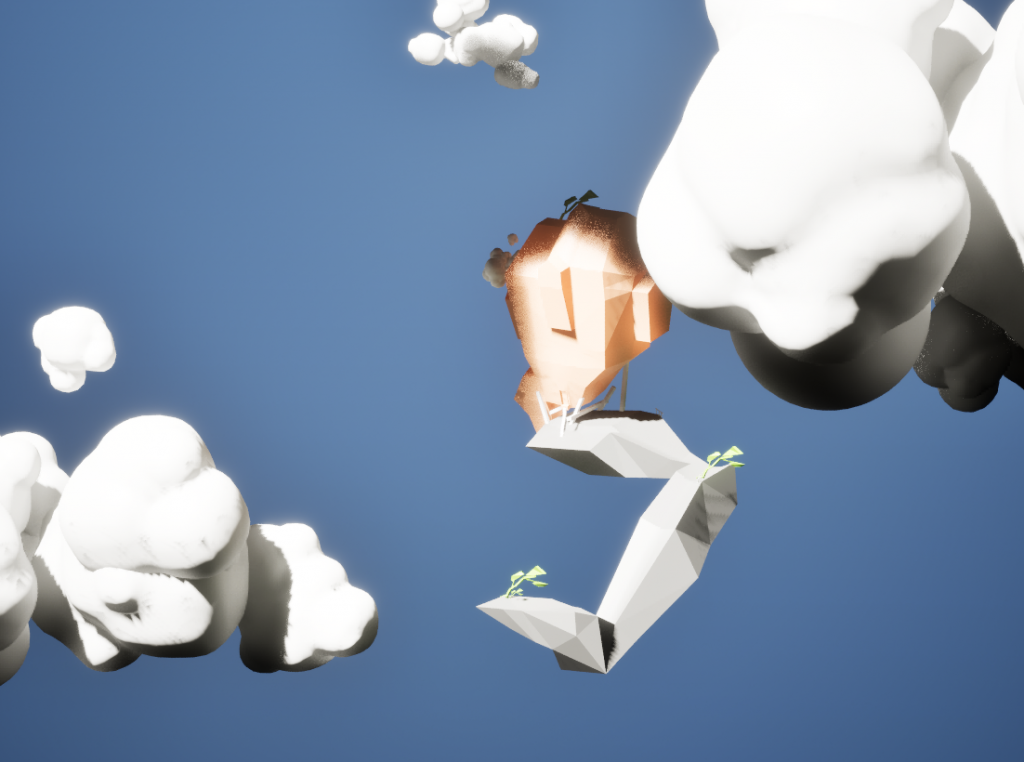
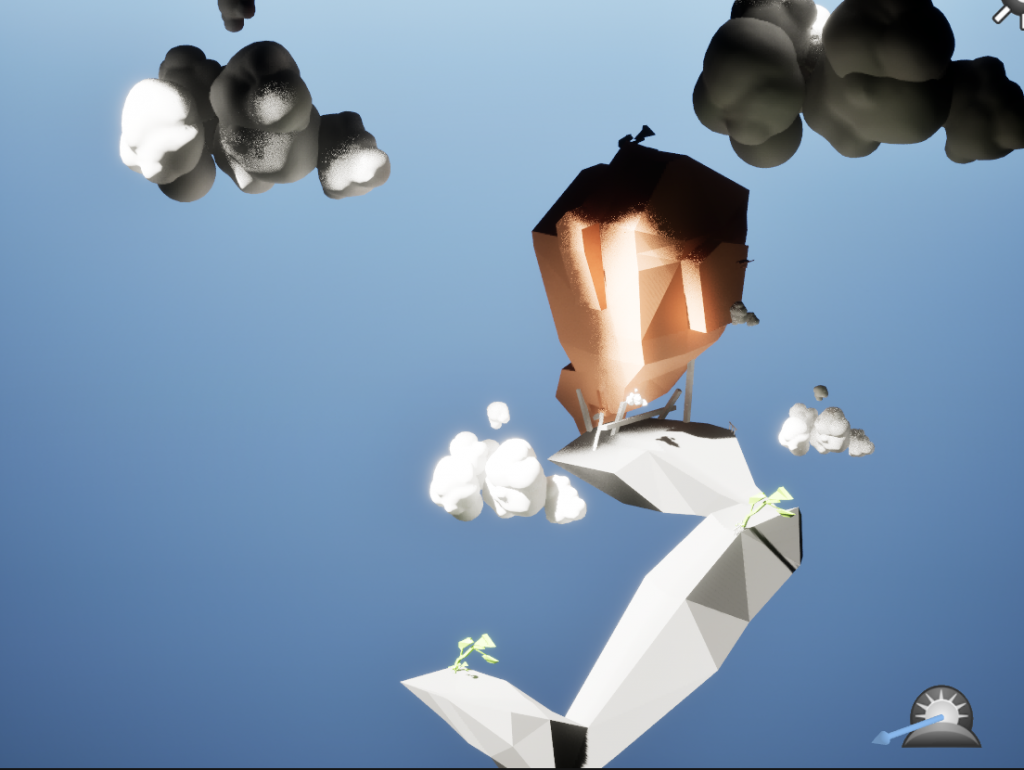
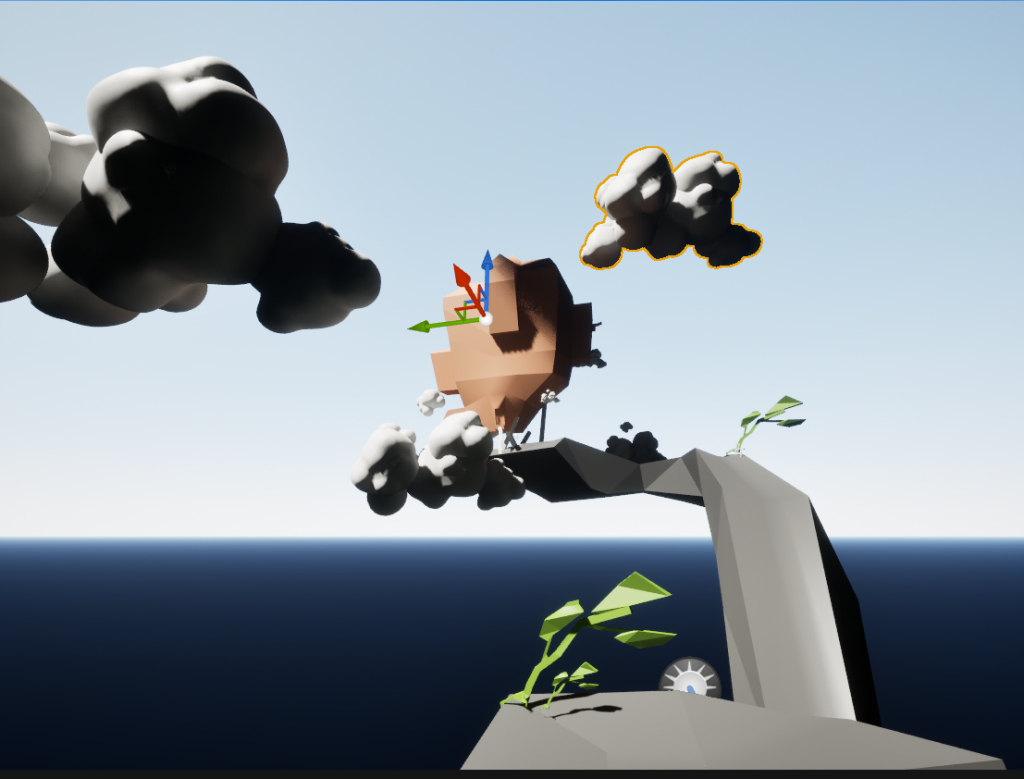
feedback from group member Liam: this frame has clear path which is important for storyteling and visual understanding of how story develops
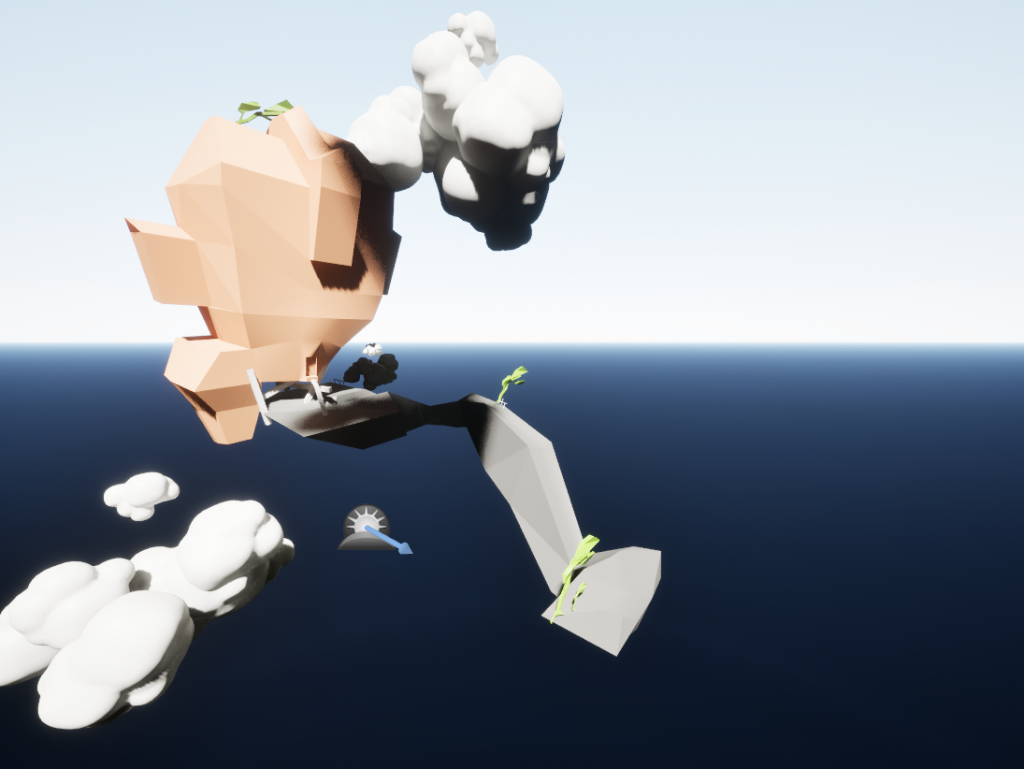
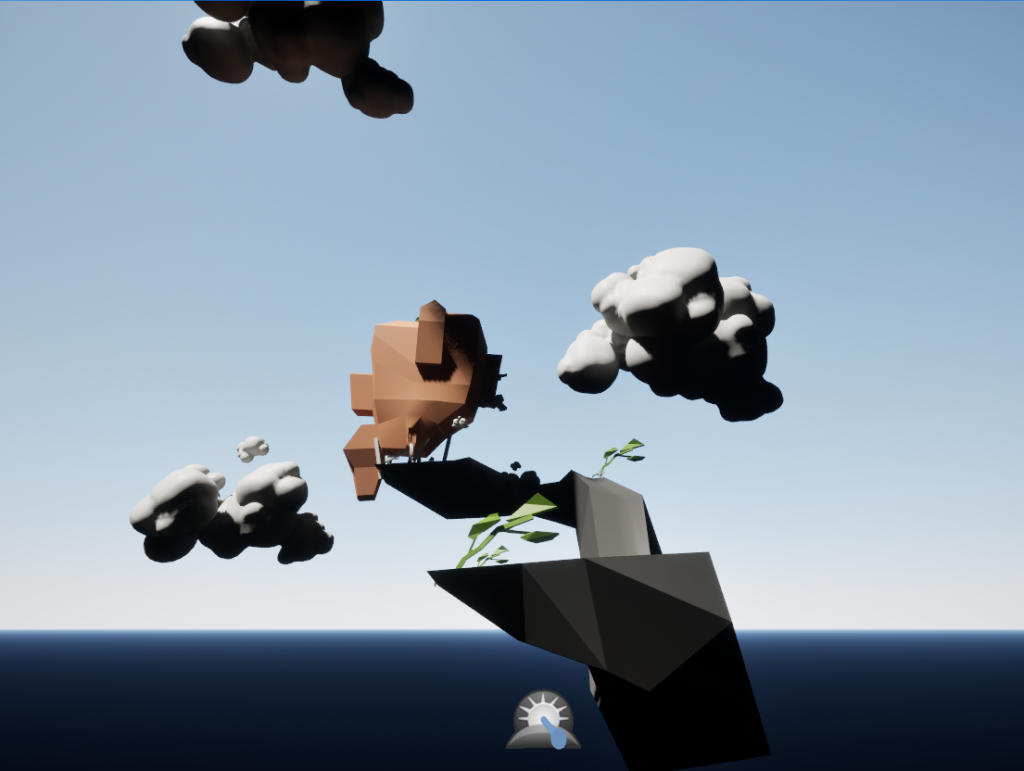
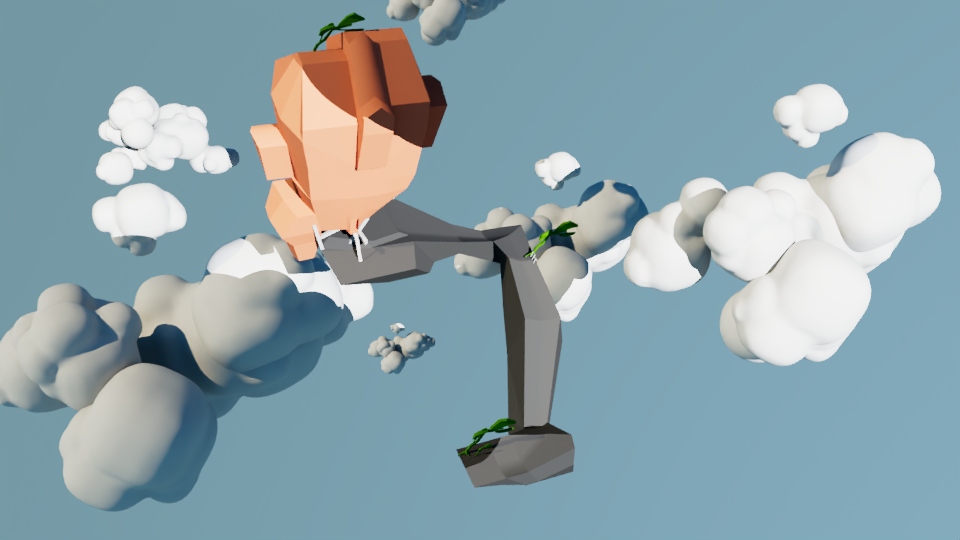
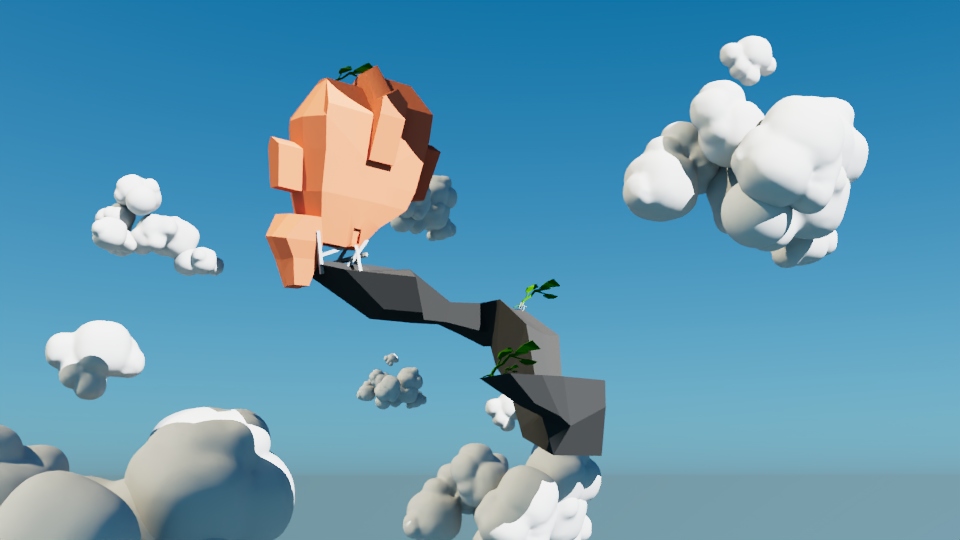
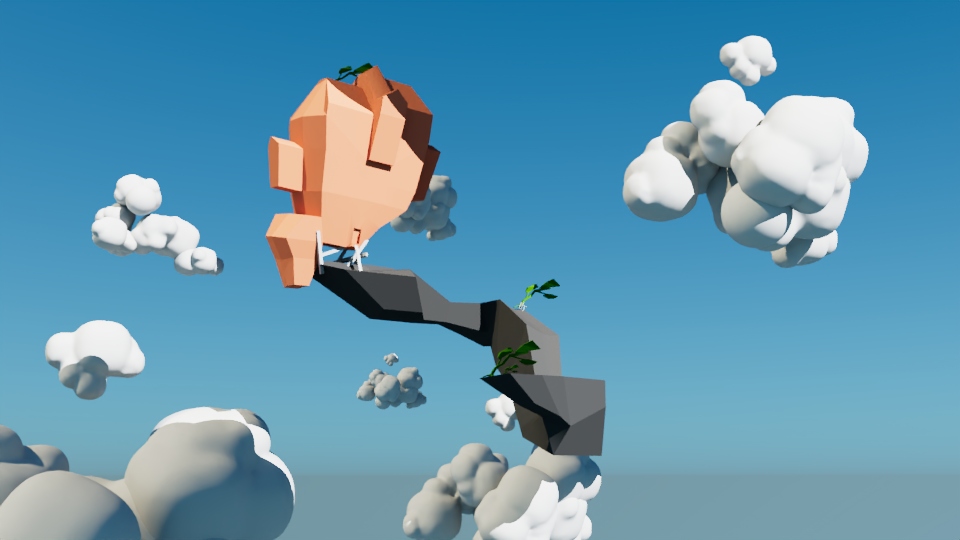
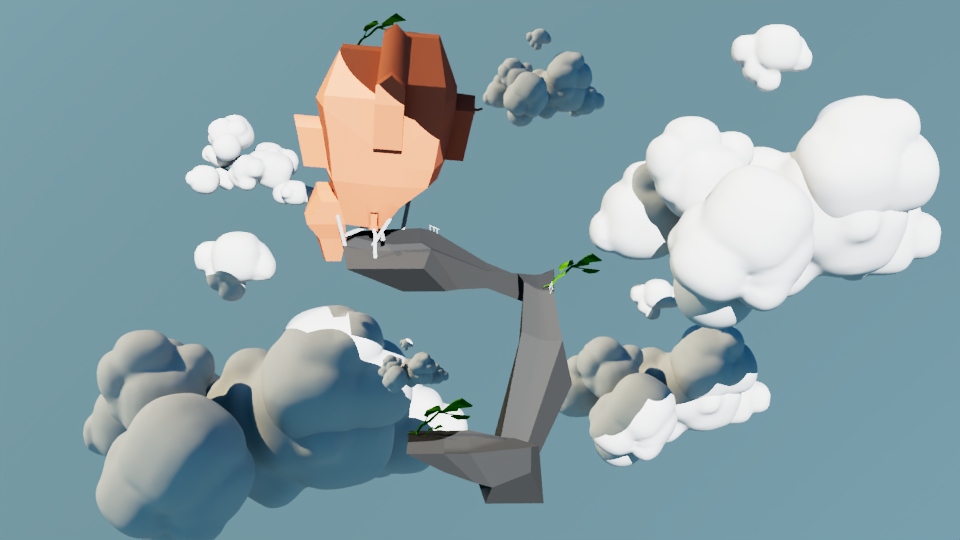
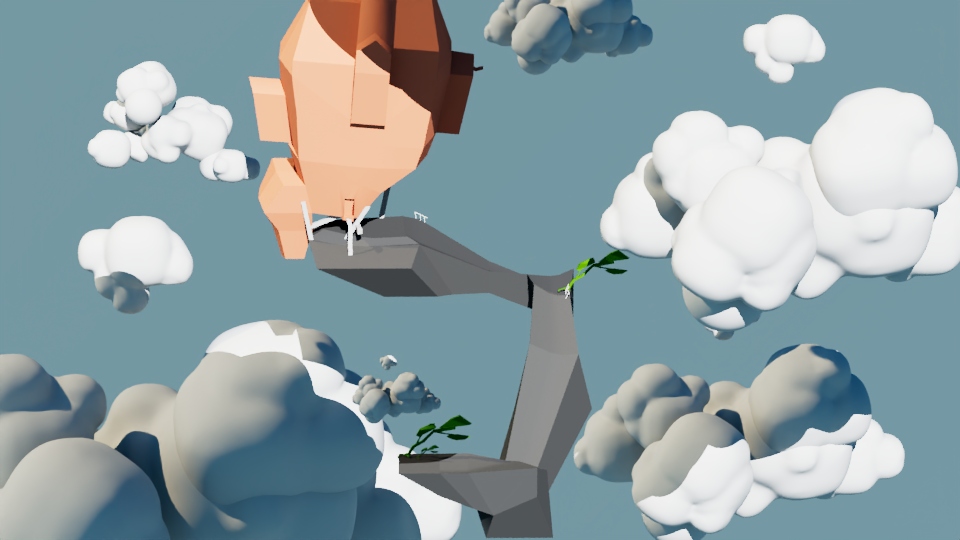
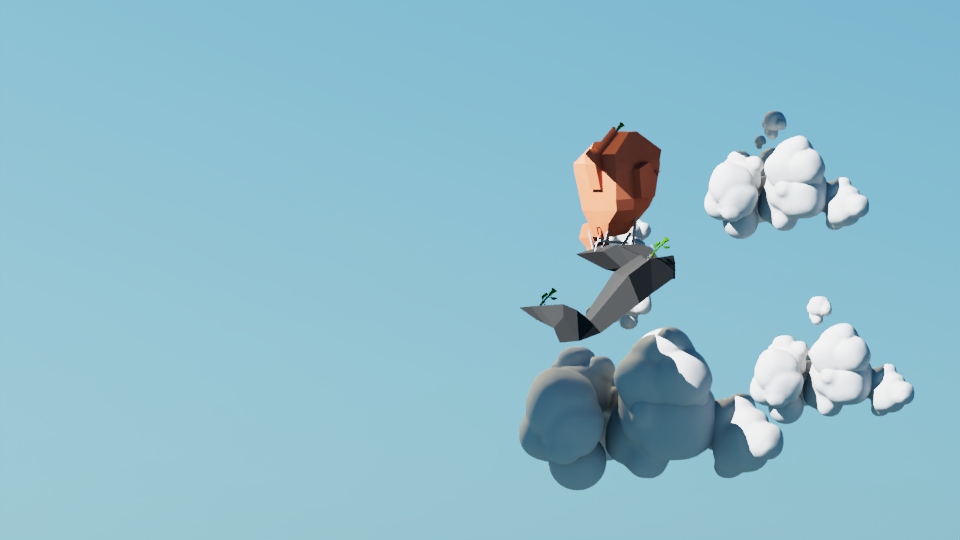
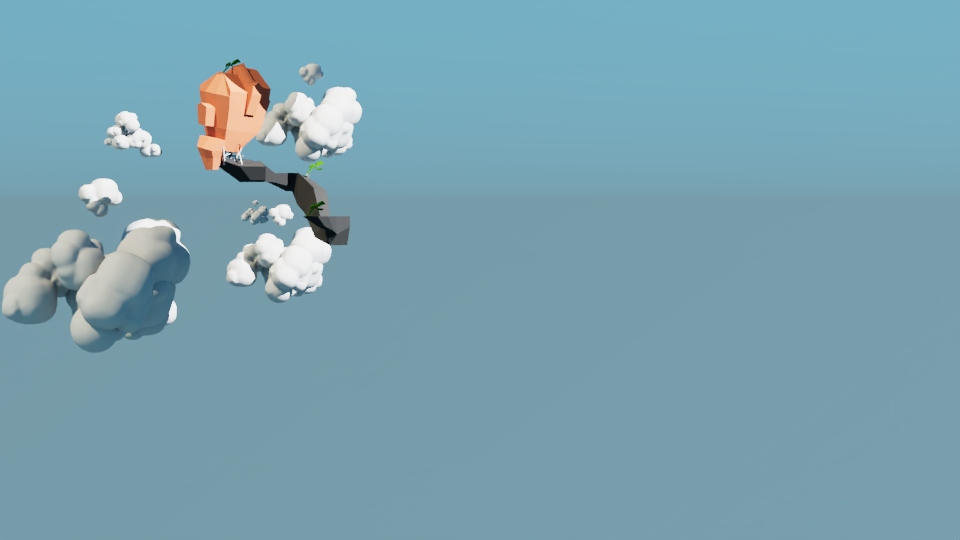
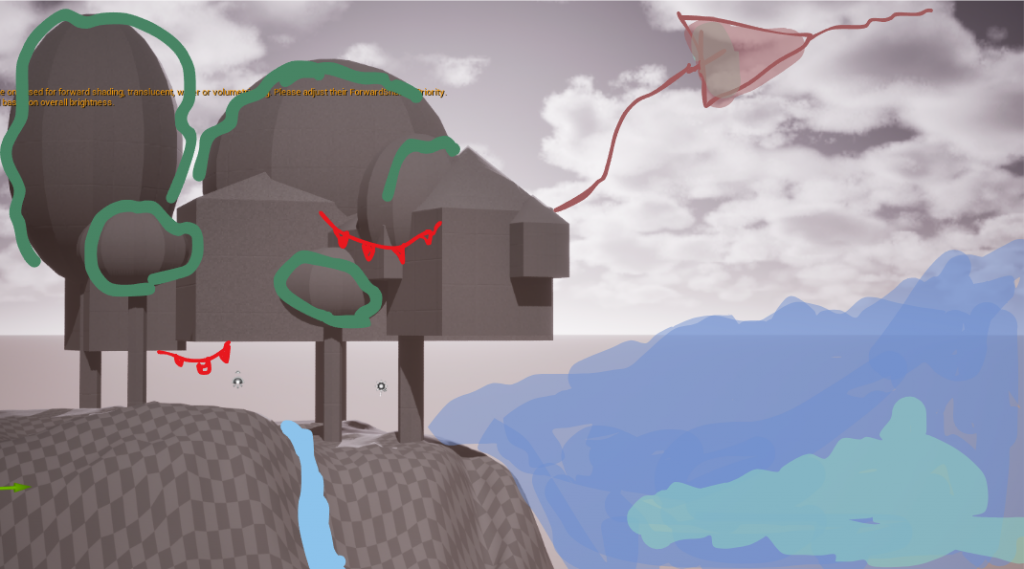
Paintover on the screenshots of blockout for testing ideas for additional elements annd checking the type of composition
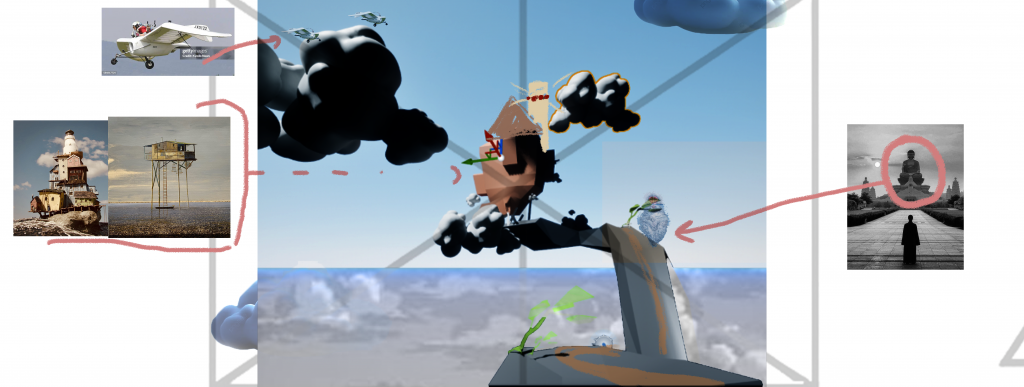
Joshua’s feedback: Houses built into trees – consider scope! Low poly village would be fine, but focus your composition!
Great contrast, super punchy
Almost collage – keep that feeling!
Consider shaders for your painted look – inks!
In UE – consider cutouts to comp
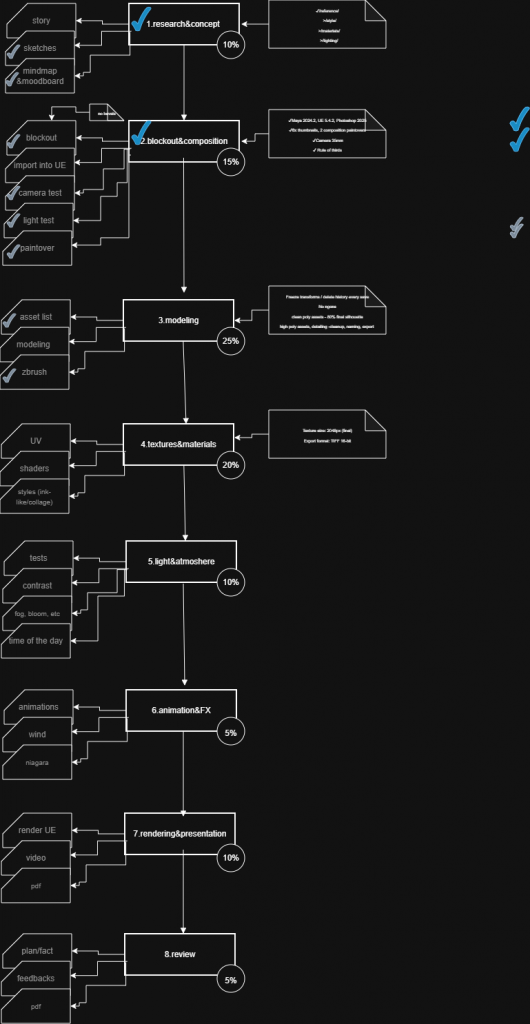
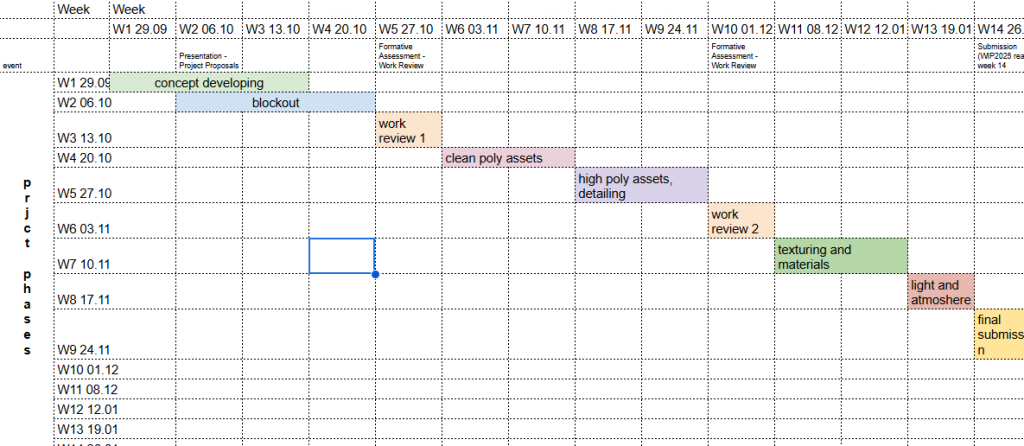
Gantt chart!
Choose your comp this week! Lock in camera!
I’m narrowing my focus by breaking down my scene into three key compositional elements:
1️⃣ in the foreground: ship dock station,
2⃣ The midground — The principal bigger house incorporated right into a tree,
3️⃣ the background — sky and clouds to frame the composition.
This allows me to easily keep my scene readable, sustain this collage-like effect, and devote my attention to composition instead of trying to model so many things.
I will keep the scene simple by adding a low poly version of a village and keep it with this same “collage” feeling instead of going for lots of poly detail. What I aim to do is build up my composition with one strong frame and tell my story. Below is my list for this “collage” effect:
Rather than using full 3D volume for everything, try using planes with parallax for those elements to maintain that paper-like quality.
Try combining hand-painted textures and flat-shaded geometry with brush edges – it’s almost like you’re pasting elements together.
Try working with alpha masks and opacity planes for simulating overlapping papers and paper edges. The themes I will cover for the painted/ink shader effect are:
Unreal Engine’s Post Process Materials with artistic outlines and brush textures.
Cartoon and Ink-style assets found on Unreal Marketplace and Epic’s Stylized projects.
Tutorials on stylized shaders (such as “Stylized Rendering in Unreal Engine” by William Faucher, and “Toon Shader” docs on Unreal Engine).
I will experiment with material layering to create ink wash effects such as light diffuse, grain, and uneven opacity.
Concerning “cutouts to comp”, I will
Use flat 2D cutout planes for distant or background layers in UE.
These can then be treated like components to be arranged in depth (Z layers) for enhancing the collage effect.
Use a few tests with ortho and fixed cameras to identify which composition is the most graphic.
I have already done my Gantt chart, and I will keep updating it every time significant changes occur, especially when I lock down my camera positions and composition this coming week.
???? In short:
Next Steps:
Locke camera and key composition shot.
Geometría simple → casas baja polia y árboles en forma de
Add shader tests for ink/paper effect.
Use UE parallax/cut out effects to add depth. Update Gantt Timeline with any Scoping or Milestone Changes.
In short:
Next steps:
Lock camera and key composition shot.
Simplify geometry → low-poly houses + tree base forms.
Build shader tests for ink/paper look.
Experiment with UE parallax/cutouts to maintain collage depth.
Update Gantt timeline with any scope or milestone changes.
research
Deep Dive: How to achieve the cozy papercraft style of Paper Cut Mansion https://www.gamedeveloper.com/art/deep-dive-how-paper-cut-mansion-was-made
2D Game Art Styles: The Ultimate Guide https://3d-ace.com/blog/2d-game-art-styles-the-ultimate-guide
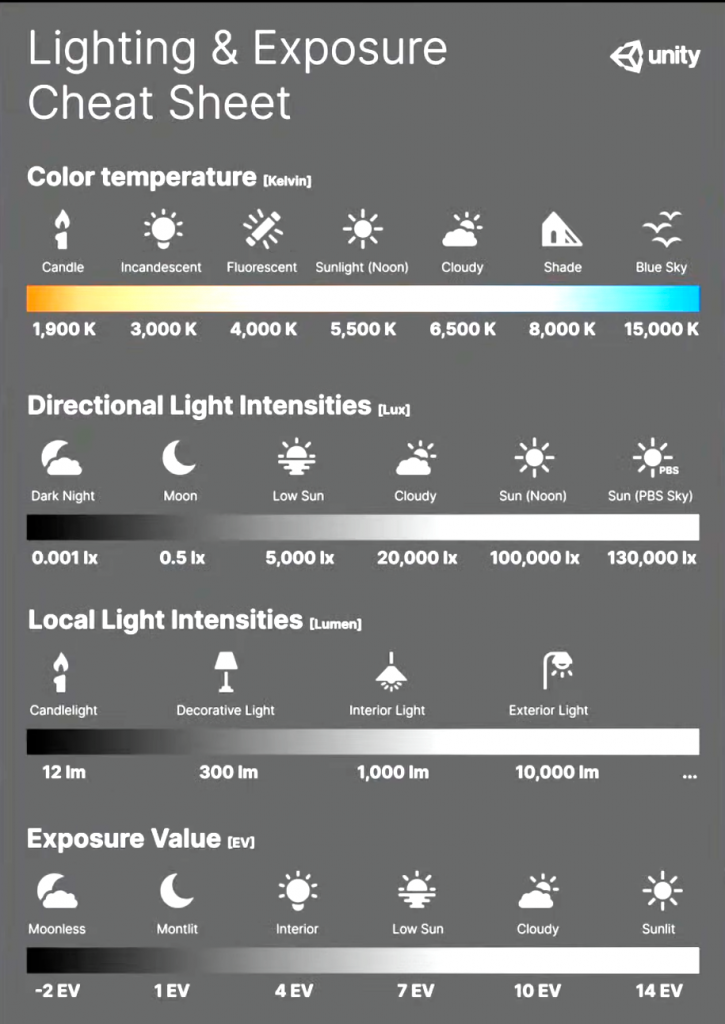
A guide to Screen-Space Halftones, Cel Shading and Toon Shading for post processing in Unreal Engine 4.20.3 https://www.artstation.com/blogs/martinwiddowson/2Kpy/a-guide-to-screen-space-halftones-cel-shading-and-toon-shading-for-post-processing-in-unreal-engine-4203
Refractive Index Chart for Common Materials
| Material | State | Refractive Index (n) |
|---|---|---|
| Vacuum | Gas (theoretical) | 1.0000 |
| Air | Gas | 1.0003 |
| Water (at 20°C) | Liquid | 1.333 |
| Ice | Solid | 1.31 |
| Ethanol (ethyl alcohol) | Liquid | 1.36 |
| Acetone | Liquid | 1.36 |
| Teflon (Polytetrafluoroethylene) | Solid (Plastic) | 1.35–1.38 |
| Glycerol (Glycerin) | Liquid | 1.473 |
| Fused Quartz (pure glass) | Solid | 1.46 |
| Acrylic Glass (PMMA) | Solid (Plastic) | 1.49 |
| Window Glass (Plate Glass) | Solid | 1.52 |
| Sodium Chloride (table salt) | Solid | 1.544 |
| Polycarbonate | Solid (Plastic) | 1.586–1.60 |
| Flint Glass (typical) | Solid | 1.57–1.75 |
| Sapphire | Solid | 1.762–1.778 |
| Cubic Zirconia | Solid | 2.15–2.18 |
| Diamond | Solid | 2.417–2.42 |
| Silicon | Solid | 3.42–3.48 |
| Germanium | Solid | 4.05–4.1 |
TEXTURES-MATERIALS
stouns
bricks
plaster
wood
roof tile
paint
tile
glass
tree bark
twigs
leaves
flowers
rocks
road bricks
moss
grass
clouds
fire
cloth
friday prjct/ kitbash
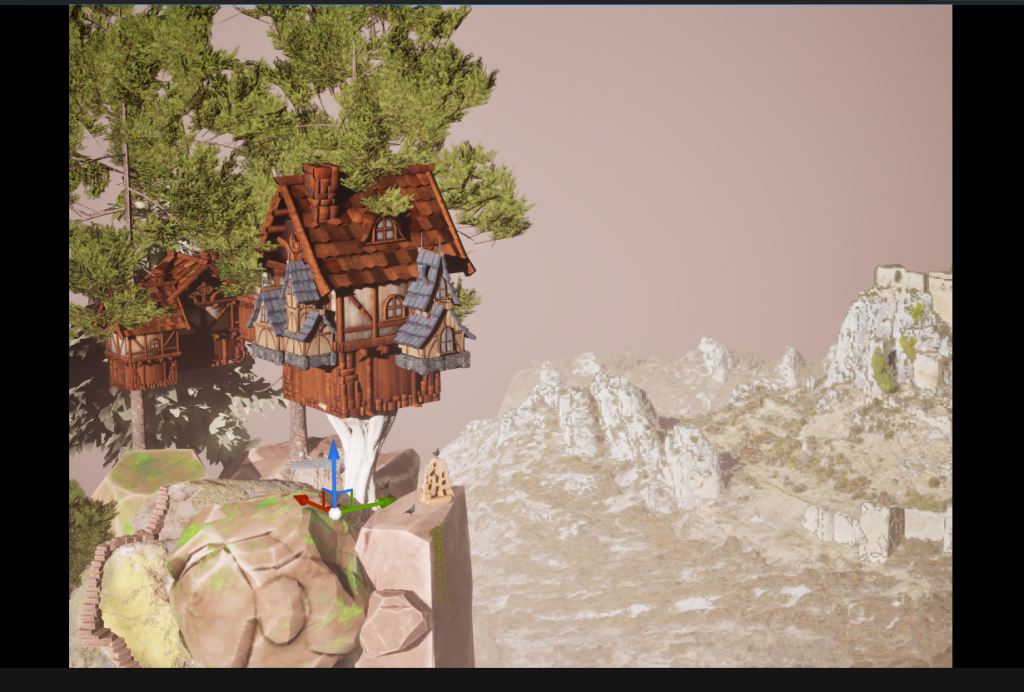
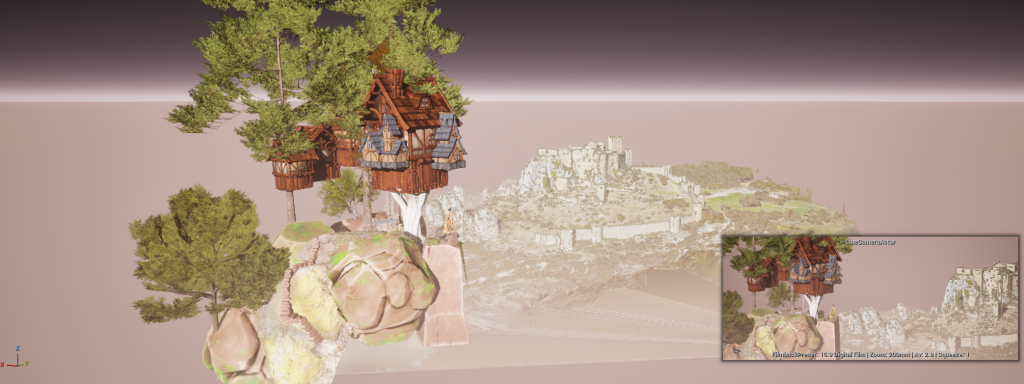
ASSET LIST
main building 14
two buildings by the main house 9
trees (3 types) 15
hot air baloon 7
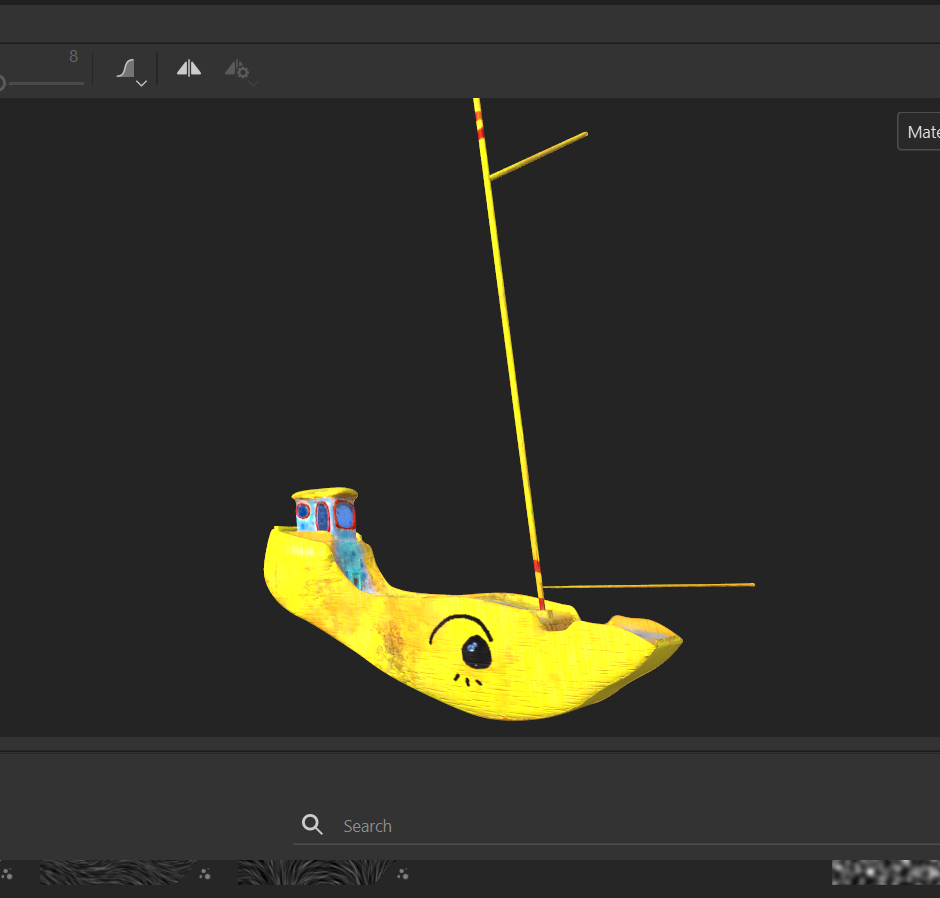
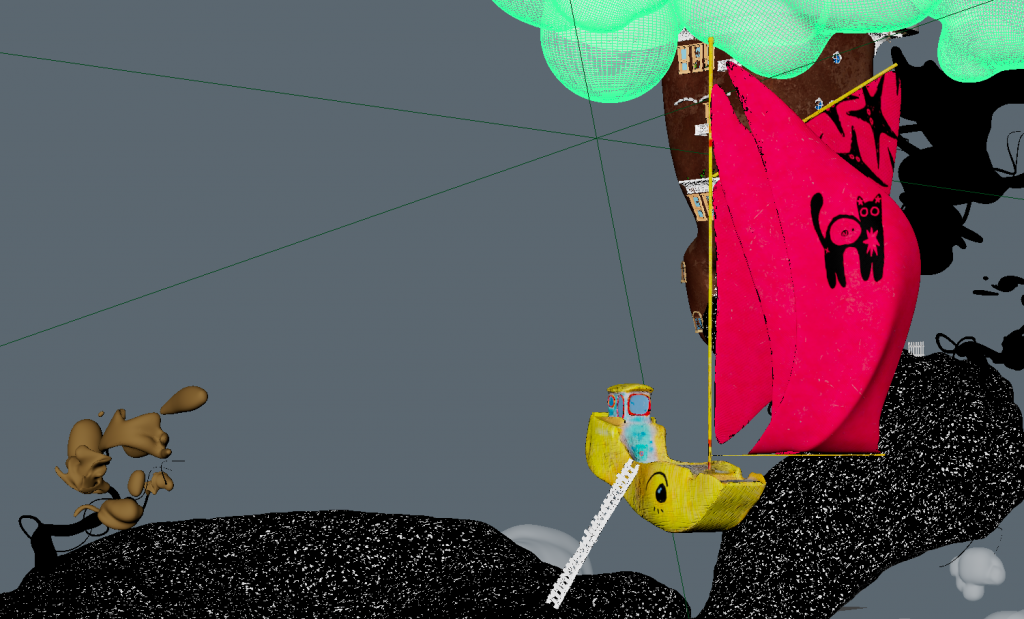
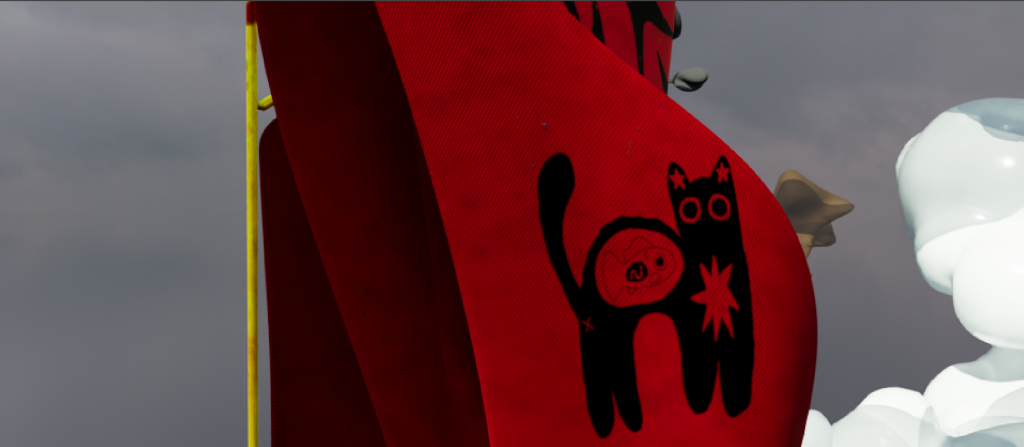
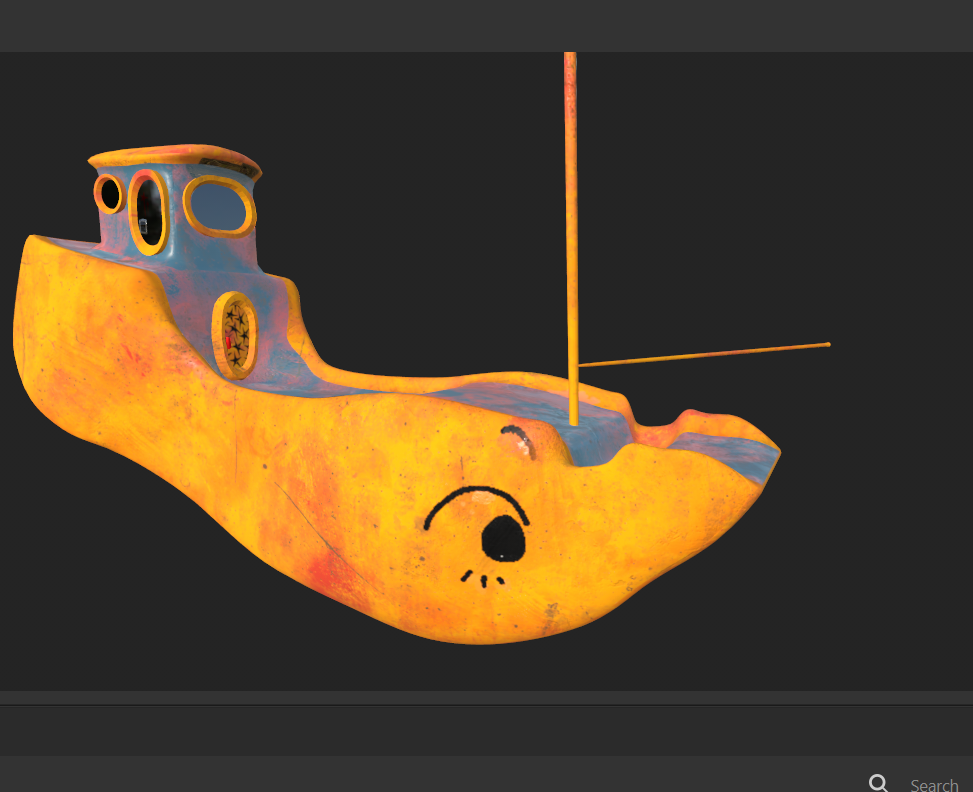
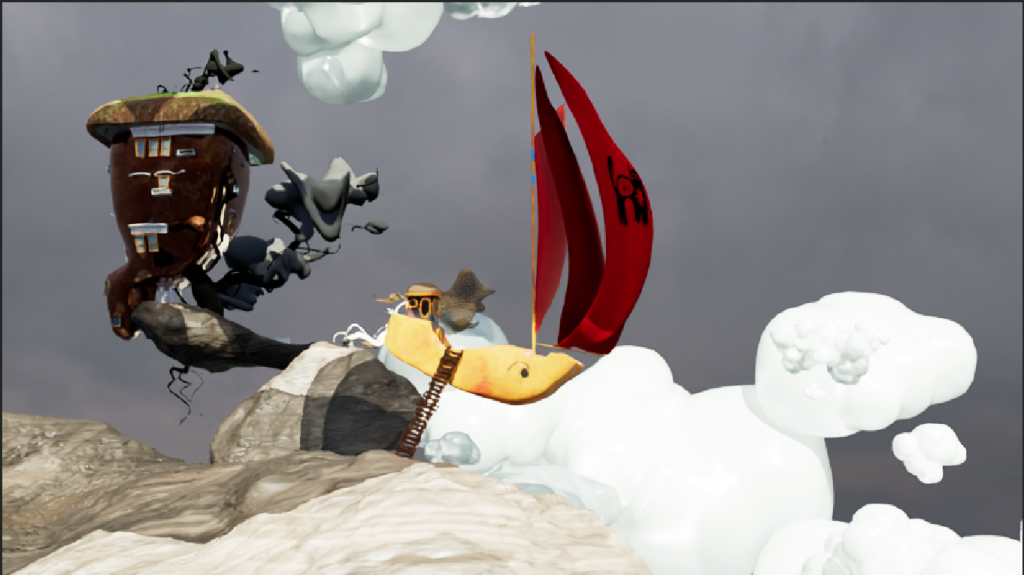
flying boat 8
stones (5 versions) 8
bushes (5 versions) 8
windows ( 7 types) 15
doors (4 types) 12
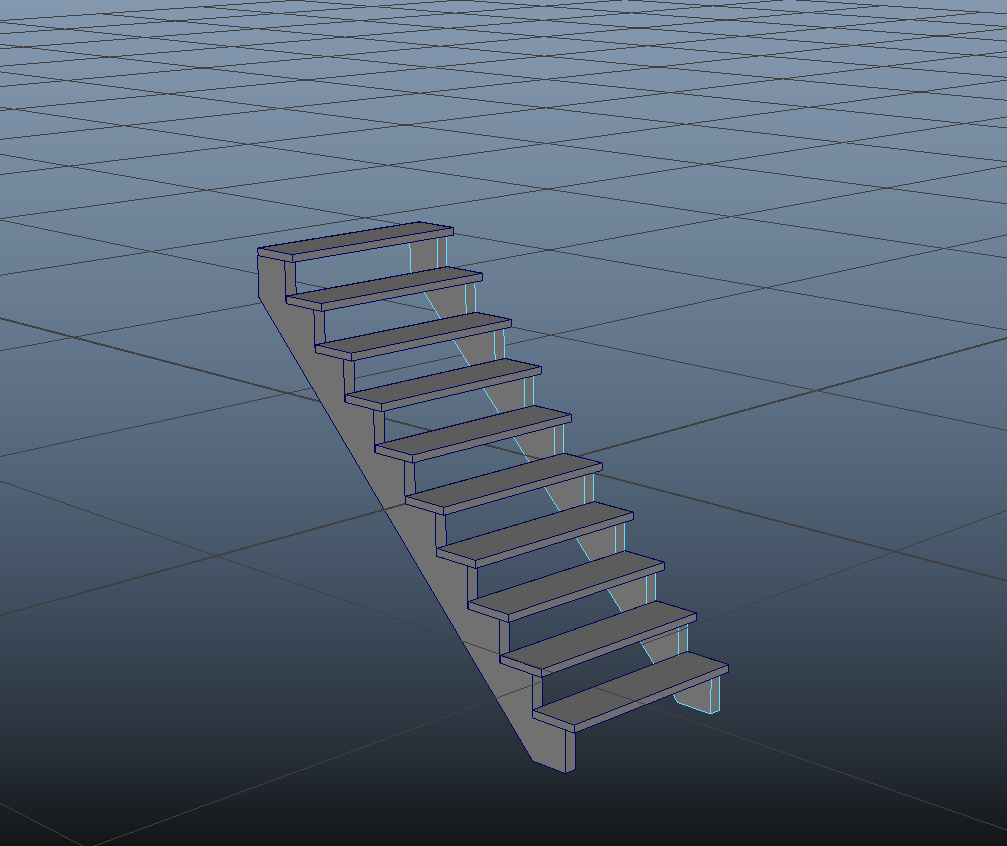
steps (stairs), ladders (5 versions) 14
furniture ( 5 items) 20
roof types ( 5 versions) 20
monuments (decor pieces) (5 versions) 20
?total 150
SWOT
Strengths – good skills in traditional art and storytelling, can express through visuals without using words. Good eye for lightning, composition.
weaknesses – low tech skills at software. rendering might be affected by the limitations of the hardware. Finding the right balance among ideas complexity, time and tech scope.
opportunities – take online courses (software, light, animation, storytelling). help from tutors with specific areas (animation, render, shaders). project can be used in portfolio. oportunity to work with group members.
treats – deadlines keep from experementations. tech problems may call delays. overreaching the ambitions.
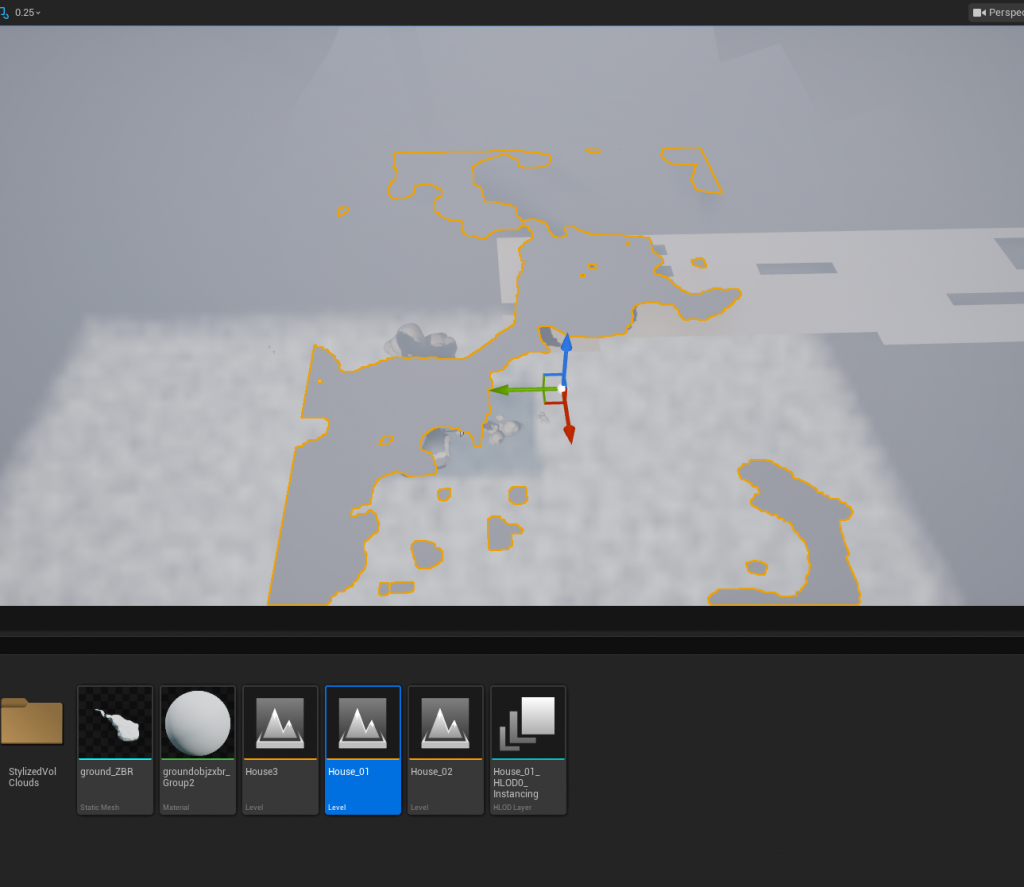
Adding details to my rock/ground piece.
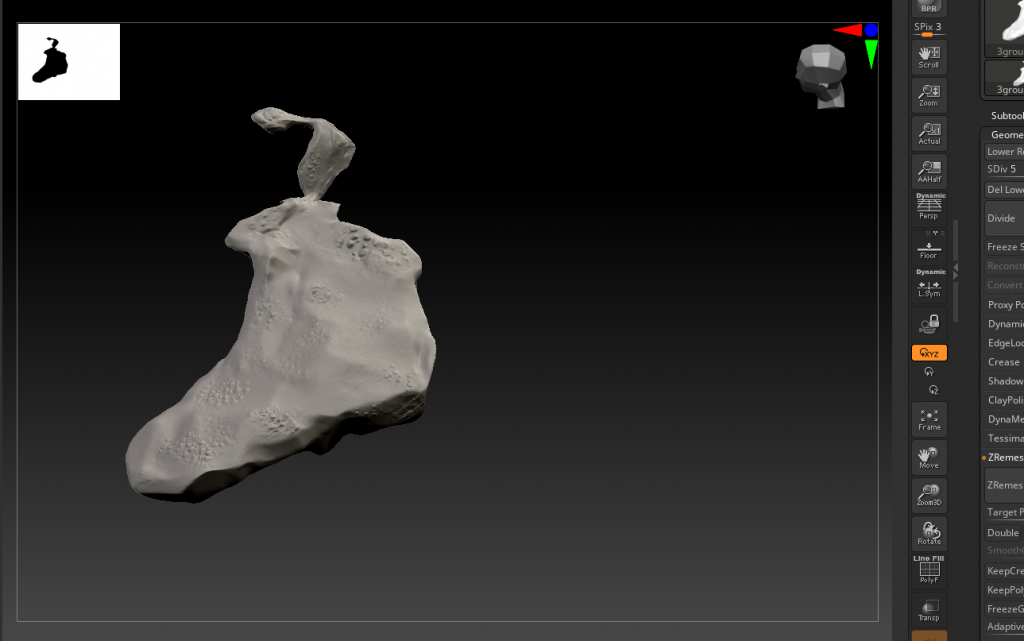
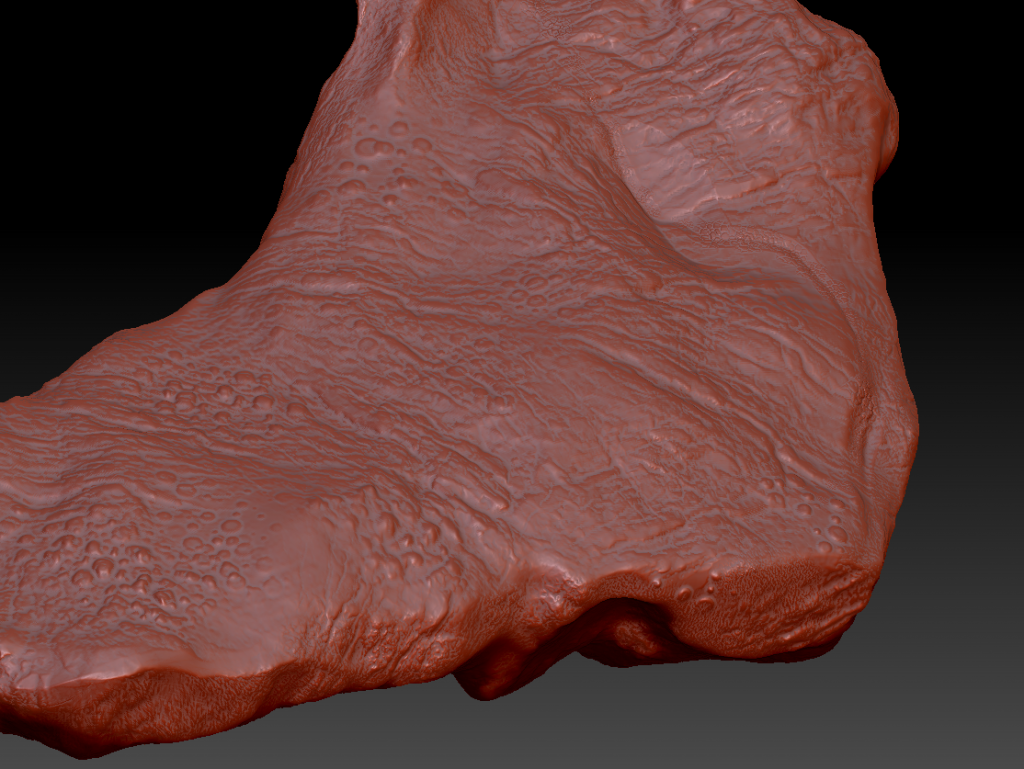
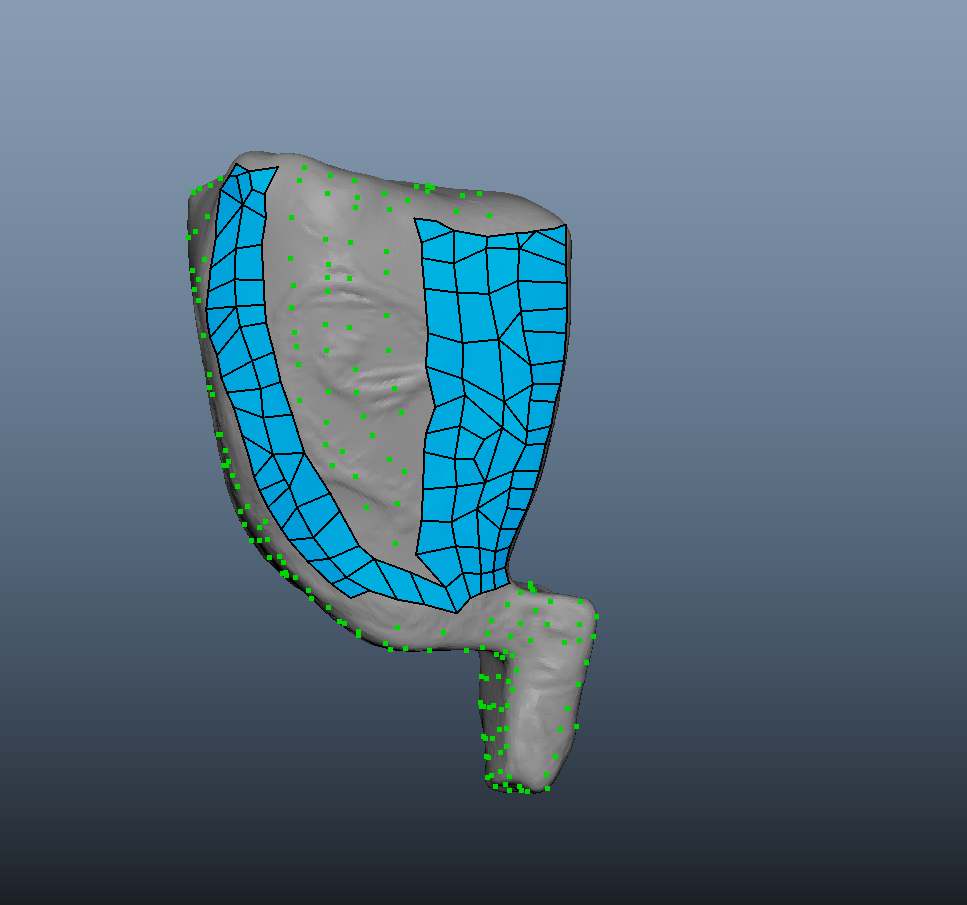
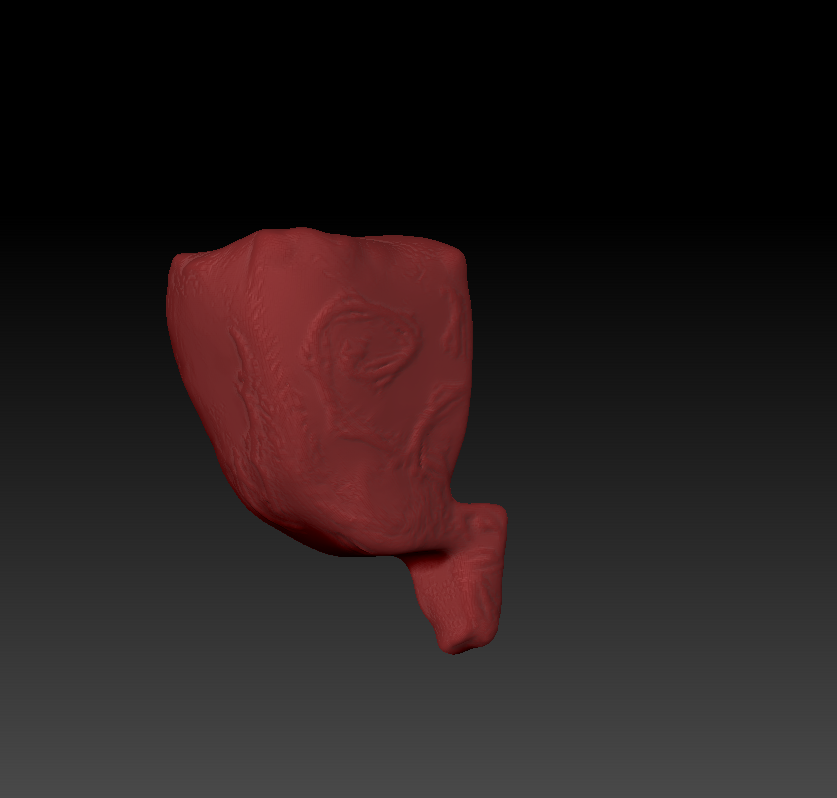
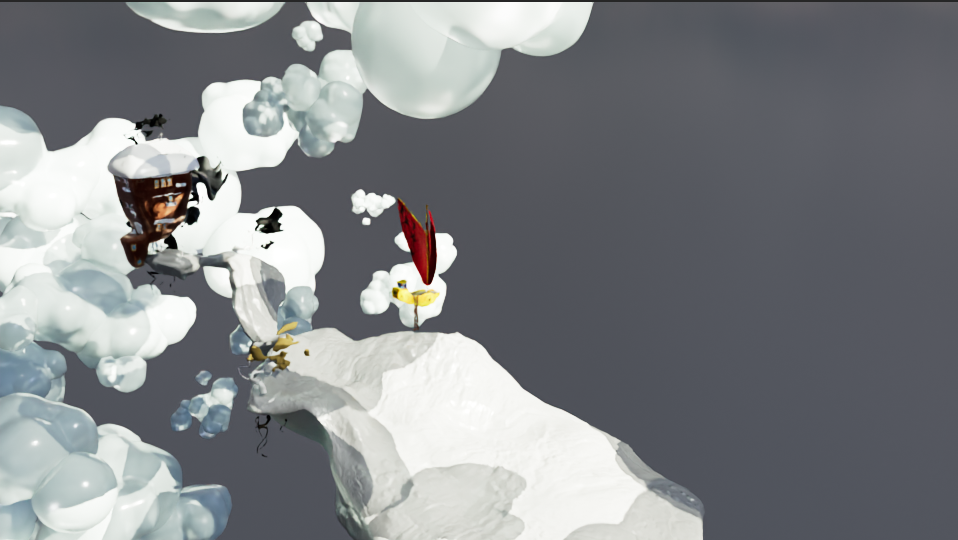
As per Mike’s feedback, I then exported the ground model from Maya to ZBrush to improve upon detail and structure. This resulted in a high polycount model. At this stage, it is important to note that the model had been triangulated. This makes it difficult to work with if one wishes to add detail with tools like ZBrush.
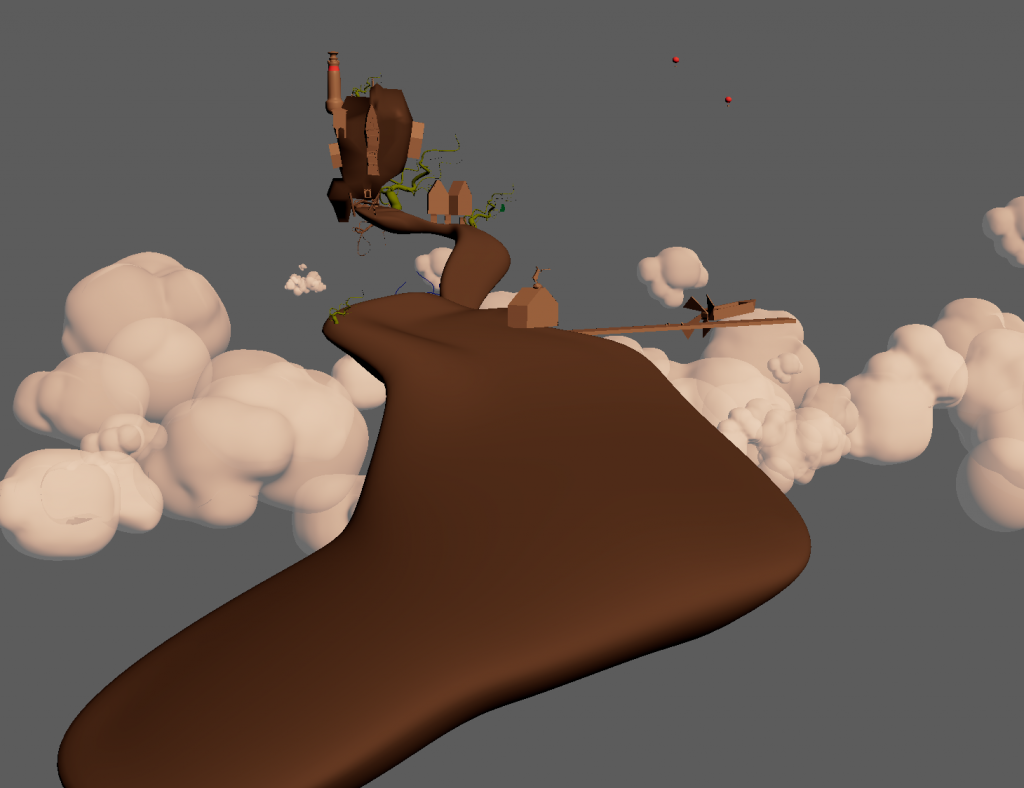
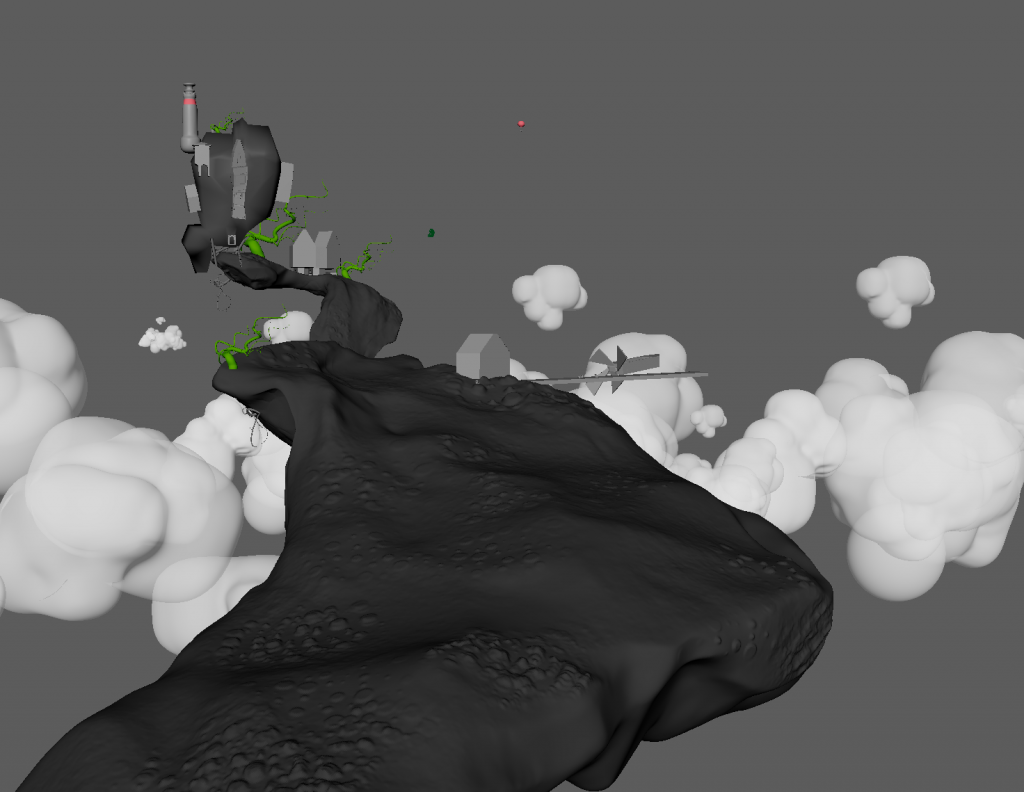
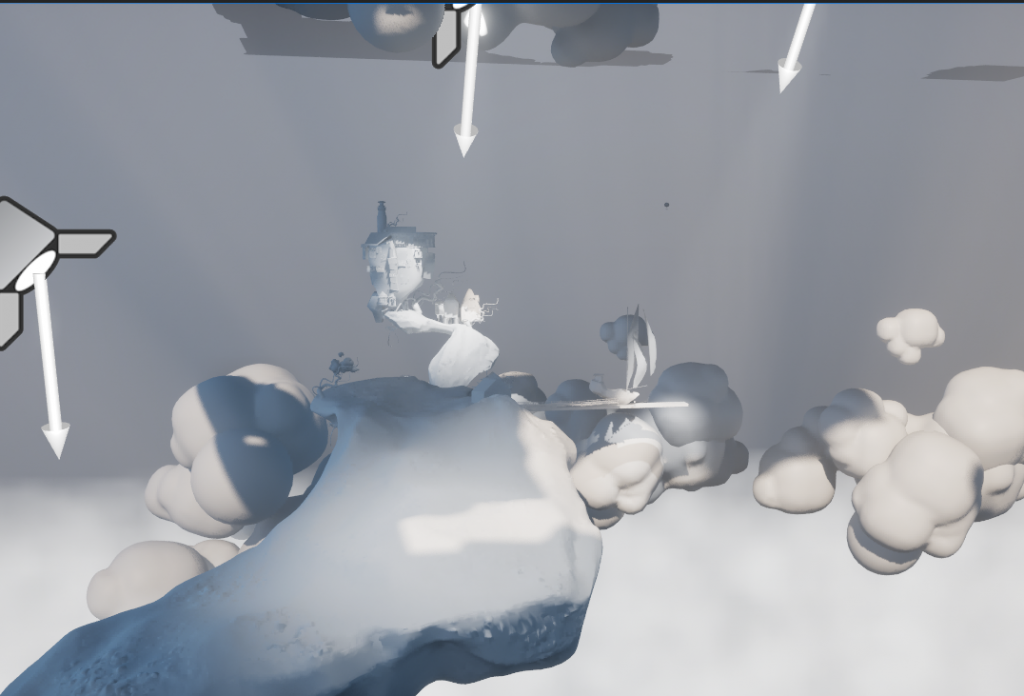
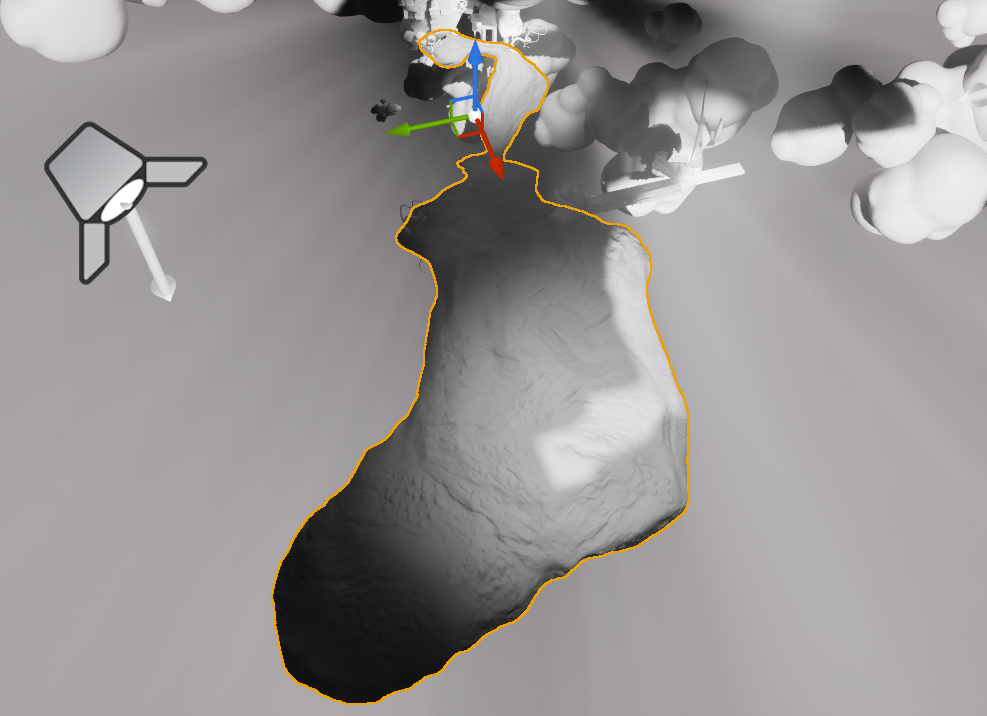
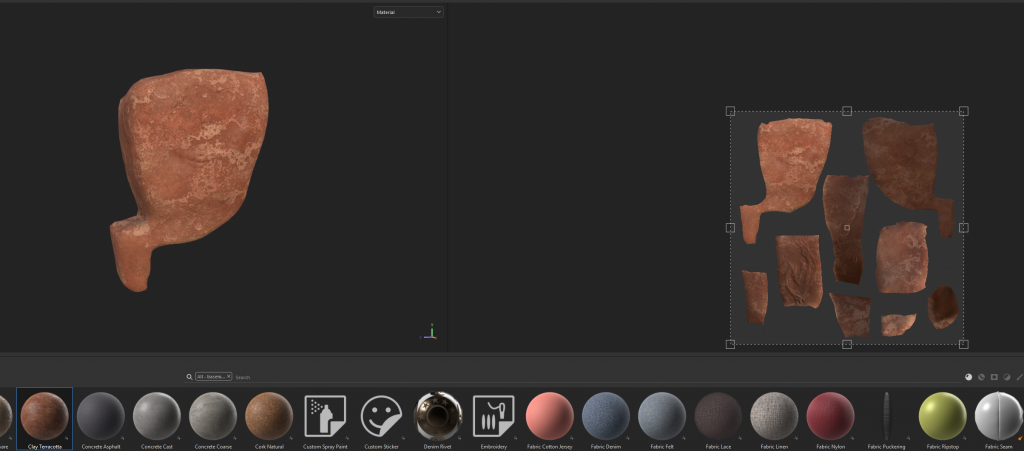
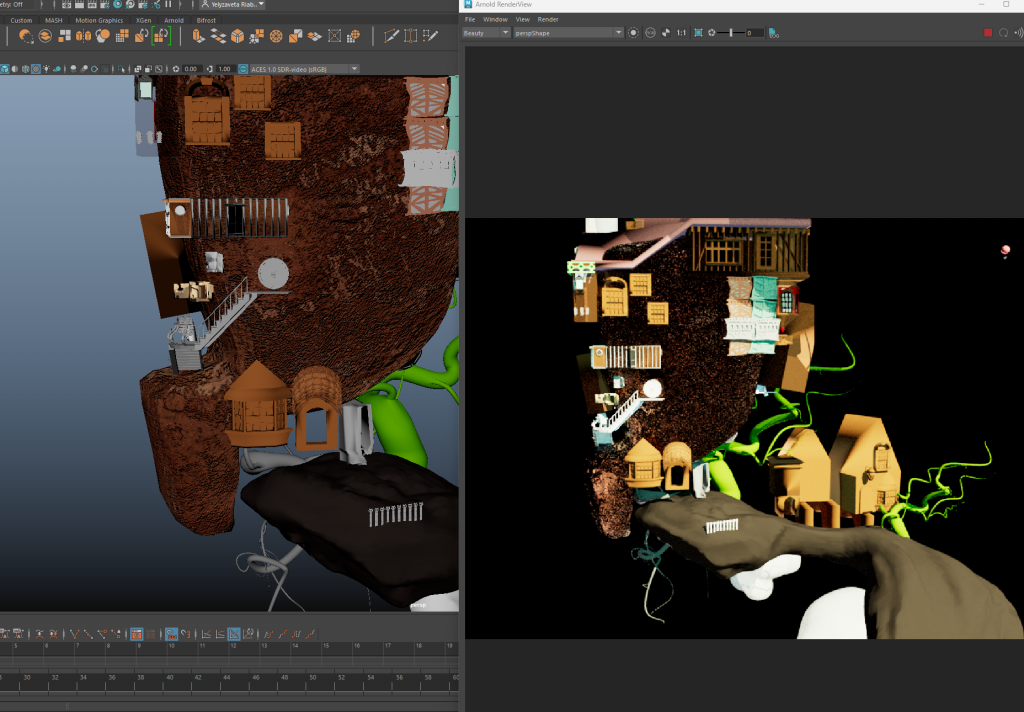
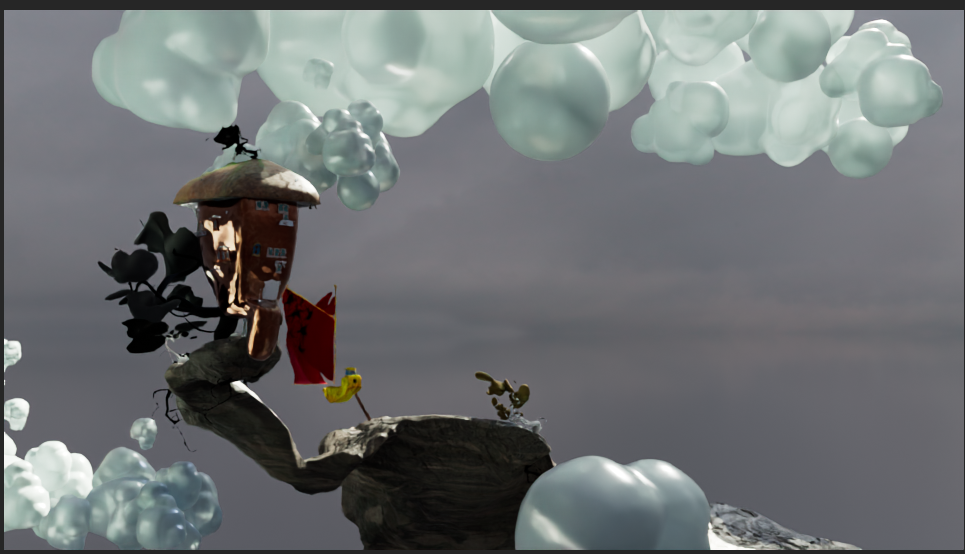
After working on the sculpture, I re-inserted the model with the changes made back into Maya to see how well it goes with the scene.
ZBrush before/after
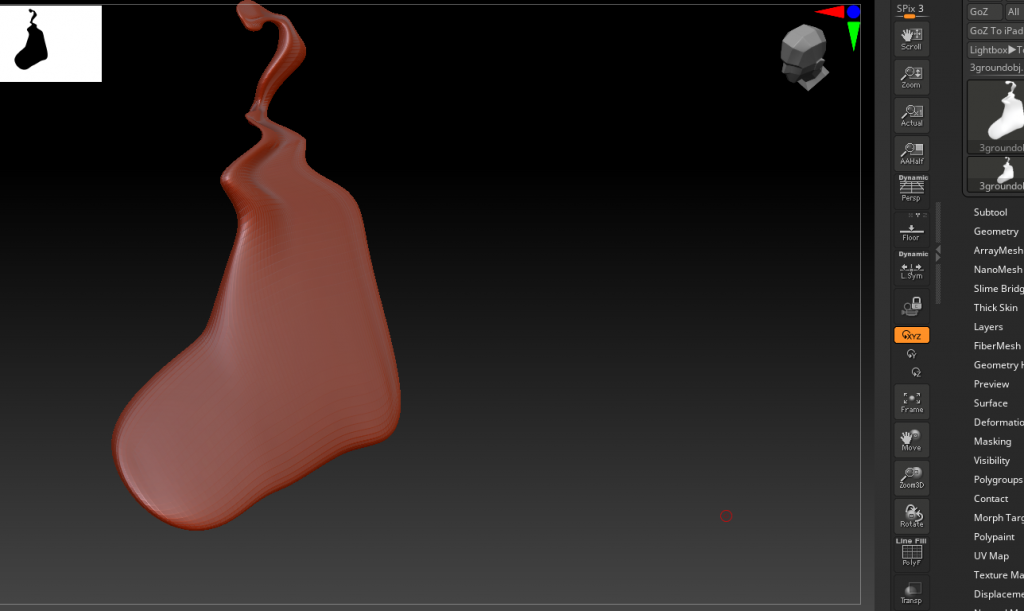
Maya before/after
BAKING TEST
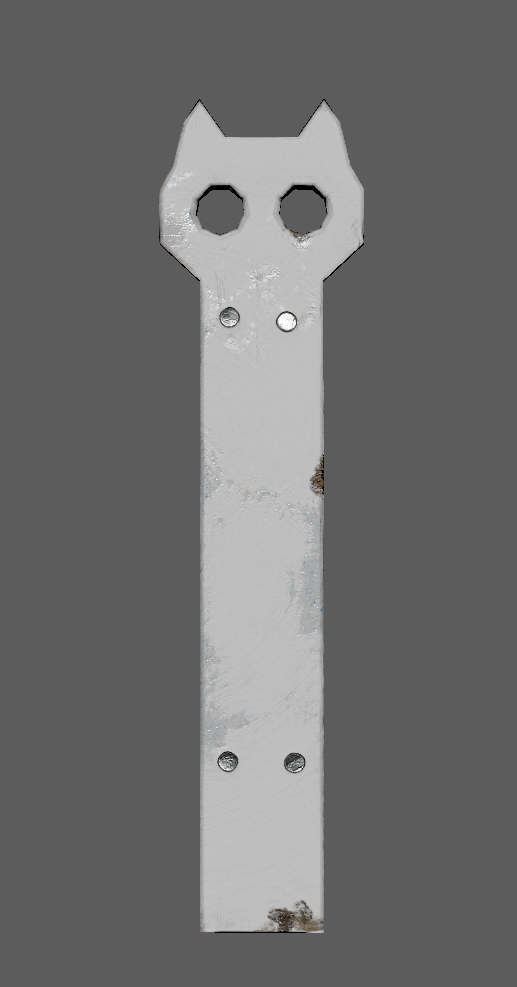
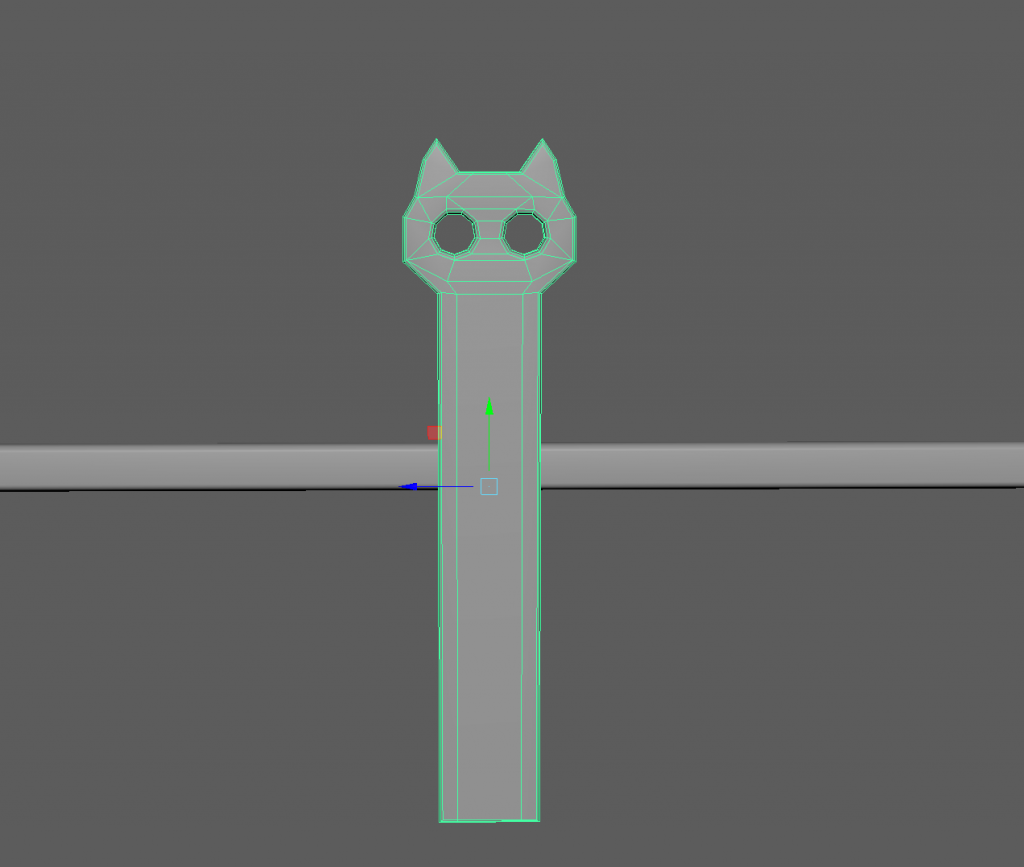
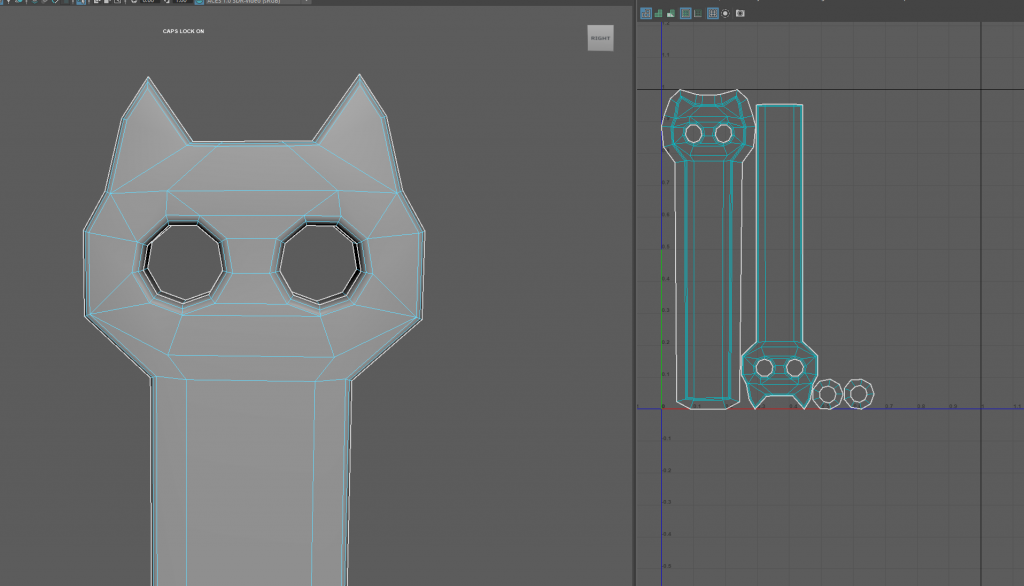
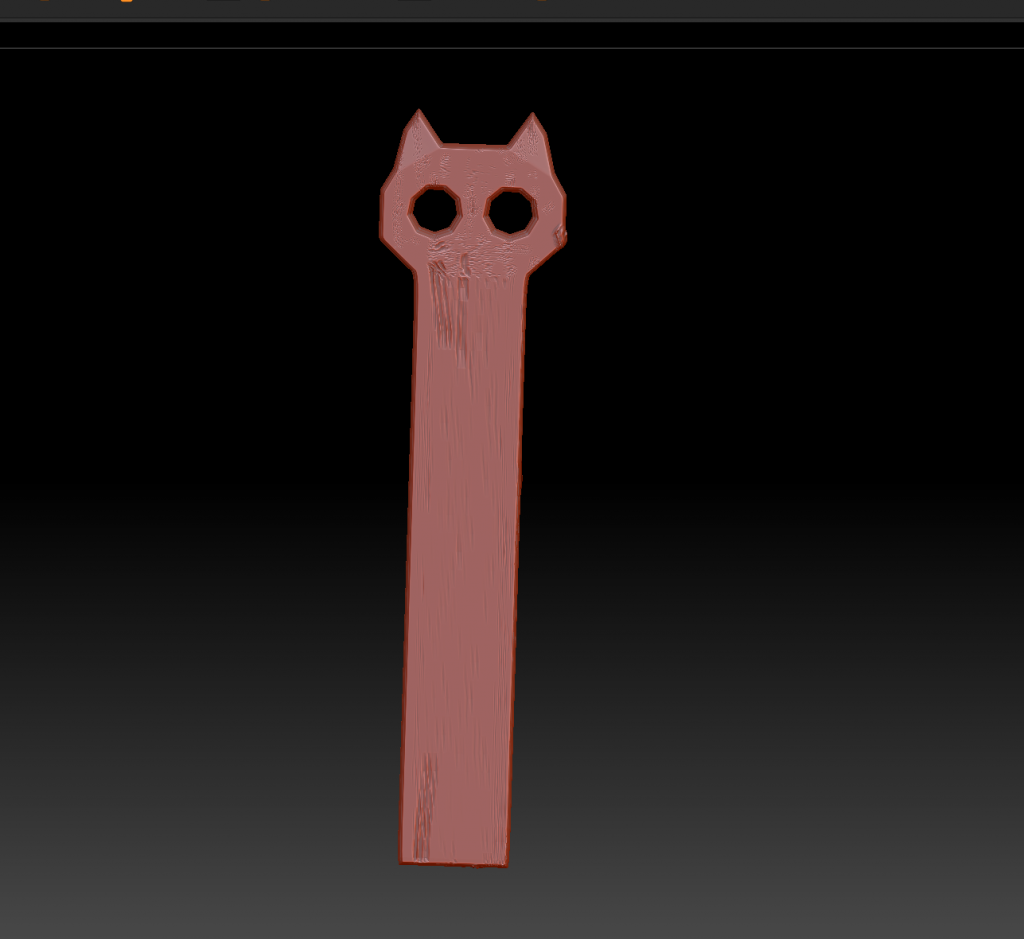
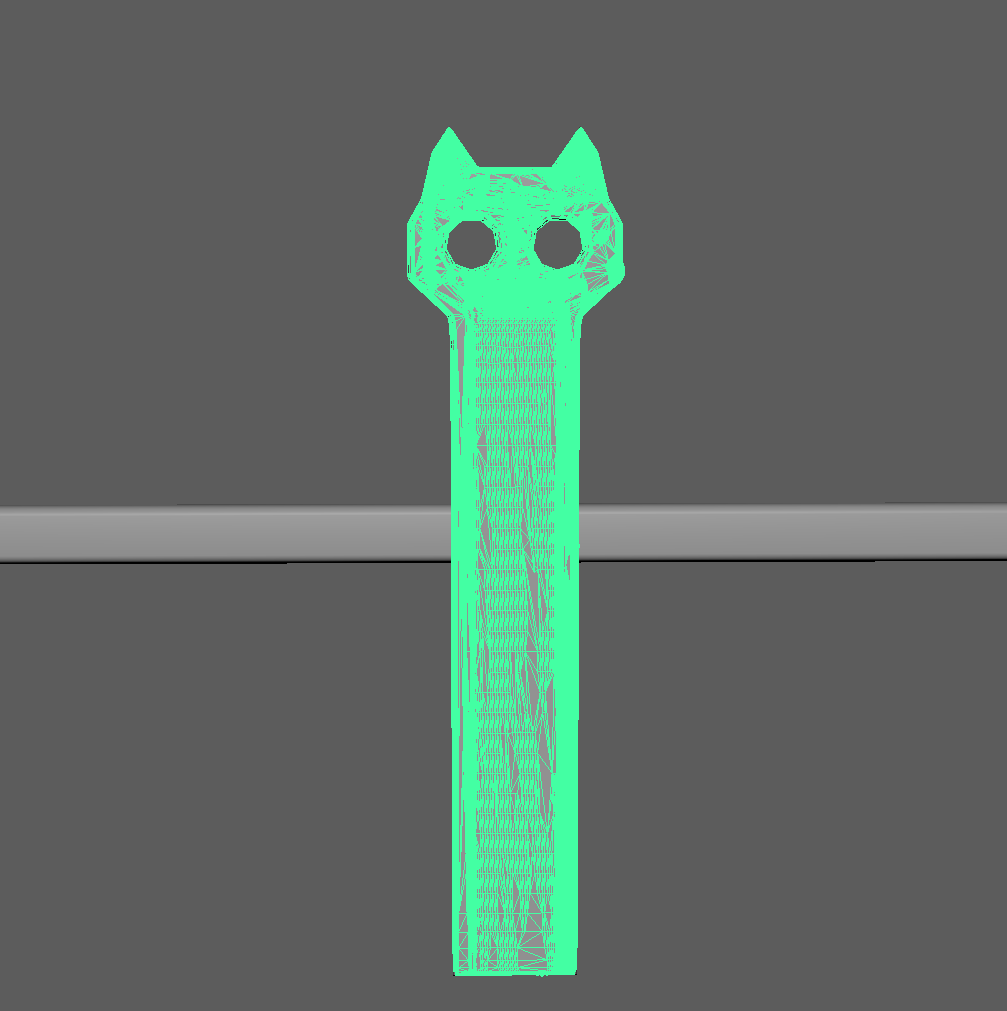
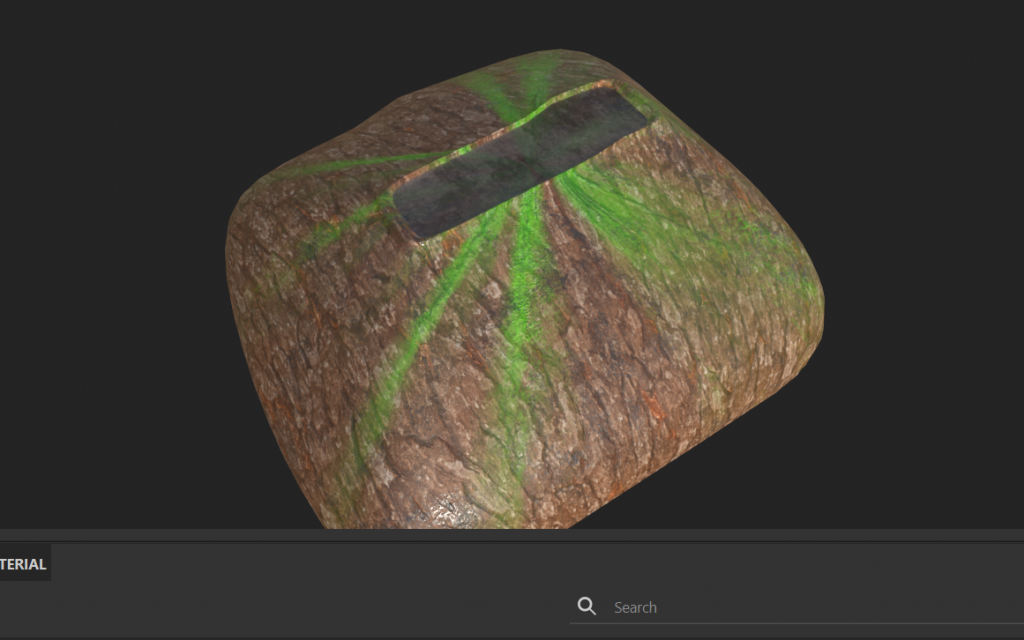
Modeled simple piece of the fence in Mayas, sculpted in Zbrush, Baked and Painted in Substance and download all back to Maya.
Issues where in Zbrush – on some parts of the fence sculpturing brush acted weird – it didnt add the clay but tried to move vertices, while on more complicated part of the fence it worked more or less fine.
Also didnt managed to trancfer the silver shine of the nails, will try to fix it later, (done (roughness – colour space- raw)
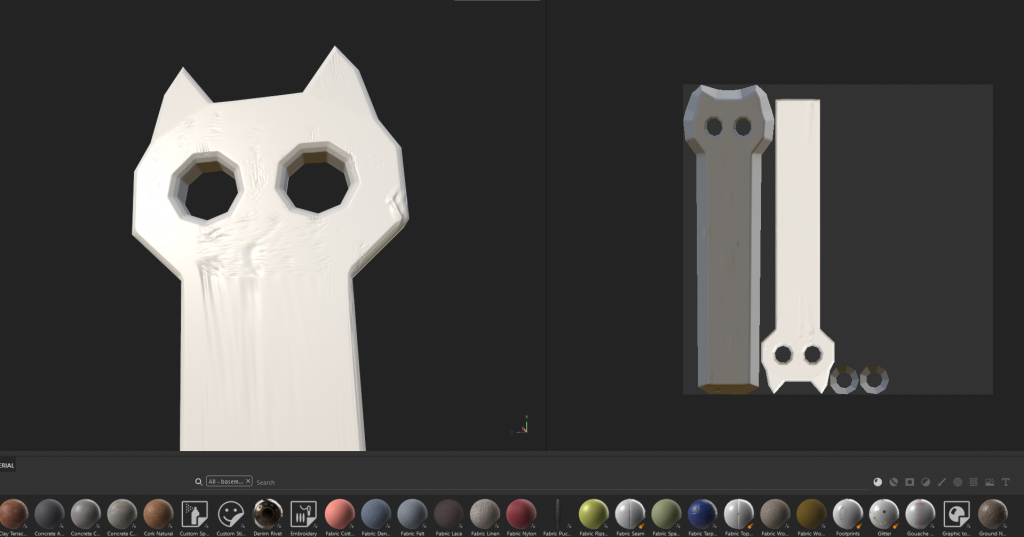
WIP
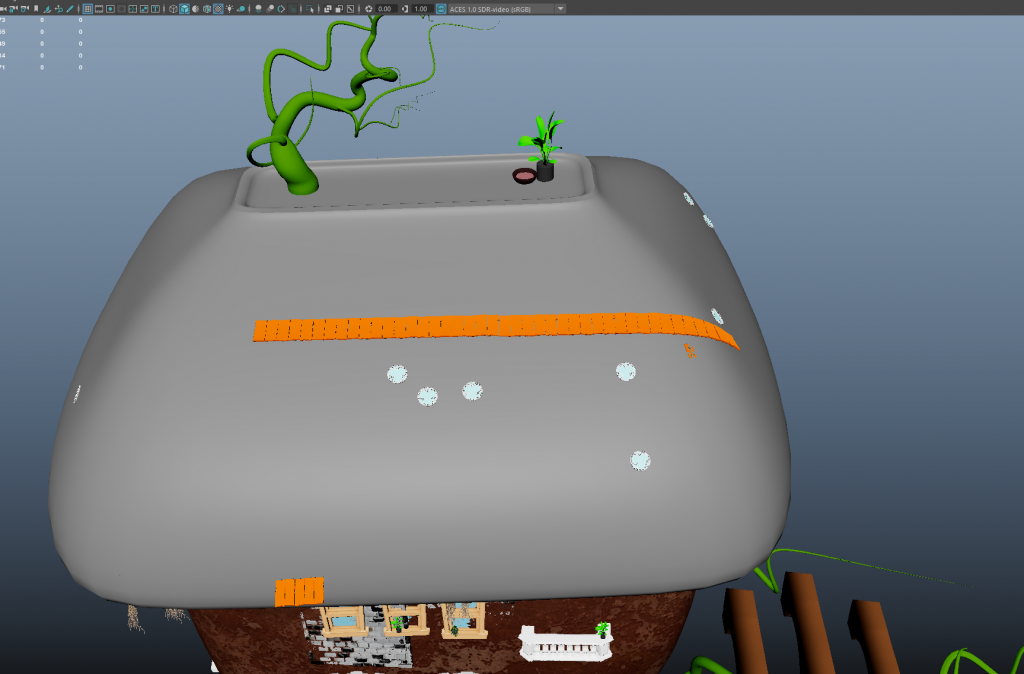
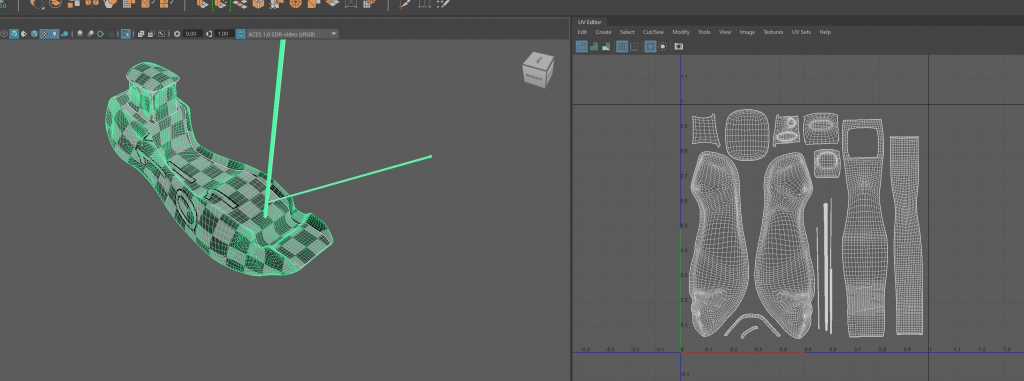
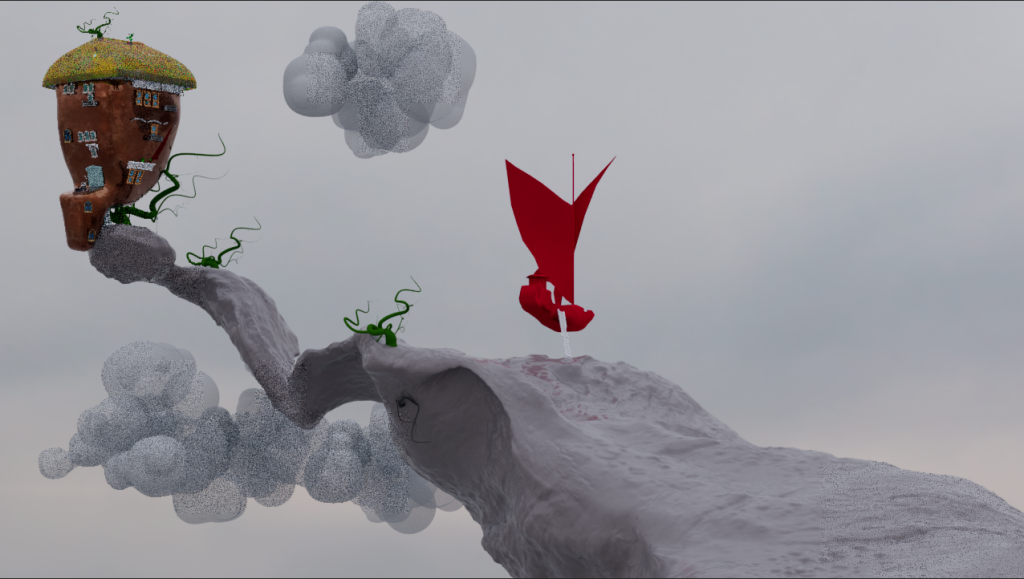
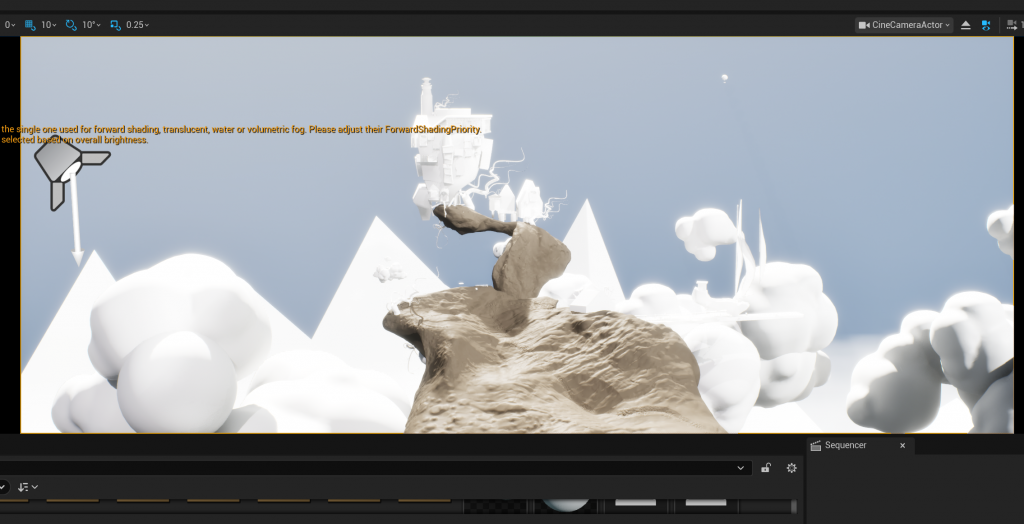
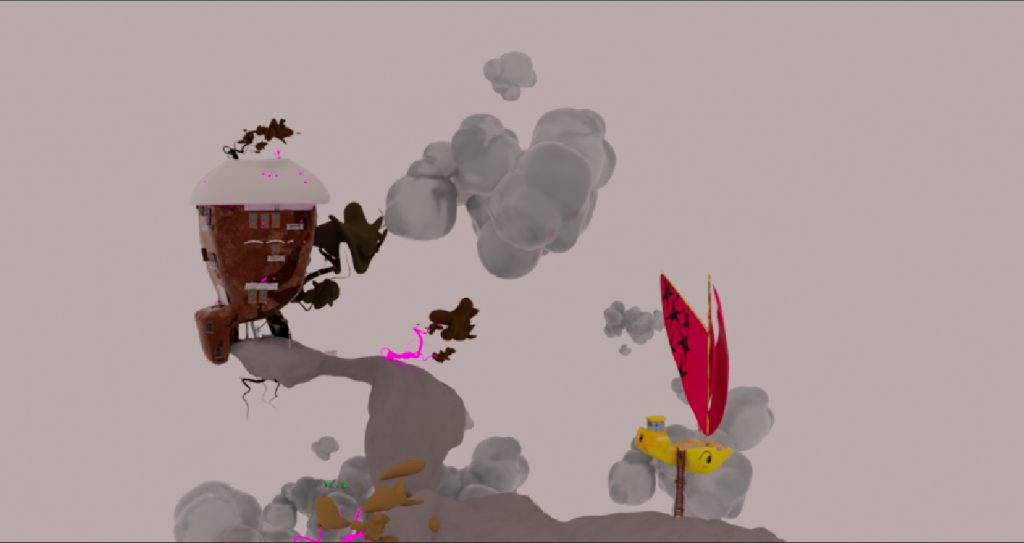
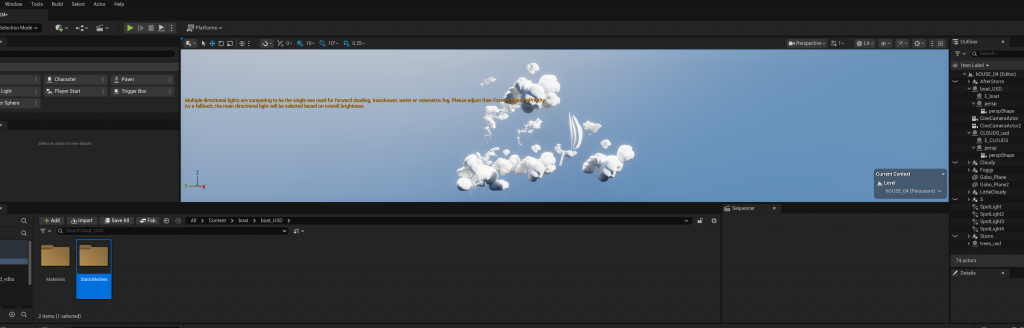
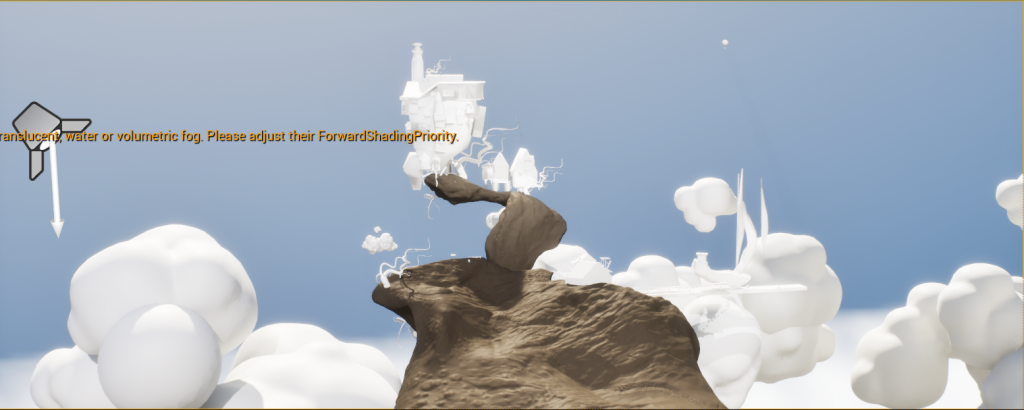
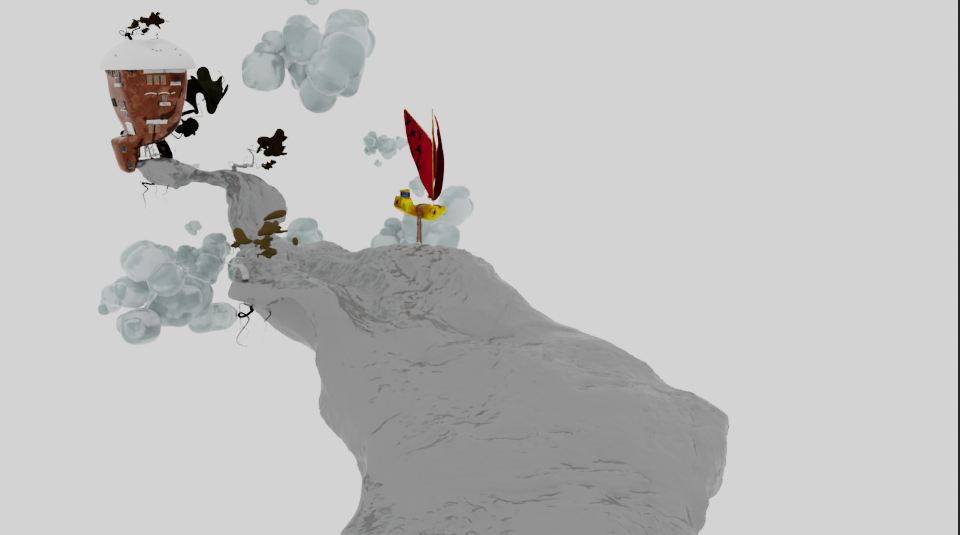
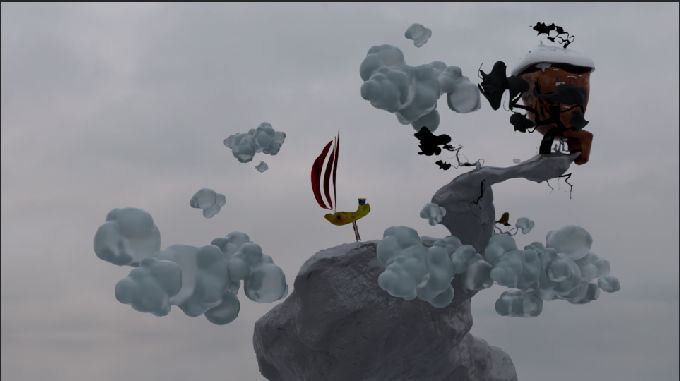
Work on assets, lights, cameras
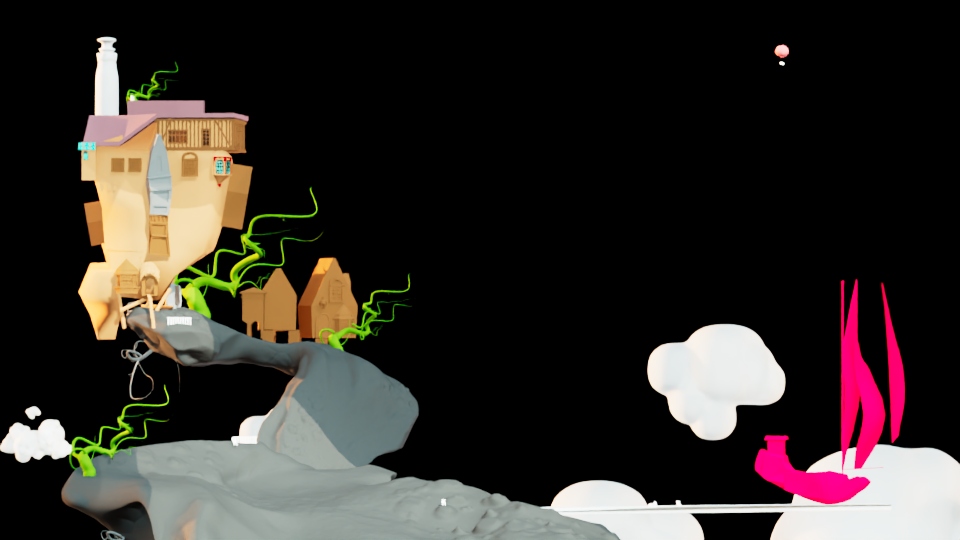
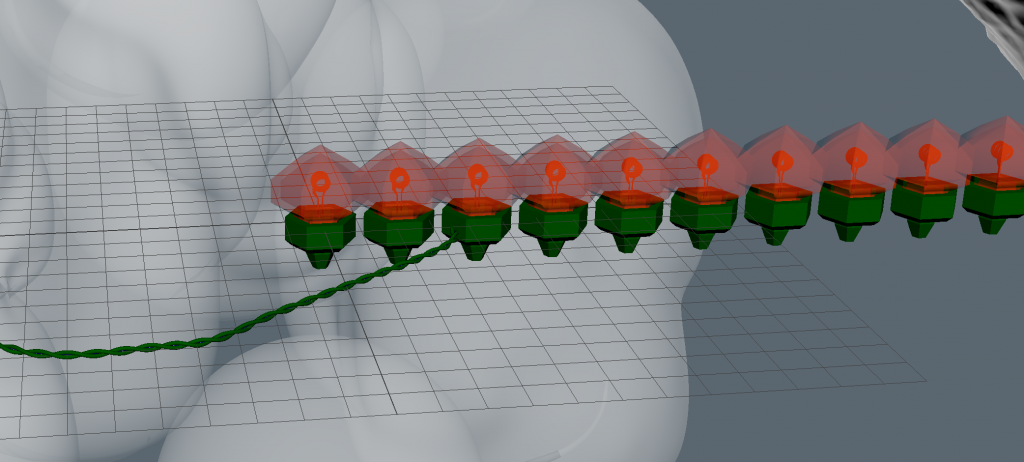
Ropes modeling
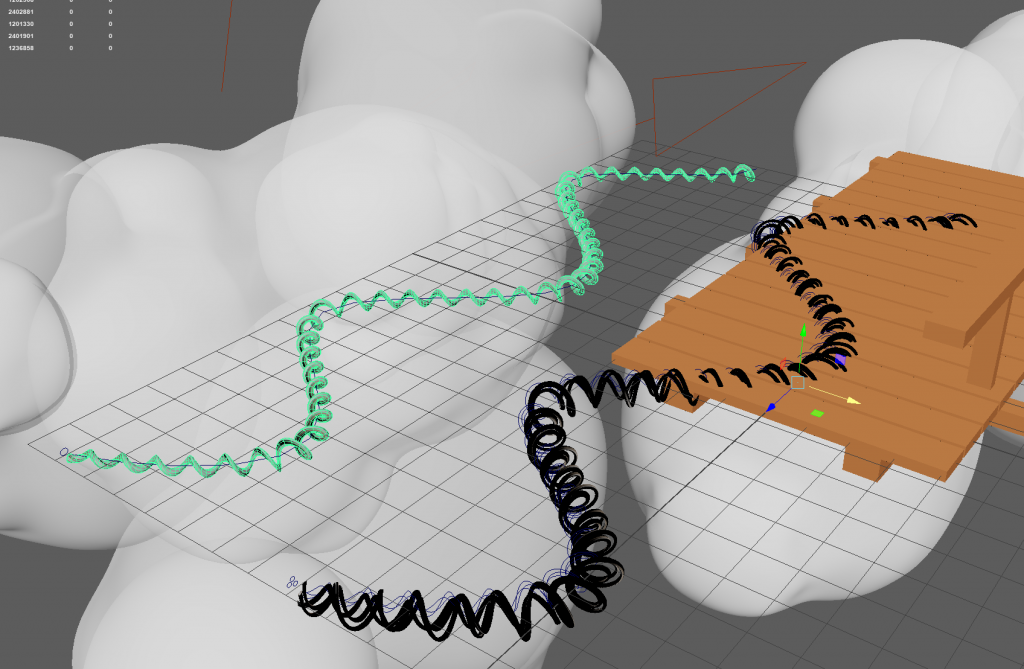
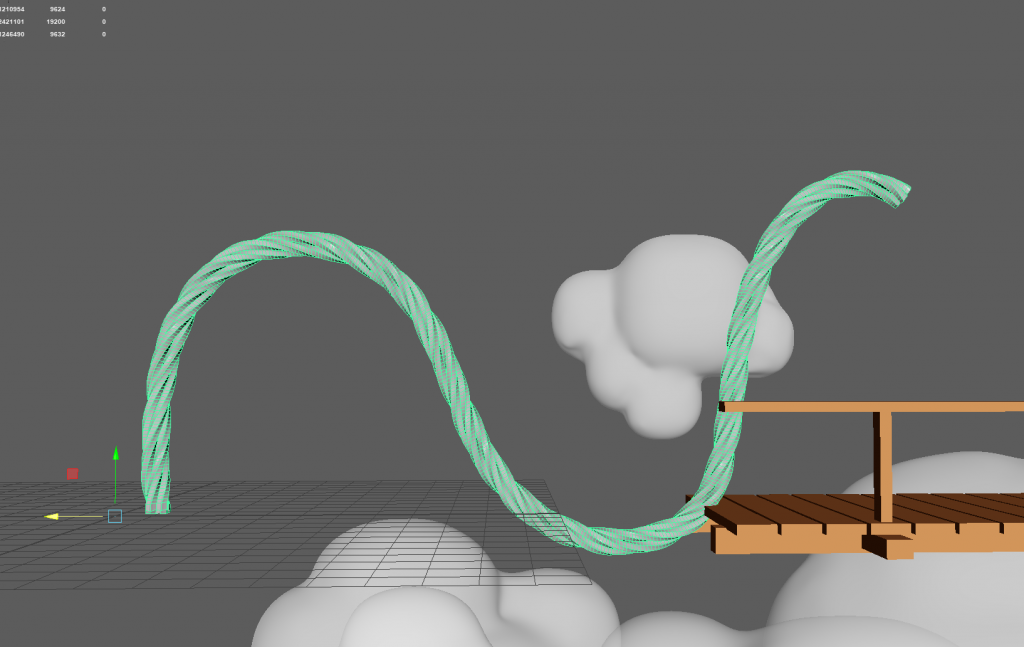
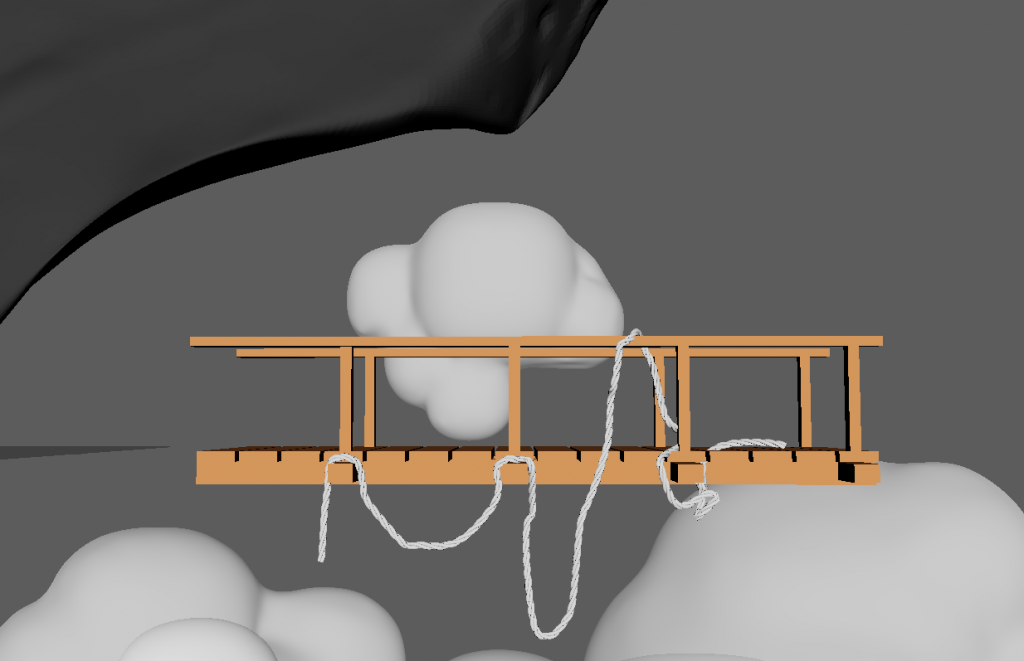
the best option was Sweep Mesh
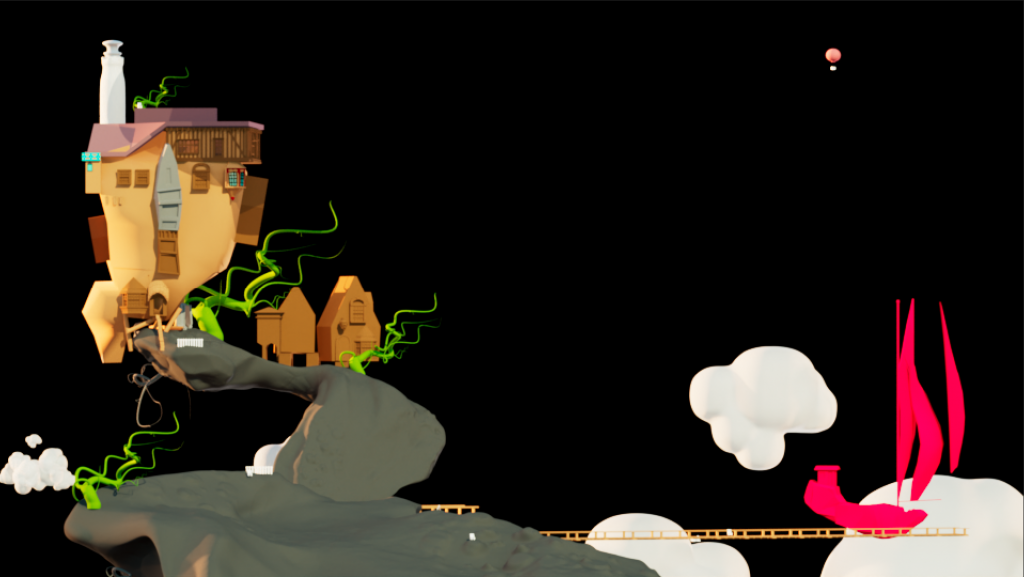
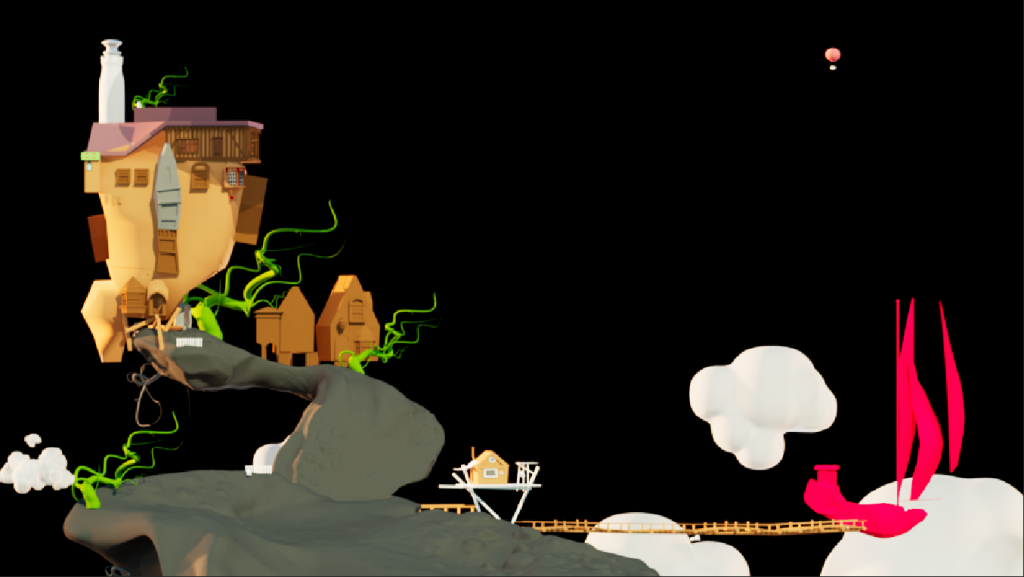
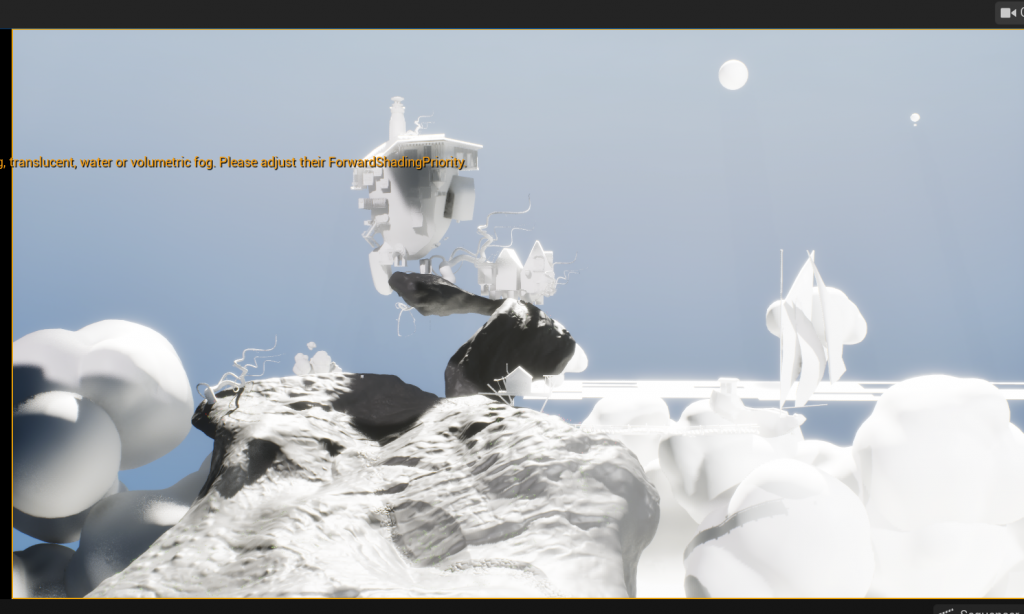
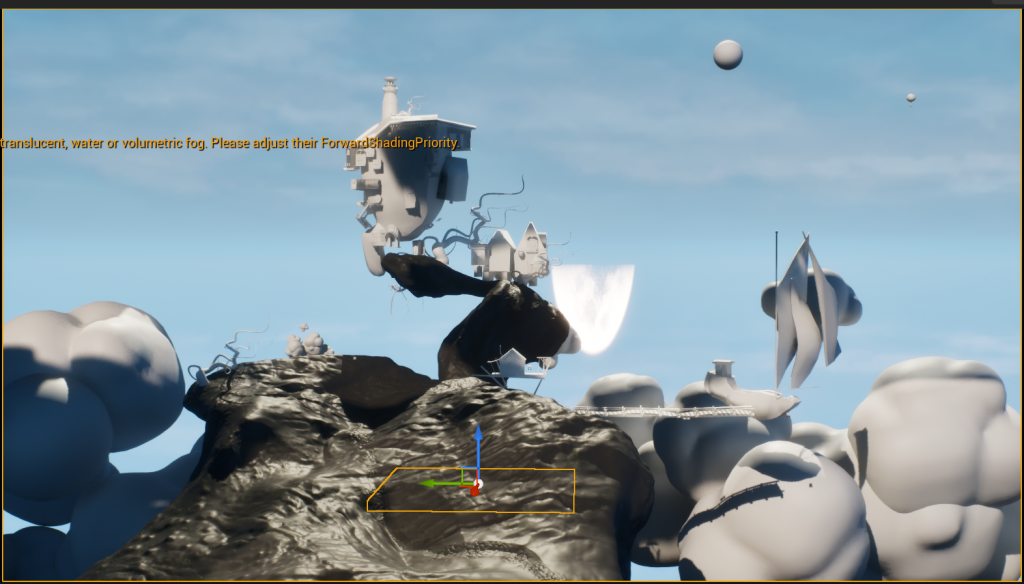
Planning & Evaluation – Final Stage
At the point of rendering, a reflective analysis of the completed work was undertaken to inform the final stage of the production process. This analysis involved the identification of areas that need further development before the submission of the work.
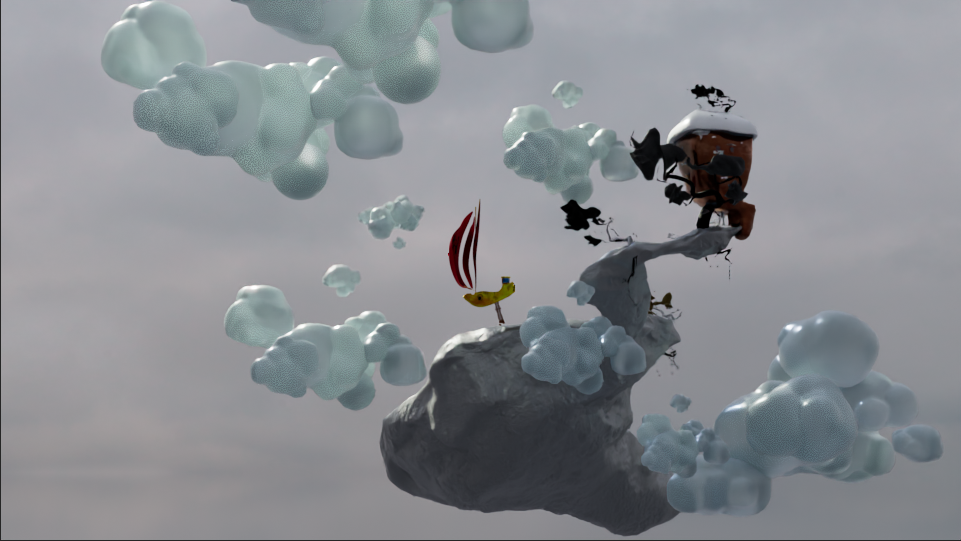
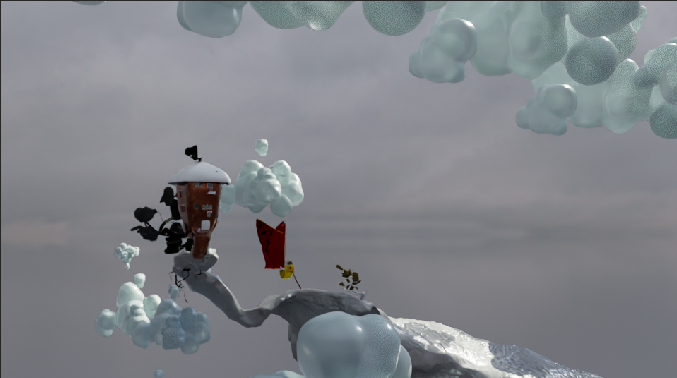
Because of a lack of experience in certain areas of this software, it was decided that the scope of detailed elements had to be limited in order to be completed within this time scale. Rather than add complexity, it was decided that improving atmosphere by incorporating small environment details was of primary importance.
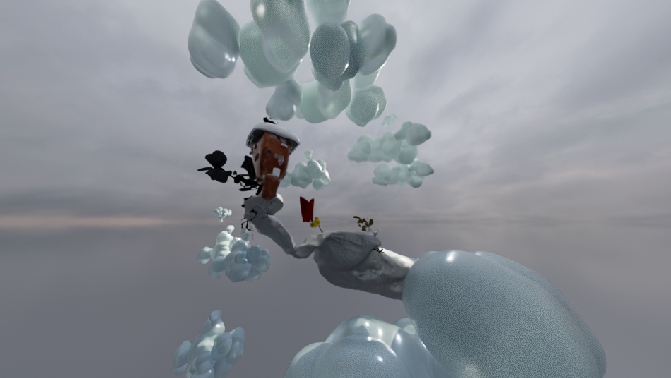
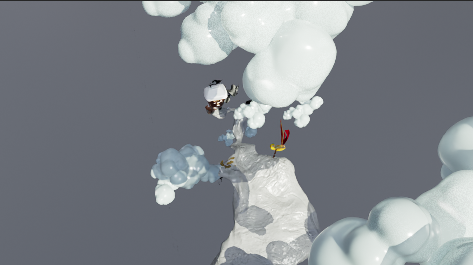
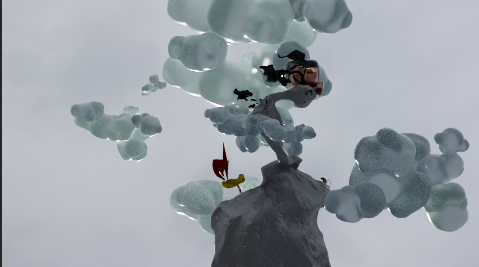
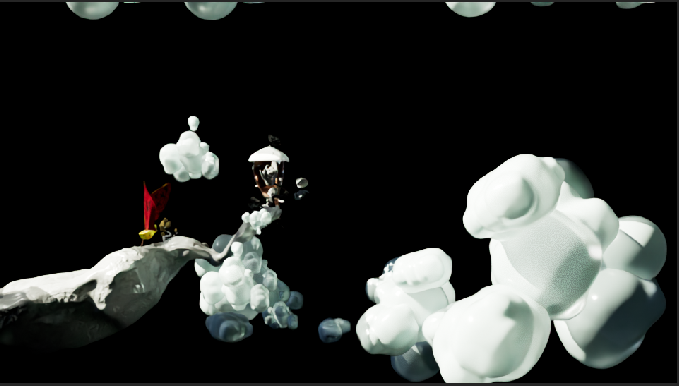
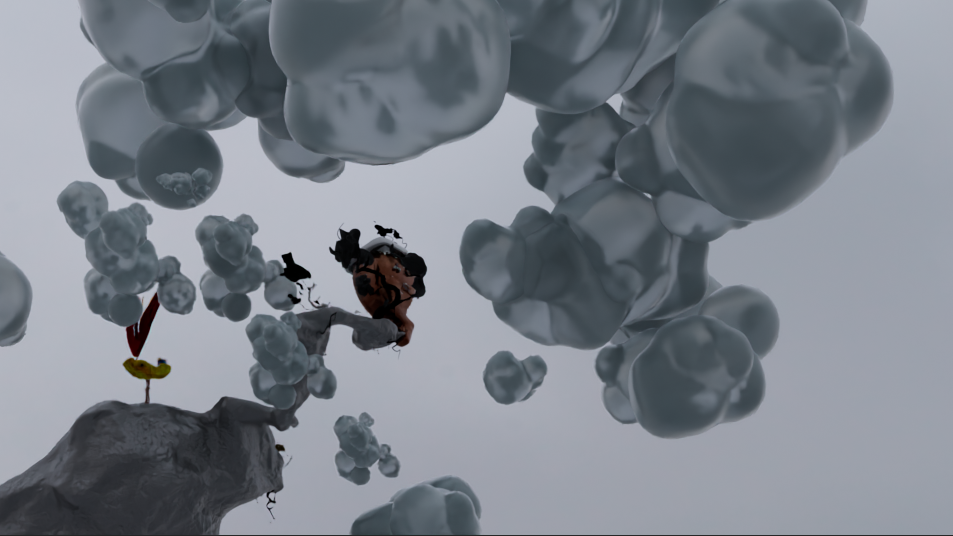
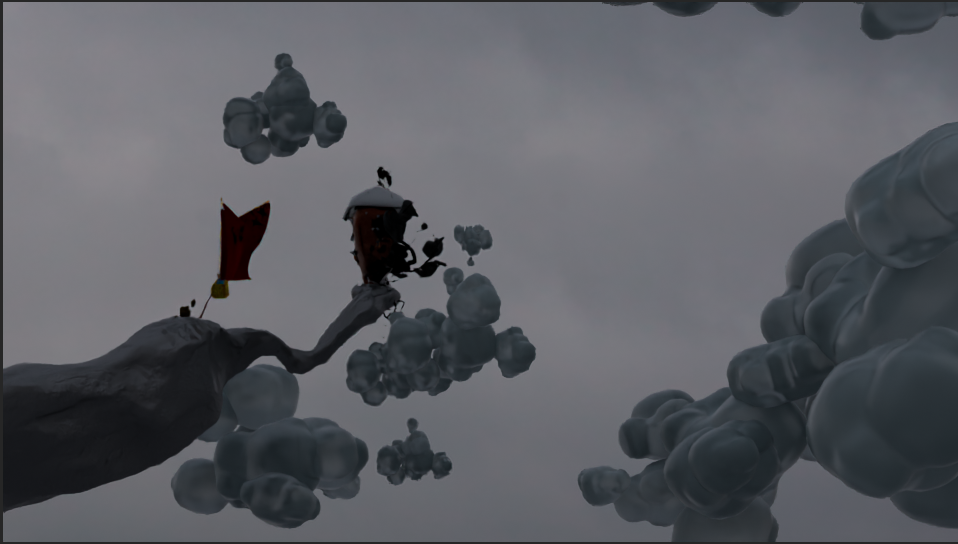
One of the main areas of emphasis in the final stage would be the addition of animation and cloud effects to give the impression of being immersed in the setting. Additionally, there would be time spent on the implementation of a walkthrough cinematic capture to display the setting effectively.
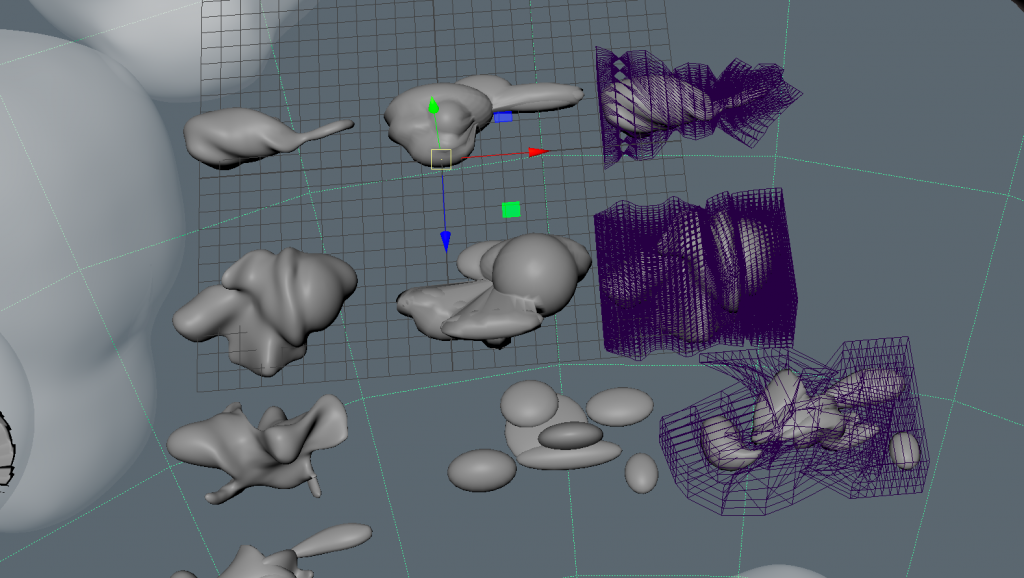
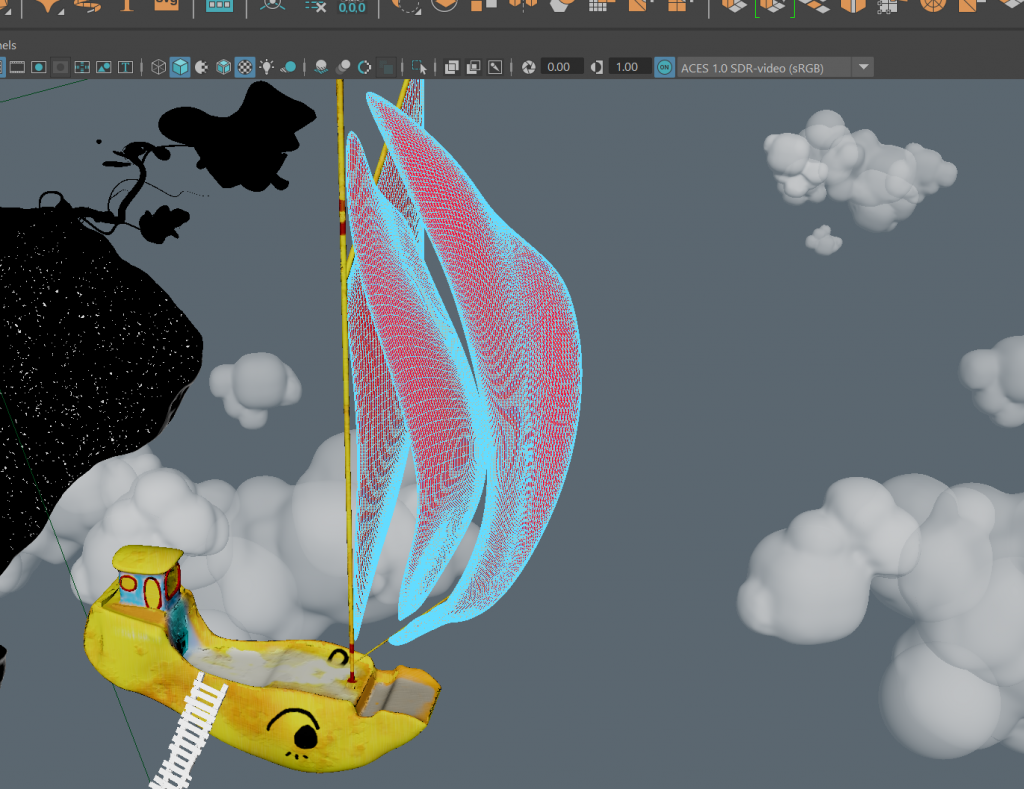
Further work will be done by comparing the relevant reference works with the current status of the project, in order to be able to determine the specific elements that could be improved or expanded. Finally, a specific time slot has also been allocated for the preparation of the written documentation.
Leave a Reply